
Image tool
Remove backgrounds. Create product designs.
Background Removal separates a product or subject from its background for listings, catalog images and print designs. Try it free with no account: an instant in-browser preview for plain backgrounds, and a daily AI trial for any photo. The full-resolution AI cutout runs in your Printcart dashboard and uses tokens.
Get clean product cutouts for POD listings, catalog images, and print designs, then keep creating in Printcart.
A product of Netbase JSC
- Input
- Image upload
- AI step
- AI-assisted
- Cost
- Uses AI tokens
- Try it
- Free preview
Background Remover
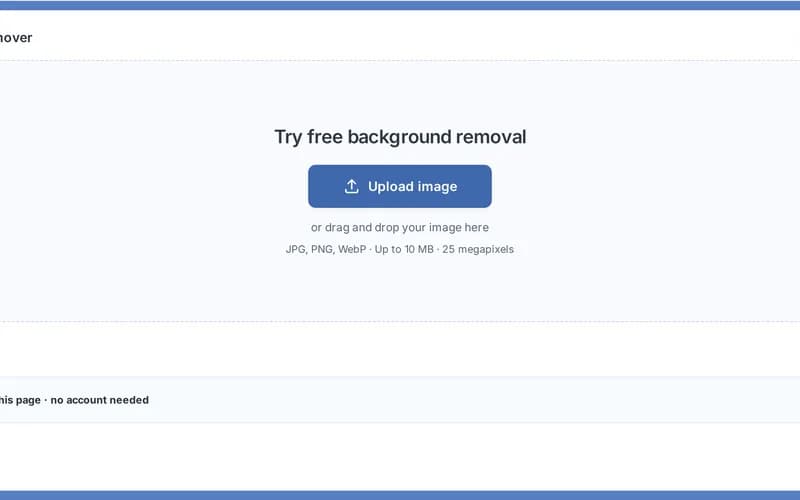
Try free background removal
or drag and drop your image here
JPG, PNG, WebP · Up to 10 MB · 25 megapixels
SettingsBrowser preview
What should stay in your image? Lets the service pick the subject for you — a safe default for most photos.
Selection & print guidance
When to choose this
A good starting point whenever you are not sure which category fits.
Check before export
Check that the subject you wanted is the one that was kept, and that separate objects were not dropped.
Subject type describes what to keep, not where you will print it. Changing it does not change edge softness or the download background.
Crisp cut on the left, feathered on the right
The browser preview runs on your device. An image is sent to Printcart AI only after you choose the cloud and agree.
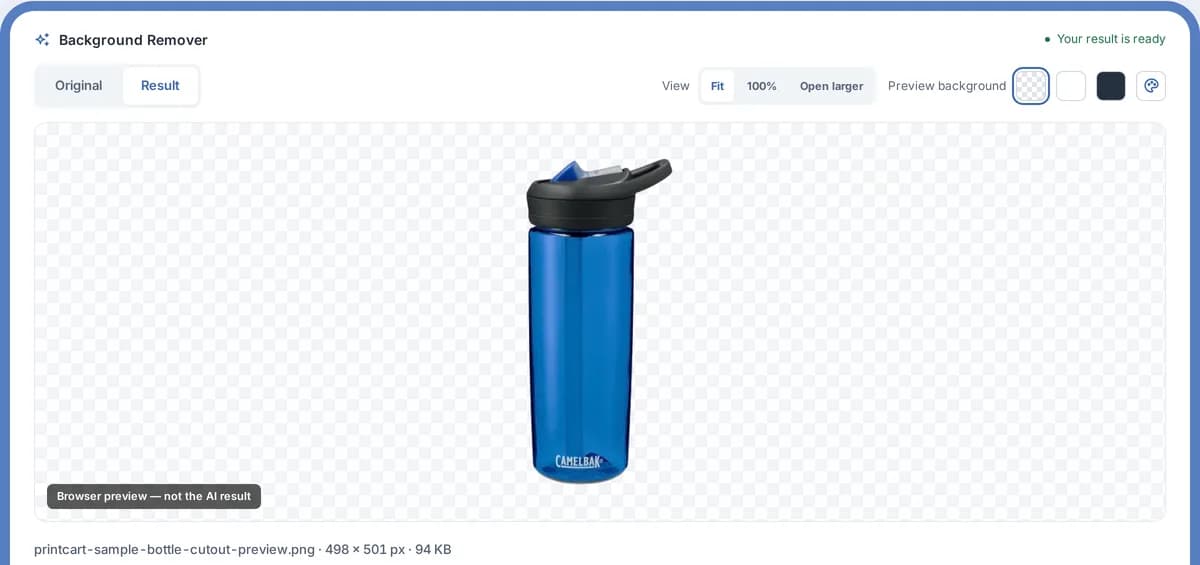
Sample output
What the preview result looks like
Public preview
A product photo is shown as a clean cutout with a transparent or white background preview, plus notes for edges that still need review before export.
- Output file
- Preview PNG cutout with transparent background selected.
- Quality note
- Edges around hair, glass, shadows, and low-contrast areas are flagged for manual review.
- Production step
- Create an account to run the real AI job, save the cutout, and export full resolution.
What this tool does
Background Removal separates a product or subject from its background, giving you a clean cutout for marketplace listings, catalog images, and print mockups. Use it when photos were shot on messy or inconsistent backgrounds and you need a consistent transparent or white background across a catalog.
What to expect
It works best on clear subjects with defined edges. The free browser preview is a plain-background colour key, not AI, so it only works on photos with a plain backdrop; the full AI cutout in the Dashboard handles any photo. Results are not perfect: fine details like hair, transparent materials, or low-contrast edges may need touch-up, and every cutout should be reviewed before publishing or printing. Register to save results and export full-resolution, batch-ready images.
Keep your catalog consistent
- Clean POD catalog images with AIStandardize product photos to consistent white or transparent backgrounds before listing.
- Prepare print-ready product mockupsUse clean cutouts to build mockups and templates that look professional across a catalog.
- Speed up marketplace listing prepBatch cleanup routines that help sellers publish new products faster.
How it works
From image to product-ready design
A clear path from upload to your next creative step.
 1
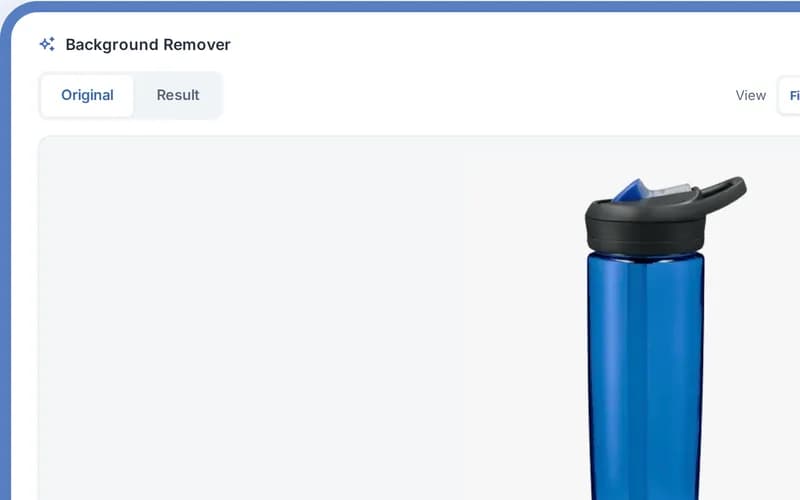
Upload your image
Choose a JPG, PNG or WebP file, or drop it into the workspace.
 2
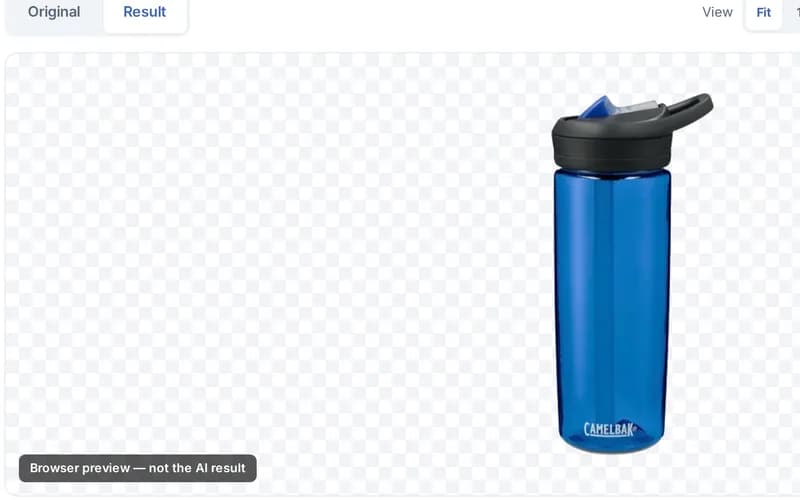
Remove the background
Use the free browser preview, or try the real AI in the cloud with no account.
 3
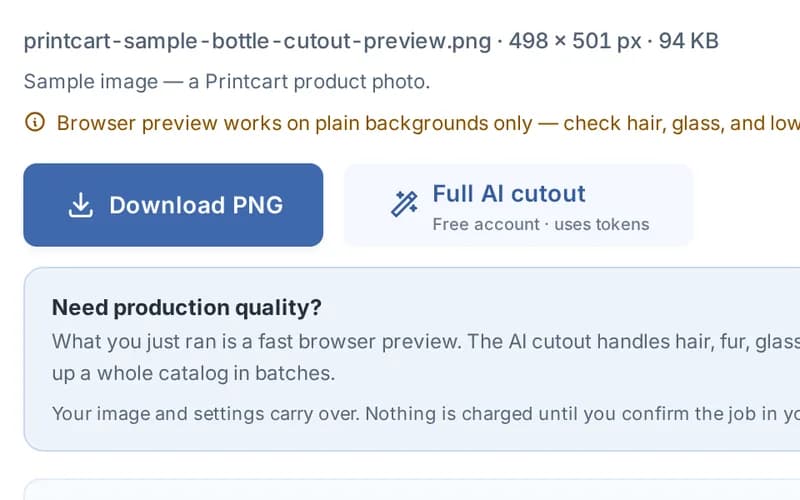
Review the result
Compare Original and Result, inspect the edges and preview transparency.
 4
Continue to design
Download the transparent PNG, or continue with the full-resolution AI cutout in your dashboard.
Who uses this tool
 Print shop
s checking files before production
Catch DPI, bleed and color risks before a job reaches the press.
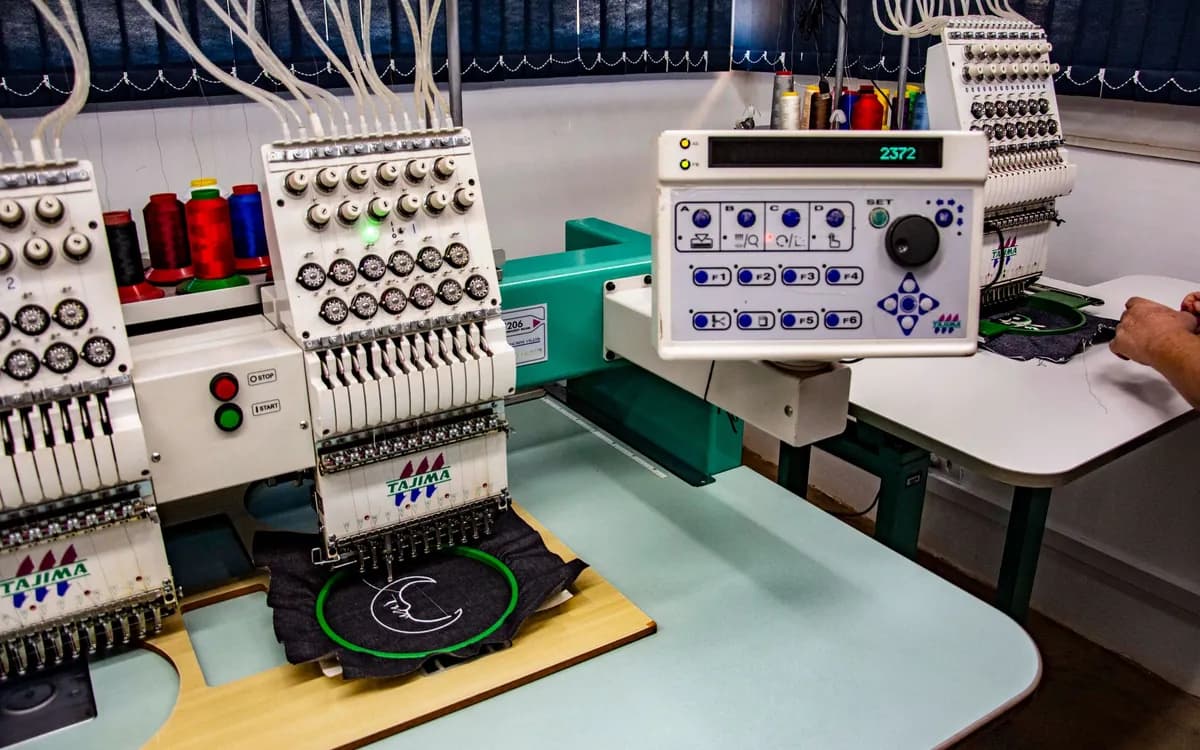 Apparel / POD
Apparel and POD workshops
Clean up product photos and artwork across a growing catalog.
 Storefront merchant
Shopify, Wix and WooCommerce stores
Prepare print-ready files without a design team on staff.
Talk to an expert

Huy Nguyen (David)
Talk to an expert
- Works with merchants in 80+ countries, any industry — services are delivered remotely.
- Contracts and payments are made directly with the company, Netbase JSC.
- Service work is quoted in writing before any payment is taken.
Backed by Netbase JSC
Frequently asked questions
Background removal, tokens and result reuse explained.
Before you run a job
Can I try background removal for free?
Yes, with no account. The in-browser preview is free and unlimited for photos on a plain background. The Printcart AI trial runs the real AI on any photo a few times a day and returns a watermarked result up to 1,024 px.
Do I need an account?
You can preview without an account. Sign in to download either the browser preview or the watermarked AI trial sample. Signing in keeps the result kind and does not start a full AI run. Full-resolution AI in the dashboard needs a separate quote and confirmation.
Will my download have a transparent background?
Download PNG saves the cutout with transparent areas. Choose White under Settings, then Download background, for an opaque white file. The checkerboard, light, dark and custom colors in the viewer are for preview only and are not added to the file. Always check the edges of your subject before use.
When does a removal require tokens?
Only when you explicitly confirm a full AI run in the dashboard. The quote is an estimate; the job receipt reports the actual charge and any refund. A timeout or failed status alone does not prove a refund. Browser previews and anonymous trial samples are separate from paid runs.
How does welcome credit work?
Eligible accounts receive a one-time token credit in their account wallet. Welcome tokens do not expire and can be used across tools and API channels. Your dashboard shows the actual grant, balance and quote; the number of full AI runs depends on image size and settings. Creating another store does not grant more credit, and a store subscription is separate from the token wallet.
What is the difference between the preview and the AI version?
The preview separates a subject from a plain background by color, on your device, up to 1,600 px. The AI version handles hair, fur, glass, shadows and busy backgrounds: the free trial returns a watermarked sample, and the dashboard keeps your original resolution. Review every cutout before you publish or print.
How are my images stored and removed?
The browser preview is processed and kept on your device. Sign-in for download keeps your work in this browser by default. You can explicitly allow a temporary original/settings copy for another browser, or continue to full AI; those actions upload the original. Cloud trial uploads require consent. Stored outputs show their expiry.
Does downloading the result again use more tokens?
No. Reading or downloading the same accepted result does not start another AI run. The result shows its storage expiry; Refresh link reads the same PNG while it remains stored. A new AI run requires a separate confirmation.
What images work best?
JPG, PNG or WebP up to 10 MB and 25 megapixels. Photos with a clear subject and defined edges on a plain or contrasting background give the cleanest result. Busy or low-light scenes are harder and often need review.
Can you work with a merchant in my country?
Yes. Printcart services are delivered remotely, so we work with merchants in any country. Netbase JSC, the company behind Printcart, has worked with clients in 80+ countries.
Do you support my industry?
Printcart services are not tied to one industry. Full stores, custom development, integration and support are delivered remotely; tell us what you sell and we will say plainly whether Printcart fits.
How do I pay securely?
You sign the contract with and pay the company, Netbase JSC. App plans are billed through Shopify or Wix for stores on those platforms, and through PayPal for WooCommerce and direct stores. Full-store orders on solution.printcart.com check out through PayPal. Service work is quoted in writing in your Helpdesk ticket before any payment.
Who do I talk to?
Talk to our CEO, Huy Nguyen (David), on WhatsApp at https://wa.me/84937869689 or by email at support@printcart.com.
More AI tools
You might also need
- All Tools
- Check Print Files Before Production
- Upscale Artwork for Print
- Bulk Face Crop for Studio & School Photos
New to these tools? Read the photo commerce tools tutorial
Step-by-step tutorials
Learn this tool with real screenshots
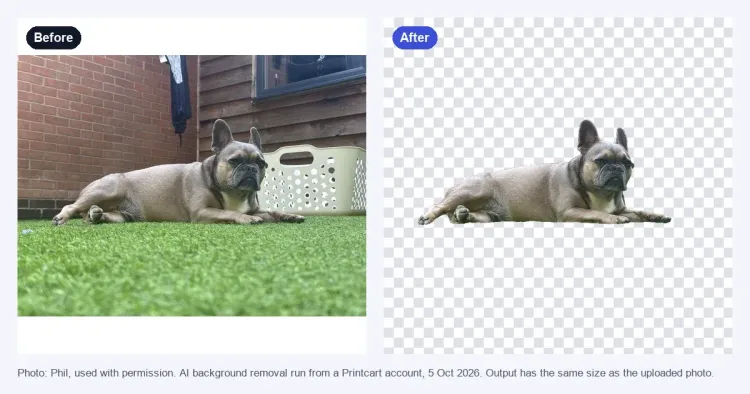 Remove a Product Photo Background on printcart.com: Free Preview and AI TrialCut the background out of a product photo on printcart.com. Use the free browser preview, try the AI cutout with no account, and see when...Read tutorial
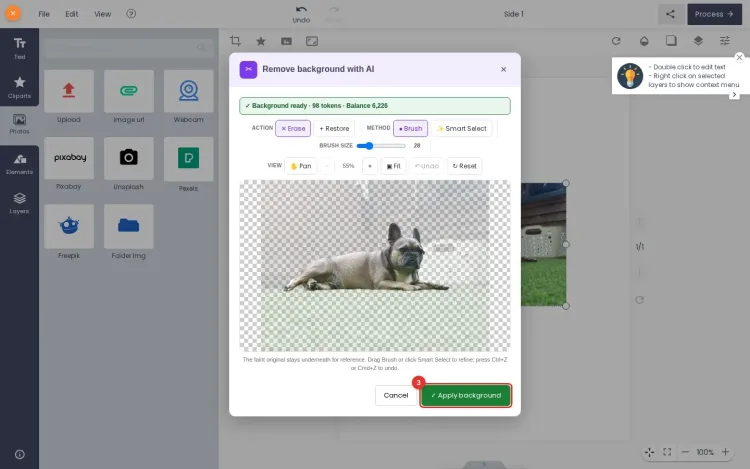 Remove Backgrounds with AI Inside the Printcart WooCommerce DesignerLet signed-in customers remove a photo background in the WooCommerce product designer with Printcart AI. Tested on a real shop, step by...Read tutorial
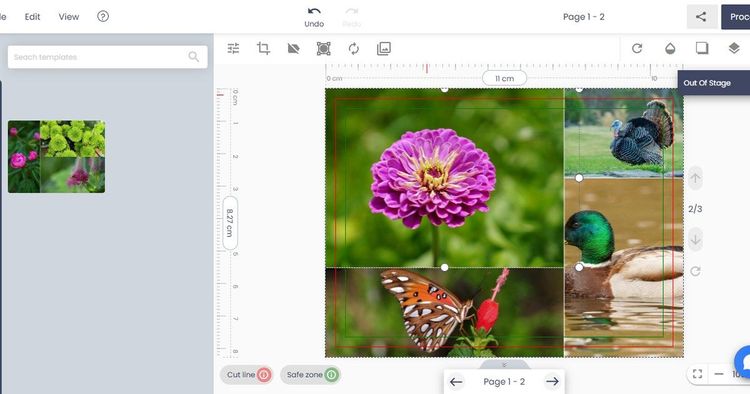 How to Remove Backgrounds from Product Photos for Print & ListingsRemove backgrounds from product photos to get clean listing images and print mockups. This guide shows print-on-demand sellers and catalog...Read tutorial
One image. More possibilities with Printcart.
Explore Product Catalog, Templates and Cliparts. These links do not transfer your image.
Bring background removal to your storefront.
Help customers prepare their images while designing your products.
Talk about integration
Register to save, export full-res, and batch
Free previews are great for a quick check. Create a Printcart account to save cutouts, export full-resolution images, and clean up whole catalogs in batches.