Printcart logo
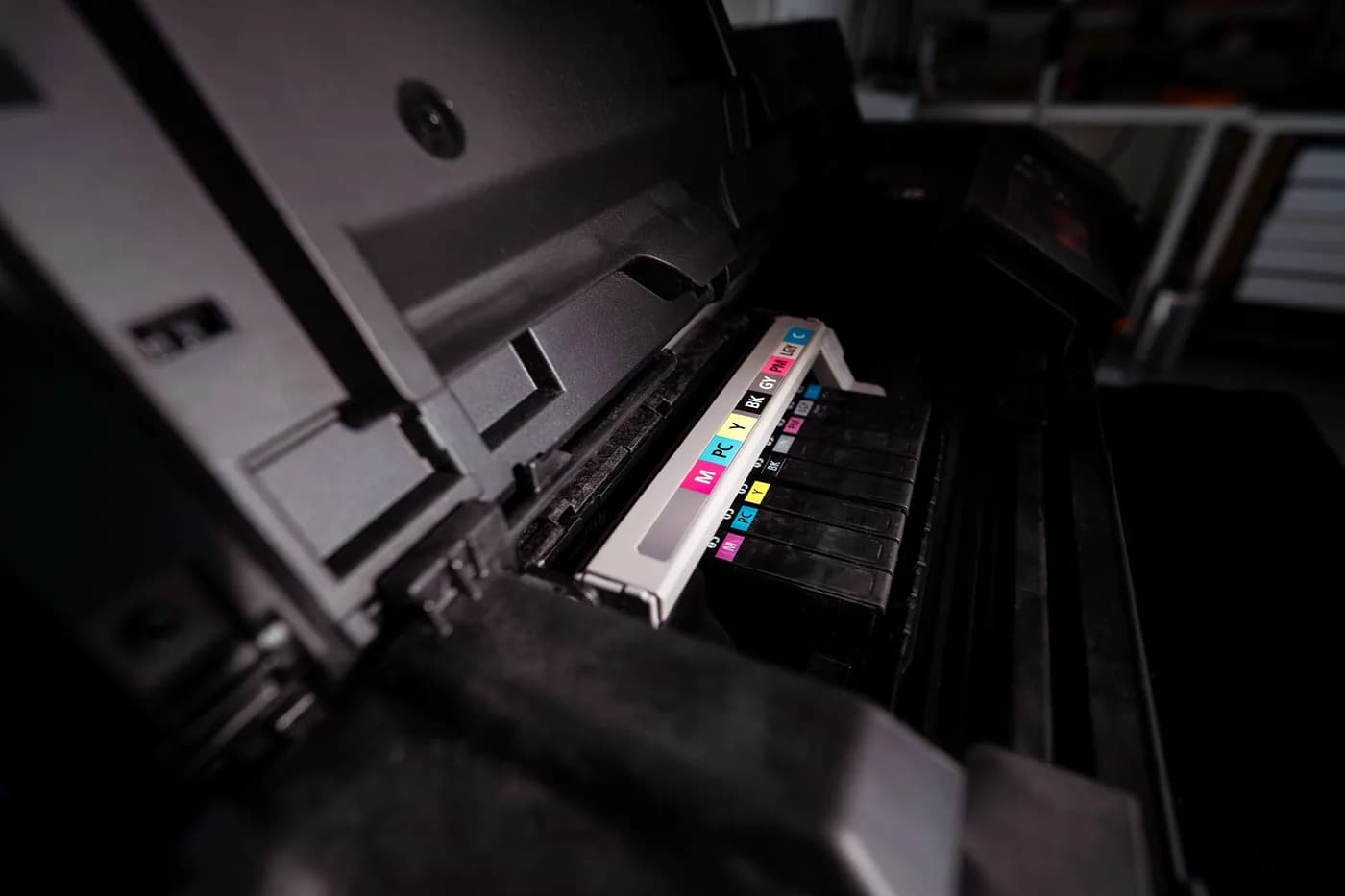
Inkjet print head and colour cartridges inside a wide-format printer

Image tool

Upscale low-resolution artwork for printing.

Artwork Upscaler checks whether an image has enough pixels for your product's print size, using the same rules as Check Print Files, and recommends a 2× or 4× upscale when it does not. The check is free and runs in your browser. The full-size upscale runs in your Printcart dashboard and uses tokens.

Check your artwork against the product and print size for free, then upscale it 2× or 4× while your original file stays unchanged.

Updated

Maintained by the Printcart team.

A product of Netbase JSC

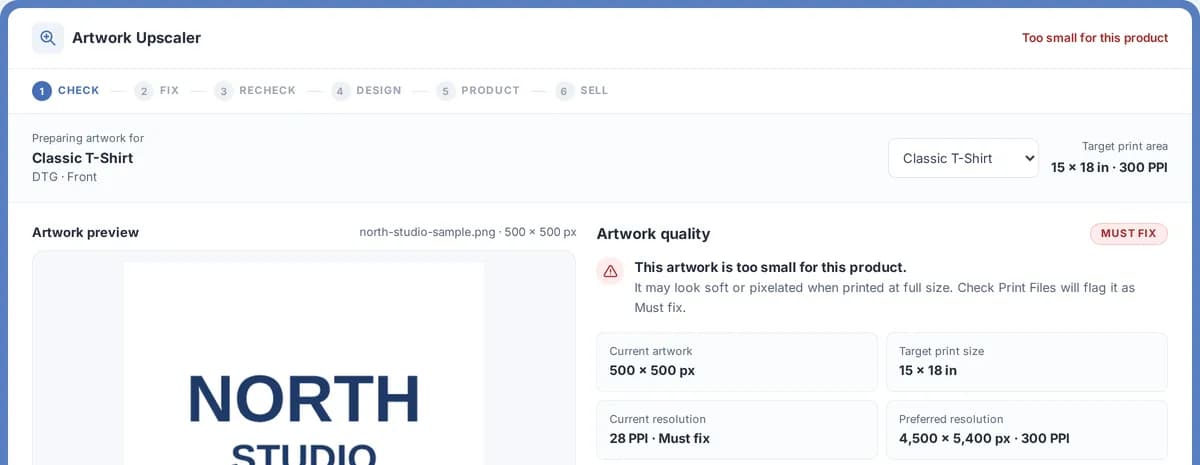
Artwork upscaler workspace with the product and print size check
Input
PNG or JPG
AI step
AI-assisted
Cost
Uses AI tokens
Try it
Free preview

Artwork Upscaler

Ready to analyze
  1. 1Check
  2. 2Fix
  3. 3Recheck
  4. 4Design
  5. 5Product
  6. 6Sell
Preparing artwork for—
Target print area—

Upload your artwork

We compare its pixels with the print size and resolution of the product you select. Nothing is uploaded for this check.

PNG or JPG · up to 10 MB

No artwork handy?

  • Your original file stays unchanged
  • The resolution check is free
  • Same rules as Check Print Files
Free: resolution check and a daily previewThe full-size upscale uses tokens from your Printcart wallet, confirmed before it runs.

Sample output

Example upscale check

Public preview

How the Artwork Upscaler reports a low-resolution file and what it recommends, without claiming a print-ready result.

Check
A 1200 × 1400 px logo on a 15 × 18 in T-shirt front prints at about 78 PPI: Must fix.
Fix
The recommendation is 4×: 4800 × 5600 px, about 311 PPI at that size.
Next step
Upscale the full-size file in your dashboard, review it at 100%, then run Check Print Files.

This is a static public sample, not an AI production result. Full runs, saved results, batch export, and API usage require a Printcart account and available tokens.

What this tool does

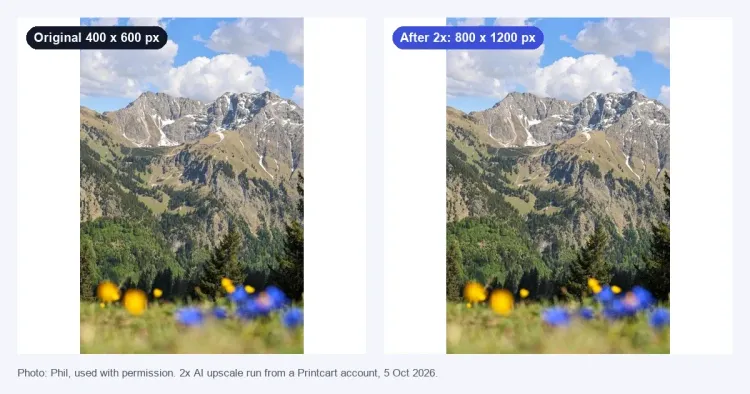
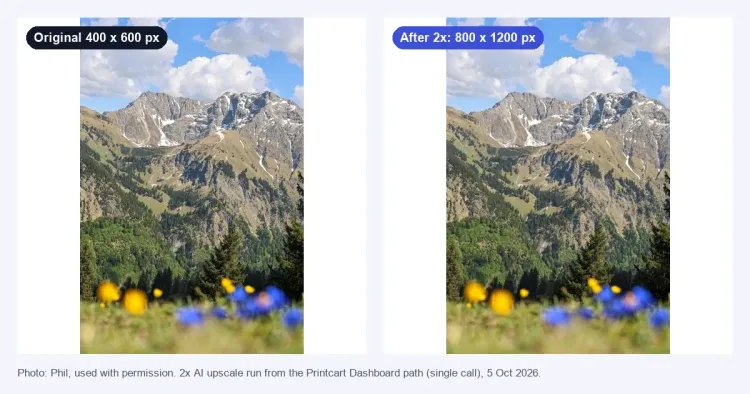
Artwork Upscaler is for artwork that is too small for the product it will be printed on: an old logo, a customer upload, a file from an earlier project. It compares the image with the print size and resolution of the product you choose, tells you whether it is Good, a Warning or a Must fix, and picks the upscale that reaches the target.

How it works

From low resolution to print ready

Check, fix, then check again before you design and sell.

  1. 1

    Match the print target

    We compare your image's pixels with the product's print size and required resolution.

  2. 2

    Choose the right mode

    Graphics for logos, text and illustrations. Photo (AI) for photographs, where offered.

  3. 3

    Add the pixels you need

    The tool picks the smallest upscale, 2× or 4×, that reaches the target.

  4. 4

    Confirm print quality

    Check the upscaled file in Check Print Files before design and production.

Who uses this tool

  • Print shops checking files before productionPrint shop

    Print shops checking files before production

    Catch DPI, bleed and color risks before a job reaches the press.

  • Apparel and POD workshopsApparel / POD

    Apparel and POD workshops

    Clean up product photos and artwork across a growing catalog.

  • Shopify, Wix and WooCommerce storesStorefront merchant

    Shopify, Wix and WooCommerce stores

    Prepare print-ready files without a design team on staff.

Talk to an expert

Huy Nguyen (David), Founder & CEO

Huy Nguyen (David)

Founder & CEO, Netbase JSC

Talk to an expert

  • Works with merchants in 80+ countries, any industry — services are delivered remotely.
  • Contracts and payments are made directly with the company, Netbase JSC.
  • Service work is quoted in writing before any payment is taken.
More about Huy Nguyen (David) →

Backed by Netbase JSC

of Netbase JSC
2012
Netbase JSC founded
Source: netbasejsc.com/about, as of Oct 2026
80+
countries served
Source: Netbase JSC, Printcart's parent company, as of Oct 2026
Remote
delivery, worldwide
Source: netbasejsc.com/about, as of Oct 2026
Netbase JSC
signs the contract and takes payment
Source: netbasejsc.com/contact, as of Oct 2026

Source: Netbase JSC, Printcart's parent company (as of Oct 2026).

Frequently asked questions

Resolution, upscale modes and tokens explained.

Common questions

How does Printcart prepare an upscale for printing?

An upscale for printing has to start from the print size, not only the pixel count. Printcart Artwork Upscaler compares your image with the product's print size and required resolution, recommends a 2× or 4× upscale, and runs it in your dashboard. Graphics mode suits logos and text; Photo (AI) mode, where offered, suits photographs.

How do I increase image resolution for printing?

Choose the product, upload your PNG or JPG and read the result: Good, Warning or Must fix. If it falls short, the tool recommends the smallest upscale, 2× or 4×, that reaches the product's required resolution (4× if neither does). Run that upscale in your dashboard, review it at 100%, then check it again in Check Print Files.

Can I upscale an image for printing for free?

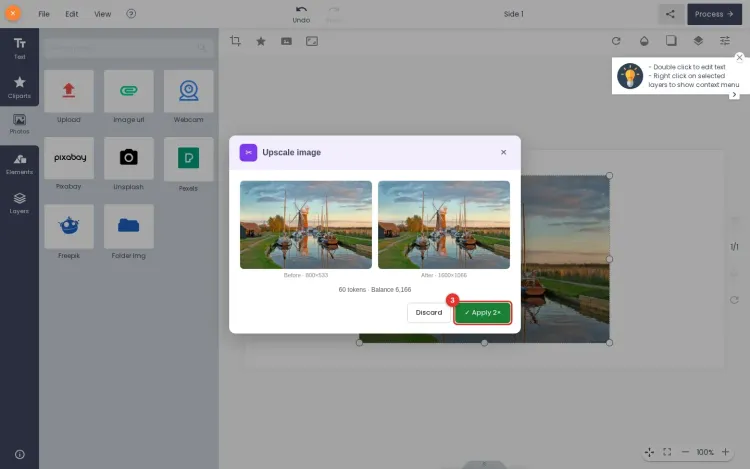
You can check for free: the resolution check runs in your browser, needs no account and uploads nothing. A watermarked preview of the upscale, up to 1,024 px, is also free a few times a day. The full-size upscale without a watermark runs in your Printcart dashboard and uses tokens, with the price shown first.

How do photo upload tools adjust image resolution for printing?

Printcart compares the pixels in the upload with the print size. Resolution at print size is pixels divided by inches: a 1200 px wide image printed 4 inches wide has 300 PPI. Against the resolution the chosen product requires, it calls 80–99% of it a Warning and less a Must fix, and recommends an upscale for either.

Before you run a job

Is the resolution check free?

Yes. Choosing a product, uploading your artwork and seeing whether it is Good, a Warning or a Must fix is free, needs no account and runs in your browser. A watermarked preview of the upscale is also free a few times a day.

How does the tool decide how much to upscale?

It divides your image size by the product print size to get its resolution, compares that with the product requirement, and recommends the smallest of 2× or 4× that reaches it. If even 4× falls short, it says so instead of promising a print-ready file.

Are the results the same as Check Print Files?

Yes. Both tools use the same products and the same rule: Good at the required resolution, Warning from 80% of it, Must fix below that. Fixing the resolution here clears the resolution issue there.

What is the difference between Graphics and Photo (AI)?

Graphics resamples the image without redrawing it, which suits logos, text and illustrations. Photo (AI) uses a super-resolution model that adds detail to photographs; it can change small text and logos, so it is not for those. Photo (AI) appears in the tool where it is offered.

When are tokens used?

Only for the full-size upscale in your dashboard. You see the price and confirm it before the job starts, and a job that fails is not charged. The check and the free preview never use tokens.

Do I need an account?

Not for the check or the free preview. A free Printcart account is needed for the full-size upscale; your file and settings carry over when you sign up.

Is my original file changed or stored?

No. The check reads your image in your browser and uploads nothing. For the free preview, a copy is sent only after you agree and is deleted within an hour. The full-size upscale creates a new file and leaves your original as it was.

Which files work best?

PNG or JPG up to 10 MB. Clean source files upscale best; heavy compression, blur or very small images have real limits. Review the result at 100% and check it again before printing.

Can you work with a merchant in my country?

Yes. Printcart services are delivered remotely, so we work with merchants in any country. Netbase JSC, the company behind Printcart, has worked with clients in 80+ countries.

Do you support my industry?

Printcart services are not tied to one industry. Full stores, custom development, integration and support are delivered remotely; tell us what you sell and we will say plainly whether Printcart fits.

How do I pay securely?

You sign the contract with and pay the company, Netbase JSC. App plans are billed through Shopify or Wix for stores on those platforms, and through PayPal for WooCommerce and direct stores. Full-store orders on solution.printcart.com check out through PayPal. Service work is quoted in writing in your Helpdesk ticket before any payment.

Who do I talk to?

Talk to our CEO, Huy Nguyen (David), on WhatsApp at https://wa.me/84937869689 or by email at support@printcart.com.


Register to save, export full-res, and batch

The resolution check and a daily preview are free without an account. Create a Printcart account to upscale the full-size file, confirm its price first and keep working in your dashboard.

Grow your printing operations with Printcart's Web-to-Print tools. See all tools