To build a multi-vendor print marketplace, set up vendor onboarding and profiles, a shared product designer and catalog, a commission or payout model, and order routing that sends each order to the right vendor. Add quality standards and a review step so a growing vendor network keeps consistent output as you scale.
Key takeaways
What is a multi-vendor print marketplace?
A multi-vendor print marketplace is a platform where multiple sellers, designers, or print partners list customizable products under one storefront, share a common design tool, and fulfill orders through their own production. Customers shop and personalize in one place; orders route to whichever vendor produces that product. It suits operators building a print network, a designer marketplace, or a platform that connects buyers with many print shops.
The value is reach and capacity: you offer more products and production locations than any single shop, without owning all the equipment. The challenge is coordination — onboarding, routing, payouts, and quality across many vendors.
What do you set up to launch the marketplace?
Build the marketplace around four systems. Get these right and adding vendors becomes routine instead of custom work each time.
Step 1Vendor onboarding and profiles
Define what a vendor provides before they go live: company profile, production capabilities, product range, print methods, capacity, shipping zones, and SLA. A clear onboarding checklist keeps vendor quality consistent.
Step 2Shared catalog and design tool
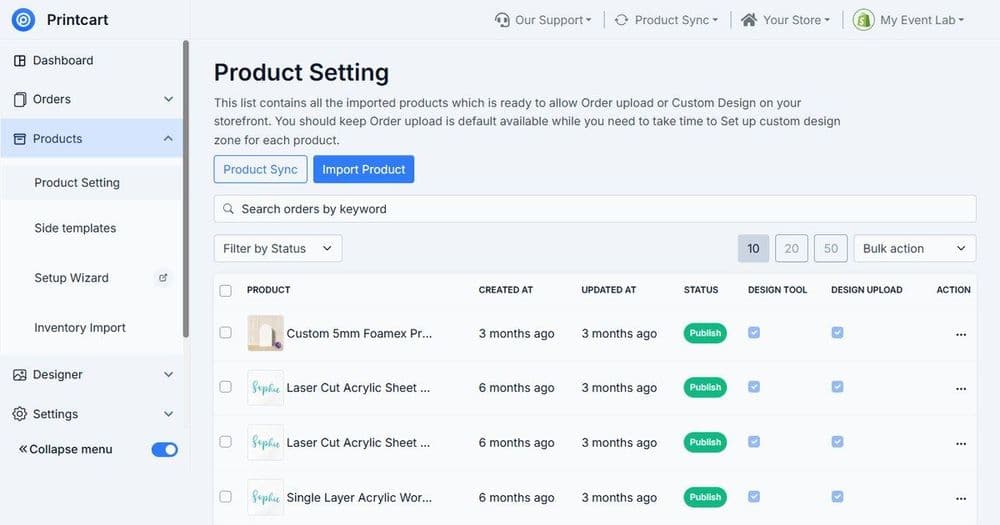
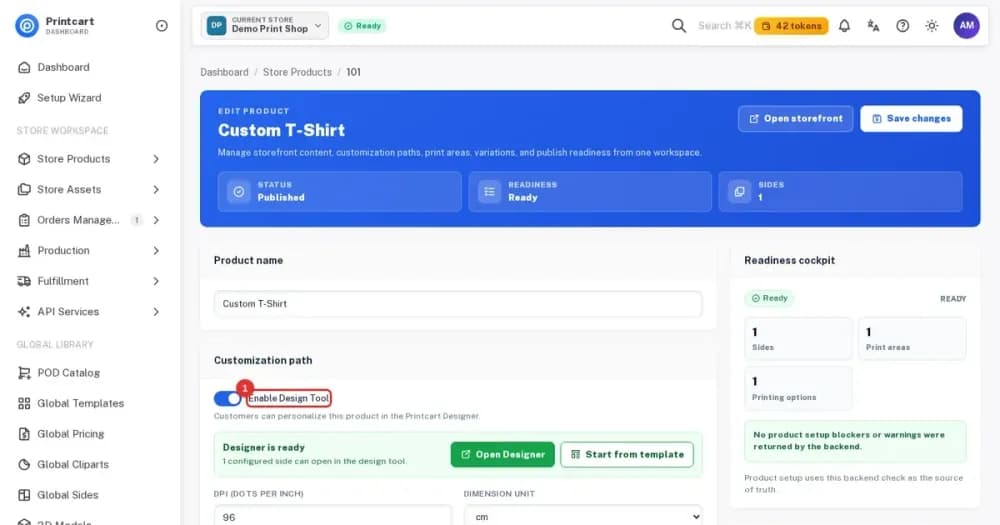
Give every vendor the same product designer and catalog structure so customers get one consistent editing experience regardless of who fulfills the order. Shared tooling is what makes it a marketplace rather than a directory.
Step 3Commission and payout model
Decide how money splits: a commission per order, a listing model, or a wholesale-plus-margin structure. Set this before launch because it shapes vendor incentives and pricing.
Step 4Order routing and fulfillment
Route each order to the correct vendor by product, location, or capacity, and pass the print-ready files and requirements automatically. Routing is the operational core of the marketplace.
How do you keep quality consistent across vendors?
| Control | What to require | Why it matters |
|---|---|---|
| Onboarding standard | Samples, capability check, SLA | Screens out unreliable vendors |
| Shared templates | One design tool, print-ready output | Consistent customer experience |
| First-order review | Proof or sample on new vendors | Catches issues before volume |
| Ratings & escalation | Track defects, reprints, timing | Keeps the network accountable |
What mistakes slow down a print marketplace?
The frequent failures are onboarding vendors without a capability check, so quality varies; routing orders manually, which does not scale; and launching without a clear payout model, which erodes vendor trust. Standardize onboarding, automate routing, and fix the commission structure before you invite vendors at scale.
How does Printcart support a multi-vendor marketplace?
Printcart provides the shared product designer, catalog, fulfillment partner onboarding, and order routing that a multi-vendor print marketplace needs, so operators can grow a print network with consistent tooling. Start with the guide on joining a POD fulfillment network to understand the vendor side, and review the Printcart services for marketplace setup support.
Marketplace launch checklist
- Vendor onboarding checklist: capability, SLA, shipping, samples
- Shared product designer and catalog across all vendors
- Defined commission or payout model
- Automated order routing by product, location, or capacity
- First-order review plus ratings and escalation for quality
Building a print network? Create a free Printcart account to explore the platform, or talk to the Printcart team about multi-vendor marketplace setup.
Printcart field note
What to verify before you roll out How to Build a Multi-Vendor Print Marketplace
This tutorial is written from Printcart implementation patterns across catalog structure, design controls, and customer personalization. Before treating it as complete, test the workflow with one real product, one real design file, and one real order path.
How to Build a Multi-Vendor Print Marketplace — common questions
What is a multi-vendor print marketplace?
A multi-vendor print marketplace is a platform where multiple sellers, designers, or print partners list customizable products under one storefront, share a common design tool, and fulfill orders through their own production. Customers shop and personalize in one place; orders route to whichever vendor produces that product. It suits operators building a print network, a designer marketplace, or a platform that...
What do you set up to launch the marketplace?
Build the marketplace around four systems. Get these right and adding vendors becomes routine instead of custom work each time.
What mistakes slow down a print marketplace?
The frequent failures are onboarding vendors without a capability check, so quality varies; routing orders manually, which does not scale; and launching without a clear payout model, which erodes vendor trust. Standardize onboarding, automate routing, and fix the commission structure before you invite vendors at scale.
How does Printcart support a multi-vendor marketplace?
Printcart provides the shared product designer, catalog, fulfillment partner onboarding, and order routing that a multi-vendor print marketplace needs, so operators can grow a print network with consistent tooling. Start with the guide on joining a POD fulfillment network to understand the vendor side, and review the Printcart services for marketplace setup support.
Next steps in Printcart
Connect how to build a multi-vendor print marketplace with catalog setup, templates, production workflows, and implementation support.
Want to put how to build a multi-vendor print marketplace into practice?
Use the related Printcart tool below, or create a free account to start building with the product designer.