

Ready-made templates you can customize & sell
Every layout mixes editable layers your customers can change with locked layers that protect your branding — open any template in the Design Tool and make it your own. The templates are free to customize and use with your Printcart store, created and owned by Printcart for its merchants, and give print-ready output at 300 DPI.
794 templates
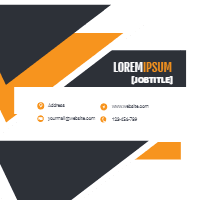
Corporate card in modern style
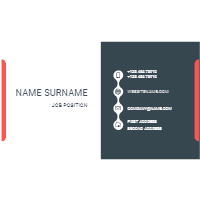
Lawyer card template
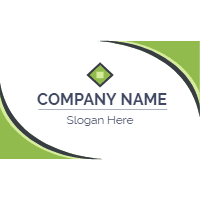
Original busines card with flat design
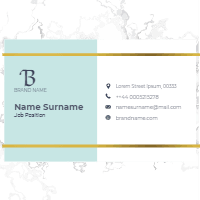
Business card with marble texture
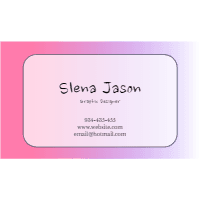
Colorful Business Cards Marble Texture
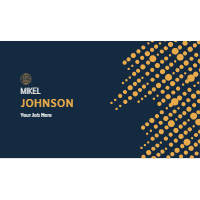
Halftone business card template
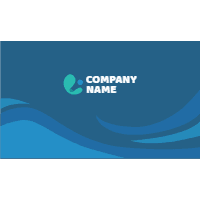
Modern business card
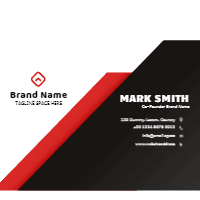
professional red and black business card design
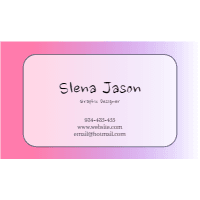
Colorful Business Cards Marble Texture

Colorful business card
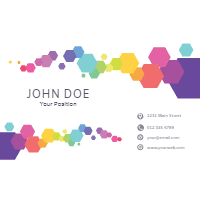
Colorful business card
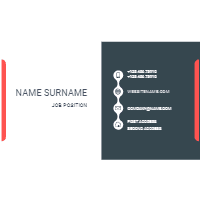
Lawyer card template
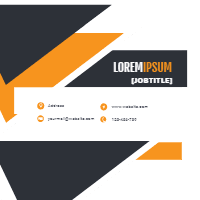
Corporate card in modern style
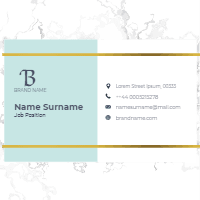
Business card with marble texture
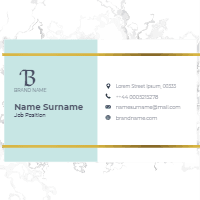
Business card with marble texture
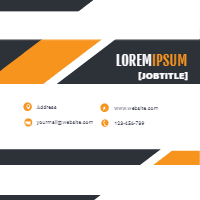
Corporate card in modern style
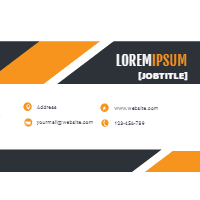
Corporate card in modern style
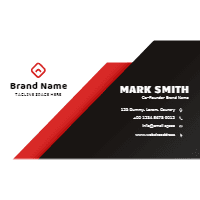
professional red and black business card design
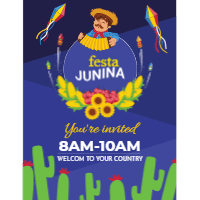
Festa junina celebration flyer
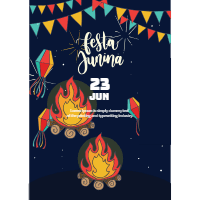
Festa junina flyer with traditional elements
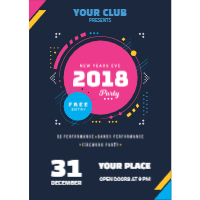
Modern poster of new year 2018
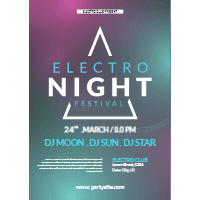
Music festival poster with abstract shapes
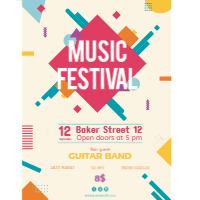
Music festival poster with instruments in flat style
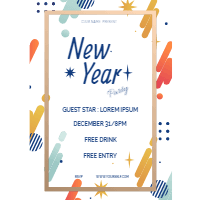
New year party poster
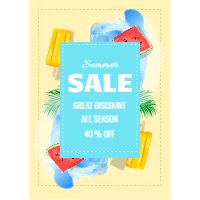
Realistic summer sale flyer
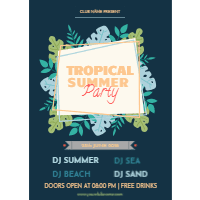
Summer party poster with plants
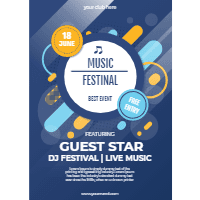
Abstract blue poster design for music festival
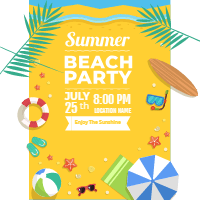
Template of party poster on the beach
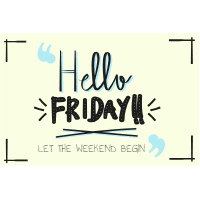
Vintage friday background

Mothers day labels 1

Mothers day labels 2

Mothers day labels 3

Mothers day labels 4

Set of labour day labels in vintage style 1

Set of labour day labels in vintage style 2

Easter day badges collection in flat style 1

Easter day badges collection in flat style 2

Easter day badges collection in flat style 3

Easter day badges collection in flat style 4

Easter day badges collection in flat style 5

Easter day badges collection in flat style 6
Set of labels in vintage style 1
What are print design templates and how do you use them?
A print template is a ready-made layout built for a specific product — a business card, t-shirt, flyer or poster — with the text, photo and colour layers already set up as editable and the bleed, trim and safe area locked. You open it in the Printcart Design Tool, change the copy and brand colours, and publish it as a made-to-order product.
Templates are Printcart-owned artwork, free to customize and use with your Printcart store. Because locked layers protect the print setup, whatever a customer personalizes still returns as a 300 DPI print-ready file with the order — one layout can seed a whole product line without redesigning from scratch.
Browse templates by product
794 editable layouts across 23 product types — open a set to see sides, editable layers and trim size.
Template questions & answers
Yes. Every template is Printcart-owned artwork, free to customize and use with your Printcart store — there is no separate stock licence to buy before you sell products made from it.
You decide per layer. Text, photo and colour layers can be marked editable, while bleed, trim, safe area and any branding you lock stay fixed so every order still exports print-ready.
Yes. Open the design in the Online Designer and apply it to another product type — for example a business card layout reused on a flyer, sticker or poster — then republish it as a separate product.
Customize the template, publish it to your store or a Shopify, Wix or WooCommerce app, and Printcart returns a 300 DPI print-ready file with every made-to-order sale.
Ready to launch your own designs?
Create a free Printcart account to save your customized templates, publish them as products, and browse the full print catalog for more starting points.