
What are Printcart AI tools used for?
Printcart AI tools help print-on-demand sellers, print shops, and photo studios prepare product photos, artwork, print files, QR cards, and portrait batches before production.
A complete toolkit to prepare, customise and automate print artwork — background removal, image upscaling, print-file preflight, and studio tools for school and event photography. Preview each tool in your browser, then run the full AI job from your Printcart account. Background removal has a free in-browser preview; the other tools show previews and estimates before processing uses Printcart AI tokens.
Preview cutouts of product photos on plain backgrounds in your browser; the full AI cutout for any photo runs in the Dashboard.
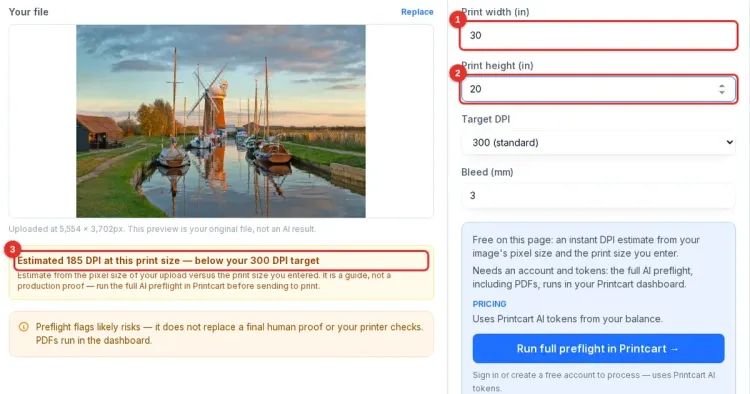
Open toolCheck artwork against a product profile for size, bleed, safe area, DPI, color and font issues, free.
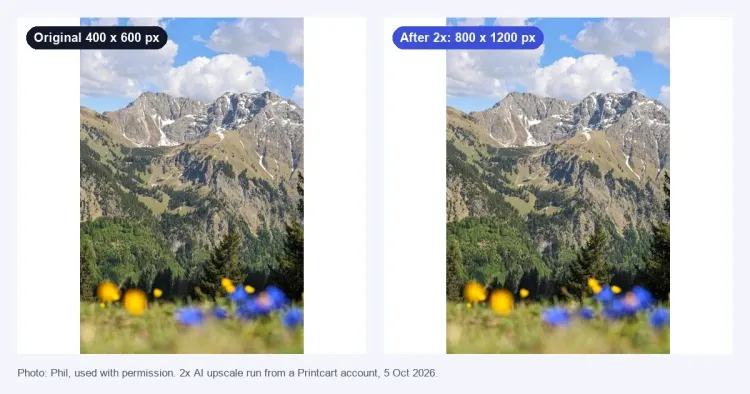
Open toolEnlarge low-resolution uploads so artwork holds up better at print size, with AI-assisted detail recovery.
Open toolAuto-detect and crop faces across large photo batches for school, sports, and studio portrait products.
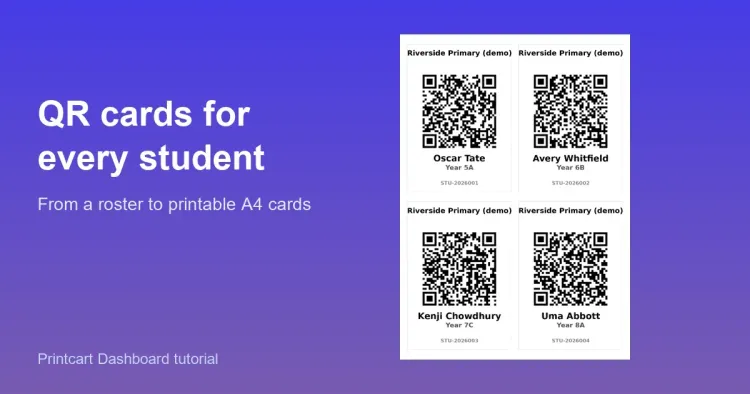
Open toolCreate QR cards in bulk to label, sort, and track subjects across photo fulfillment workflows.
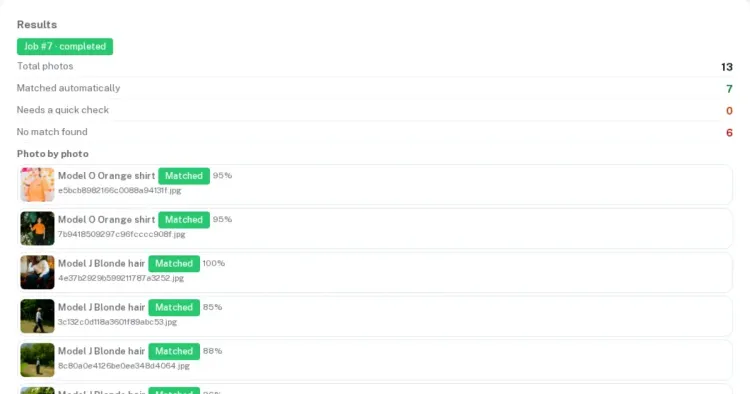
Open toolMatch event and portrait photos to known subjects to speed up sorting for school and sports galleries.
Open tool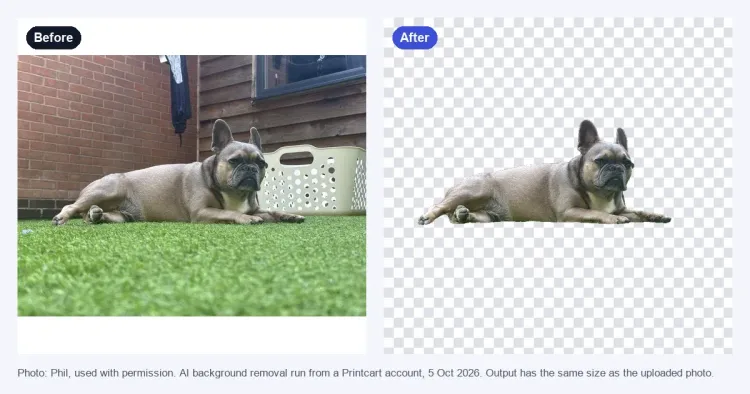

Every export is checked for DPI, bleed and CMYK so files land press-ready.
Run tools in the browser, inside the Studio, or automate them through the REST API.
One-click actions and smart defaults get non-designers to a finished file fast.
Preview every tool for free — no credit card required. Full AI processing uses Printcart AI tokens; register for batch processing and full-resolution exports.
Printcart AI tools help print-on-demand sellers, print shops, and photo studios prepare product photos, artwork, print files, QR cards, and portrait batches before production.
Opening a tool and previewing is free and needs no account. Background removal runs a free preview in your browser; the other tools show previews and estimates. Full AI processing needs a Printcart account and uses Printcart AI tokens, and an account also unlocks saved results, full-resolution export, batch processing, and API access.
Use background removal for product photos, preflight for print file checks, image upscale for low-resolution artwork, and the studio tools for school, sports, event, and portrait photo workflows.