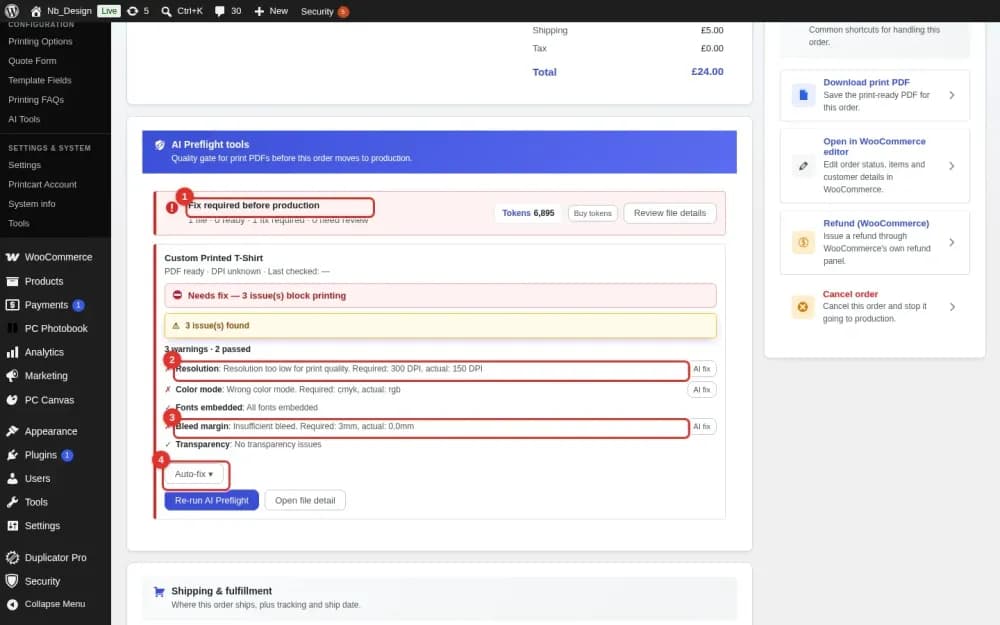
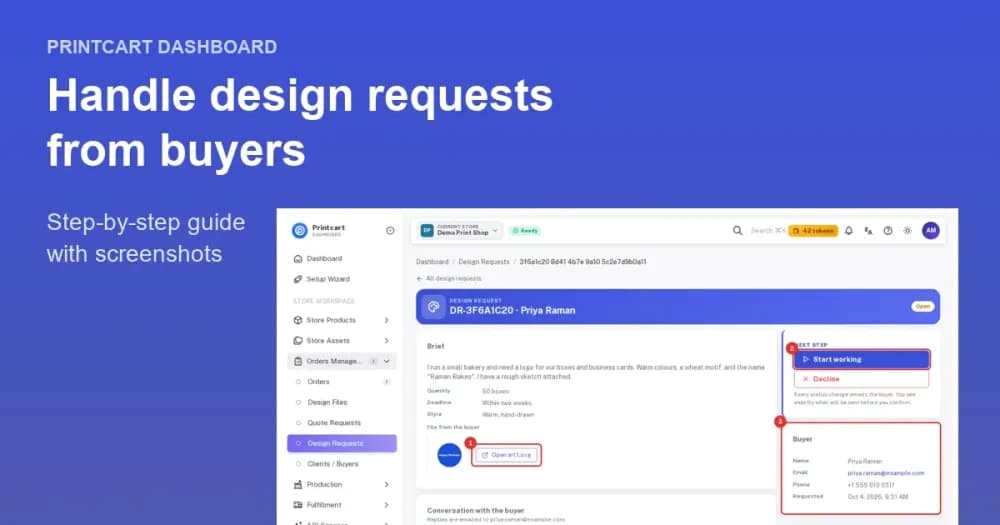
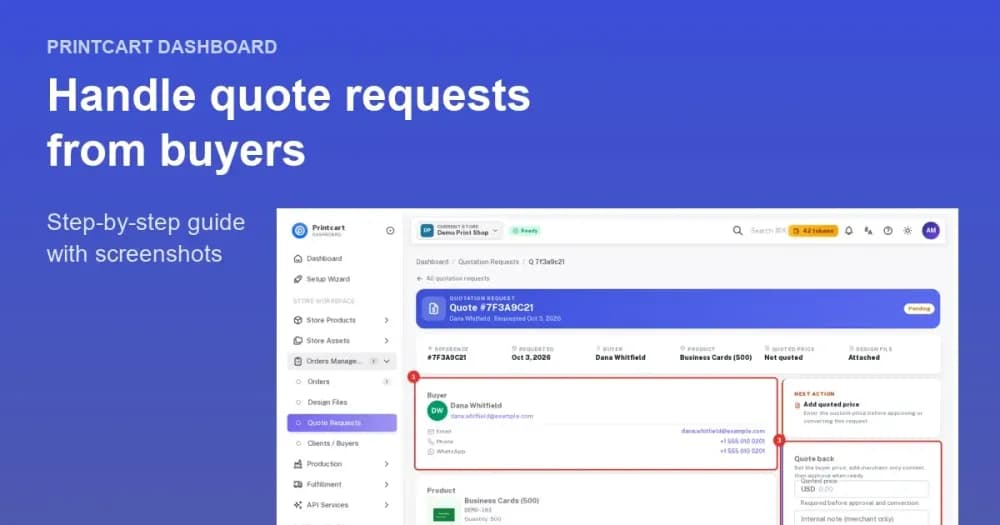
A Printcart Chrome extension would let designers and merchants launch a product customization or order straight from the browser, cutting the tab-switching in a daily print workflow. The dedicated extension is in development; today you can get the same speed by working in the Printcart designer and dashboard directly. Explore what is live on the Printcart...
Key takeaways
What would a design-and-order Chrome extension do?
Print teams lose time to friction: copying an image from one tab, opening the designer in another, re-finding a product, starting an order somewhere else. A browser extension collapses those steps. The idea is simple — a button in Chrome that lets you grab an image or a reference and jump straight into a Printcart customization or order, without hunting through tabs first. For someone processing many custom orders or building products all day, saving a few clicks per task adds up quickly.
Extensions are about speed and context, not new capability. The design, print options, and fulfillment still live in Printcart; the extension is a faster on-ramp for people who already work in the browser all day. It is worth being clear-eyed about that scope, because the value of an extension is measured in clicks and seconds saved per task, which only adds up once you are doing the same task many times a day.
Who benefits most from a browser extension?
Designers building many products
Designers who create and update customizable products repeatedly benefit from a quicker path into the designer and from pulling reference images without breaking flow.
Merchants processing custom orders
Sellers who handle a steady stream of personalized orders save time when starting or checking an order is one click away rather than a navigation exercise.
Teams standardizing a workflow
A shared extension is a simple way to make sure everyone starts from the same Printcart entry point, which keeps a team's process consistent.
Working in the browser now versus with a future extension
| Factor | Today (direct workflow) | With a future extension |
|---|---|---|
| Starting a design | Open the Printcart designer | Launch from a browser button |
| Grabbing references | Save and re-upload images | Capture and carry into a task |
| Tab switching | Several steps per task | Fewer context switches |
| Availability | Available now | In development |
Is the extension available yet?
The dedicated Printcart Chrome extension is on the roadmap and not yet published. You do not need to wait to work faster, though: the Printcart designer, catalog, and dashboard already give you a complete design-and-order workflow in the browser. If a browser extension would meaningfully speed up your team, tell the Printcart team so your use case informs the build. In the meantime, compare current options in which Printcart app fits your platform and get the fundamentals right in the product designer guide.
How do you speed up your Printcart workflow today?
- Standardize your entry point. Bookmark the designer and dashboard so everyone starts in the same place.
- Reuse templates. Build from saved templates instead of designing from scratch each time.
- Prep artwork first. Clean and size images with the AI tools before you start an order.
- Batch similar tasks. Group product builds or order checks to reduce context switching.
How do you keep a fast workflow without the extension?
Until the extension ships, most of its intended speed is available through good working habits inside Printcart. The friction an extension removes is mostly navigation and repeated setup, and you can cut both by standardizing how your team starts every task. Keep a single set of bookmarks for the designer, catalog, and dashboard so no one hunts for the right screen, and agree on one entry point for new product builds and for order checks so the process is identical across the team.
Reduce repeated work by building from saved templates instead of starting each design from scratch, and by preparing artwork before you open an order rather than mid-task. Clean and size customer images first with the free AI tools, so a design session is not interrupted by a background cutout or an upscale. Batch similar jobs together — build several products in one sitting, then check a run of orders in another — because grouping like tasks removes the context switching that slows a mixed to-do list. These habits will not add features, but they recover much of the time an extension is meant to save, and they carry over directly once it arrives, because the underlying workflow is the same.
Next best step
Faster ordering starts with a well-built designer and clean artwork, so continue with the product designer guide and prep files using the free AI tools. When you want a workflow set up for your team, Printcart offers implementation services across catalog, designer, and fulfillment.
Want a faster print workflow? Explore the Printcart apps hub, create a free Printcart account, or talk to the Printcart team about a Chrome extension for your team.
Printcart field note
What to verify before you roll out Printcart Chrome Extension: Design & Order Faster
This tutorial is written from Printcart implementation patterns across catalog structure, design controls, and customer personalization. Before treating it as complete, test the workflow with one real product, one real design file, and one real order path.
Printcart Chrome Extension: Design & Order Faster — common questions
What would a design-and-order Chrome extension do?
Print teams lose time to friction: copying an image from one tab, opening the designer in another, re-finding a product, starting an order somewhere else. A browser extension collapses those steps. The idea is simple — a button in Chrome that lets you grab an image or a reference and jump straight into a Printcart customization or order, without hunting through tabs first. For someone processing many custom orders...
Is the extension available yet?
The dedicated Printcart Chrome extension is on the roadmap and not yet published. You do not need to wait to work faster, though: the Printcart designer, catalog, and dashboard already give you a complete design-and-order workflow in the browser. If a browser extension would meaningfully speed up your team, tell the Printcart team so your use case informs the build. In the meantime, compare current options in which...
How do you keep a fast workflow without the extension?
Until the extension ships, most of its intended speed is available through good working habits inside Printcart. The friction an extension removes is mostly navigation and repeated setup, and you can cut both by standardizing how your team starts every task. Keep a single set of bookmarks for the designer, catalog, and dashboard so no one hunts for the right screen, and agree on one entry point for new product...
Next steps in Printcart
Connect printcart chrome extension: design & order faster with catalog setup, templates, production workflows, and implementation support.
Want to put printcart chrome extension: design & order faster into practice?
Use the related Printcart tool below, or create a free account to start building with the product designer.