

Clipart category
Cute Cliparts for Print & POD Design
Cute cliparts are ready-to-use, print-ready vector graphics you drop straight into the Printcart Design Tool for your print-on-demand store. Each one personalizes products like t-shirts, socks, and mugs in a few clicks — resize, recolor, and combine it with your own text or uploads, then save the design to your store and start selling.
A product of Netbase JSC
- Cliparts
- 24+ Cute cliparts
- Format
- SVG vector, sharp at any print size
- Best on
- t-shirts, socks, and mugs
- Licence
- Free with Printcart store
Library
Cute clipart library
 SVG
valentine cute love
 SVG
tooth cute laugh1
 SVG
sun with cloud laugh
 SVG
spects smiley cute laugh expression
 SVG
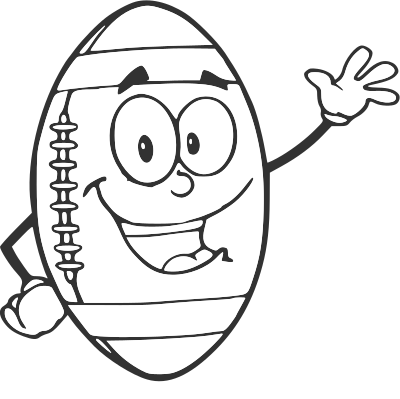
rugby ball laugh expression
 SVG
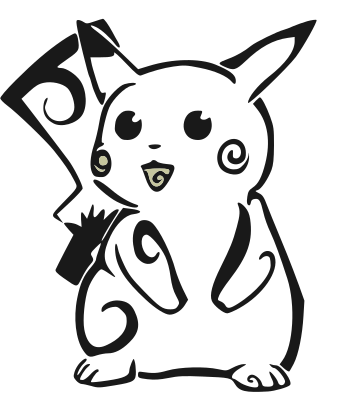
pokeman cute
 SVG
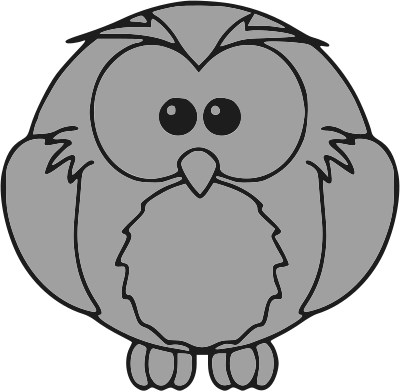
owl cute
 SVG
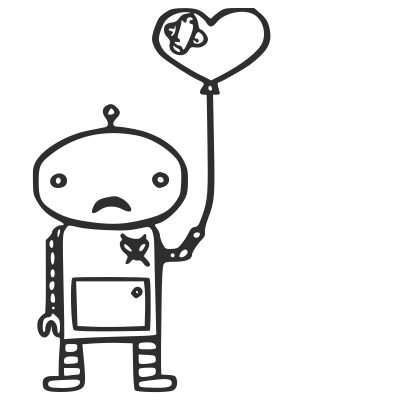
no love boy robot
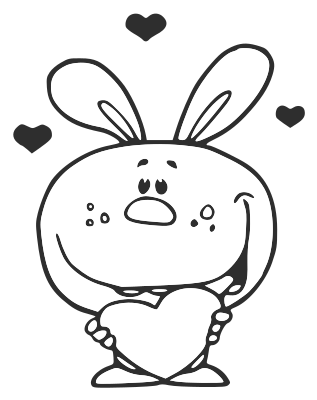 SVG
love propose doll1
 SVG
laughing tooth thumbs up
 SVG
laughing sun
 SVG
laughing queen bee
 SVG
laughing fat man
 SVG
laughing book
 SVG
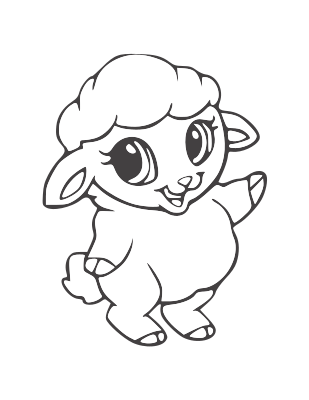
lamb cute pictures
 SVG
iron robo laugh
 SVG
heart laugh with hearts
 SVG
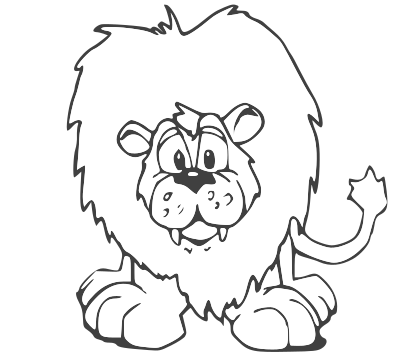
funny lion
 SVG
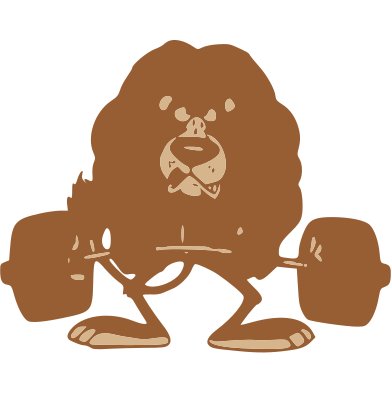
funny lion weight lift
 SVG
funny haircut
 SVG
funny doctor
 SVG
funny doctor cartoon
 SVG
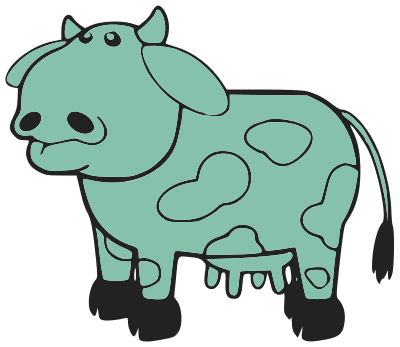
funny cow
 SVG
funny christmas snowman
About
What are Cute cliparts and how do I use them for POD?
What Cute cliparts are
Cute cliparts are ready-made vector graphics in a kawaii style — smiling foods, baby animals, hearts, and pastel doodles — that you add to a product design in Printcart. Cute designs sell well on tote bags, kids’ apparel, mugs, and stationery: drop a cute clipart onto a product, add a friendly caption, and recolor to soft pastels.
Use them on products
Because the art is vector, it prints crisp at any size. Cute cliparts are Printcart-owned artwork, free to customize and use with your Printcart store, giving print-on-demand sellers an easy way to build cheerful, giftable collections for kids and gift shoppers.
Compare
SVG vector vs. raster (PNG/JPG) cliparts
| Comparison aspect | SVG vector (these cliparts) | Raster (PNG/JPG) |
|---|---|---|
| Resizing for print | Scales to any print size with no loss of quality. | Gets blurry or pixelated past its original resolution. |
| Recoloring | Recolor any shape in the Design Tool in a couple of clicks. | Colors are baked into the pixels — recoloring means editing the image. |
| File size | Small, resolution-independent file. | Larger file at high resolution, or soft at low resolution. |

Huy Nguyen (David)
Talk to an expert
- Works with merchants in 80+ countries, any industry — services are delivered remotely.
- Contracts and payments are made directly with the company, Netbase JSC.
- Service work is quoted in writing before any payment is taken.
A Netbase JSC company
FAQ
Cute cliparts: common questions
What products suit cute cliparts?
Tote bags, kids’ t-shirts, mugs, and notebooks. Cheerful, giftable designs perform well for birthdays, baby showers, and everyday gifting.
How do I keep a “cute” look consistent?
Stick to soft pastel colors and pair simple cute cliparts with a rounded, friendly font in the Design Tool so a whole collection feels cohesive.
What's a good first product to try with Cute cliparts?
A tote bag is a strong first try. Drop a cute clipart onto it in the Printcart Design Tool, personalize it, and publish it to your store as a product.
Seasonal
Design ahead of the season
Seasonal collections sell in spikes. Prep your artwork early — pick a theme, drop the cliparts onto products, and have your store ready before demand peaks.
Next steps
Learn, do more & sell it
Turn cute cliparts into products people buy — follow a guide, get expert setup help, run your artwork through the AI tools, or launch it on your store.
Ready to sell with cute cliparts?
Create your Printcart store, drop these cliparts onto a product in the Design Tool, and start taking custom orders today.