
 WordPress / WooCommerce app
Printcart CanvasCanvas Print Designer & Edge-Wrap Preview for WooCommerce
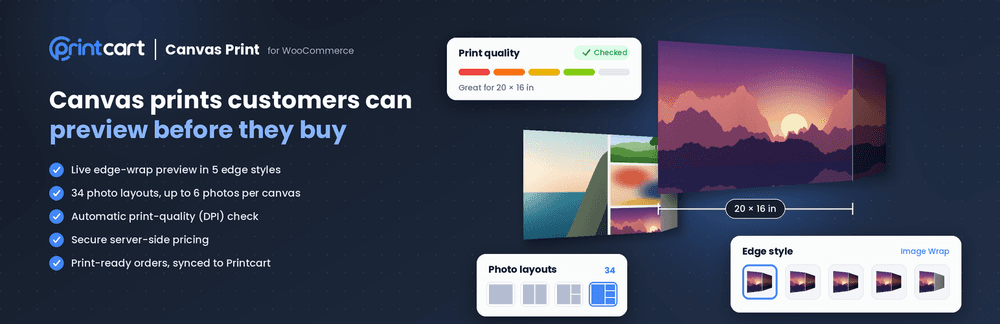
Printcart Canvas is a WooCommerce plugin for selling canvas prints online. Customers upload photos, choose a size, layout and edge style, and preview how the picture wraps around the frame before they buy. Every photo gets a print-quality check, and paid orders reach production with a print-ready PDF. It is built for canvas print shops, photo labs and wall-art brands.
- Platform
- WordPress / WooCommerce
- Plan
- Free plan available
- Version
- 4.6.0
- Requirements
- WordPress 6.5 or higher, PHP 7.4 or higher, WooCommerce
Features
Live edge-wrap preview
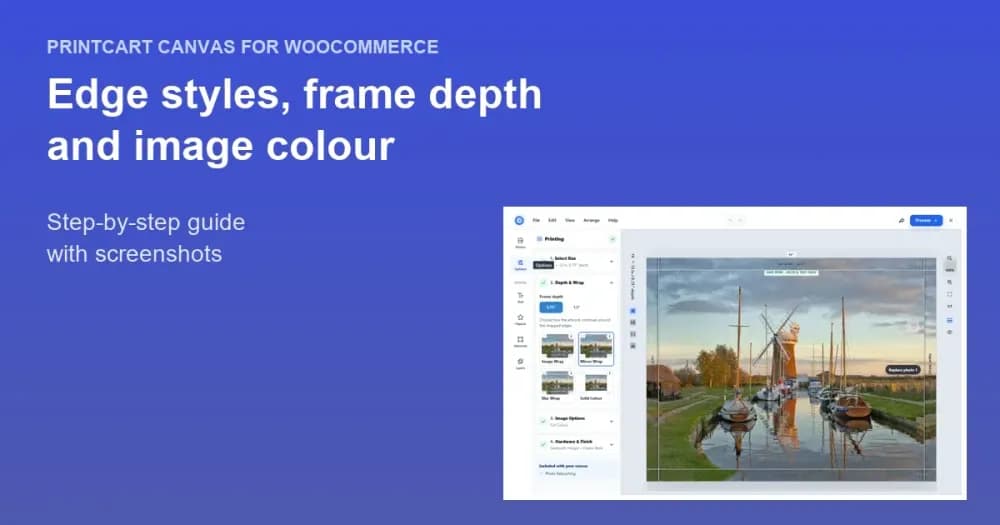
Customers see how the photo wraps around the frame as they change size or edge style, in Image Wrap, Mirror Wrap, Blur Wrap or Solid Colour.
Photo colour and extras
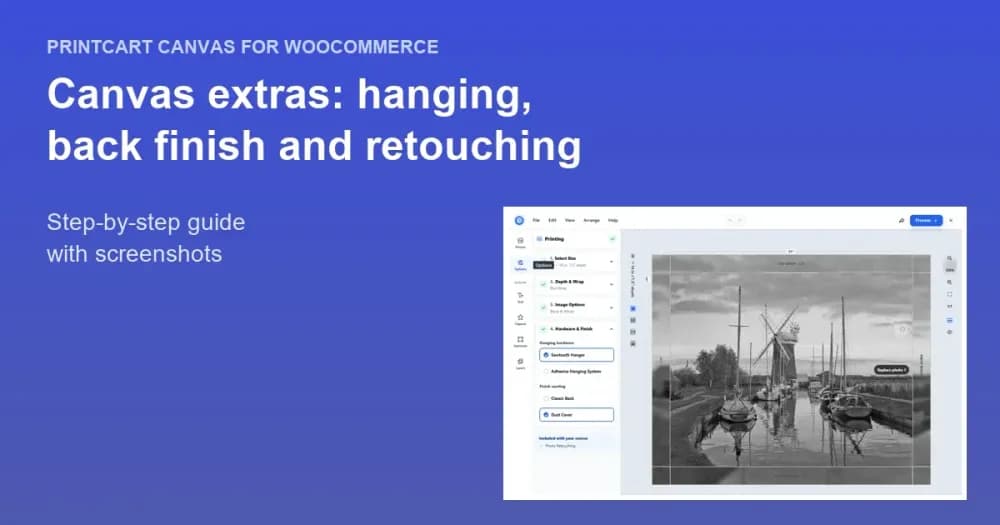
Colour, Black & White or Sepia on the print file, plus optional retouching, hanging hardware and back finish priced per product.
34 photo layouts
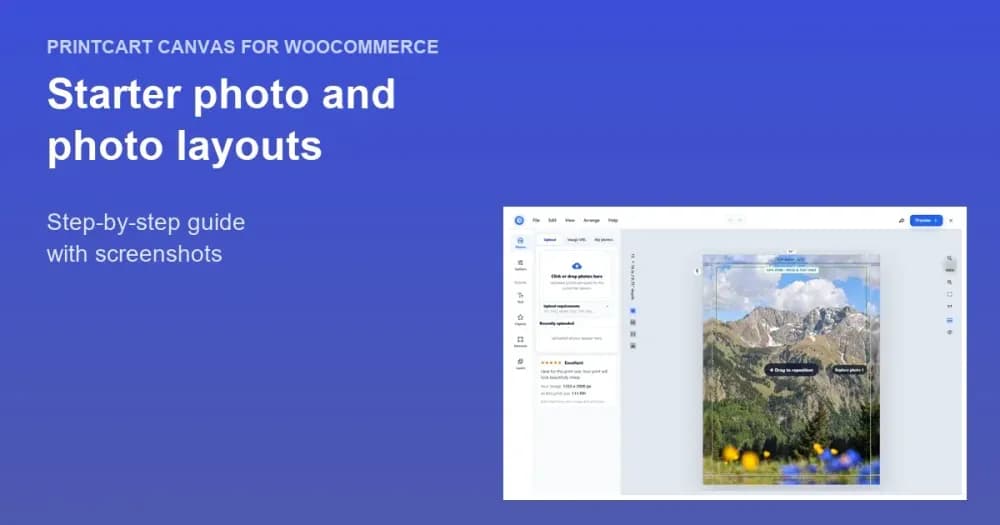
Choose from one photo to six photos on a single canvas, with a starter photo the customer can keep or replace.
Automatic print-quality check
Every photo is rated on a five-step scale against the chosen canvas size, so buyers know before ordering whether a photo is sharp enough.
Secure server-side pricing
Prices are calculated on the server from the customer's selection. A price sent by the browser is never trusted.
Print-ready CMYK PDF
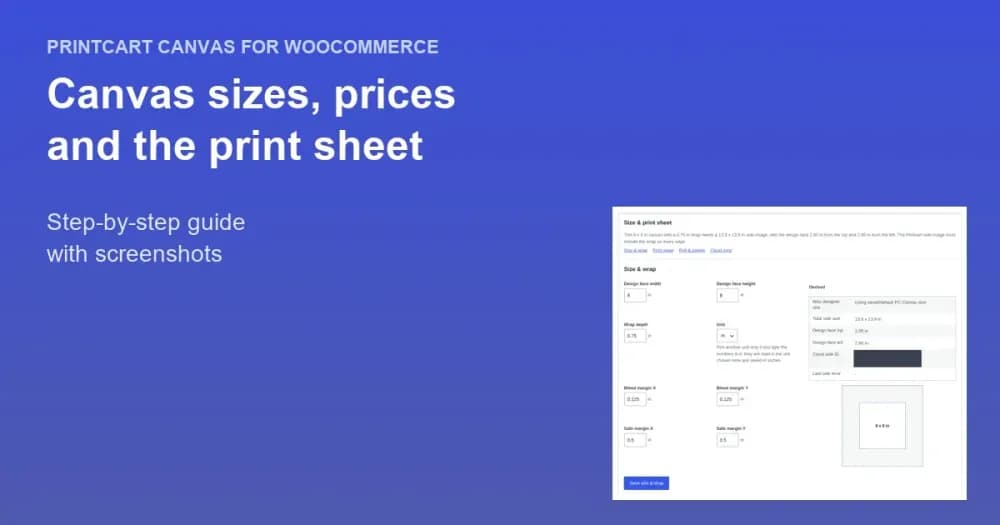
Each order line gets a print sheet calculated for its size and depth, with trim, bleed and cut line, and no template per size.
Template library
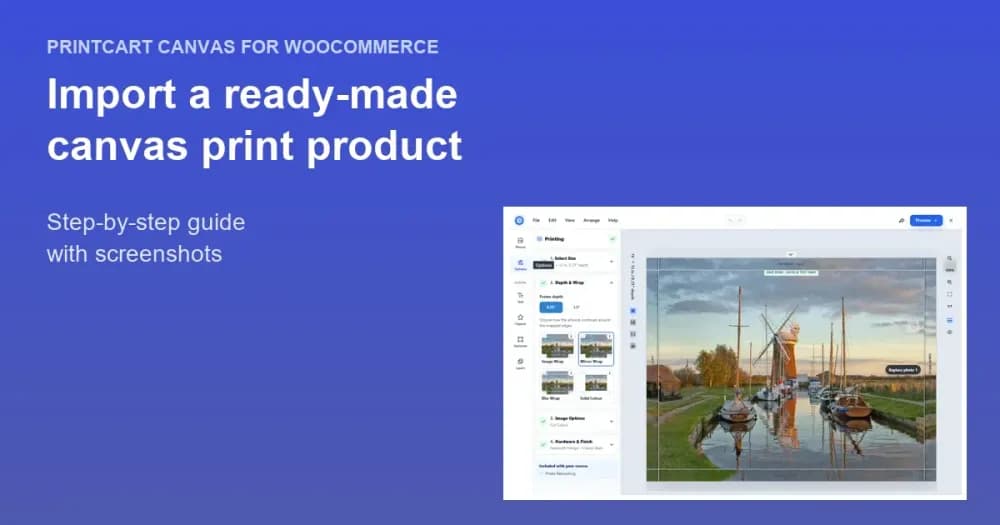
Import a ready-made canvas product with sizes, depths and prices in one step, then adjust it to your store.
Artwork queue and automatic order hand-off
Review every customer file with its quality verdict. Paid orders are sent to Printcart automatically, with retry.
Screenshots
Overview
Printcart Canvas is a canvas print designer for WooCommerce that adds a designer and an edge-wrap preview to your canvas and wall-art products. Customers upload photos and see how the picture wraps around the frame, and each paid order reaches production with a print-ready PDF.
Who it is for
Printcart Canvas is built only for canvas and wall-art products, so it suits shops that sell those every day.
- Canvas print shops: sell gallery-wrapped canvases online with previews that match the finished print.
- Photo labs and print studios: add canvas to an existing WooCommerce store.
- Print-on-demand and wall-art brands: show accurate edge previews before customers pay.
- Printshops using Printcart: run a dedicated canvas workflow next to other products.
How it works
You set up canvas products in WooCommerce and Printcart handles the design, preview and print file.
- Install the plugin. Add Printcart Canvas from the WordPress.org directory and activate it.
- Connect your Printcart account. Open PC Canvas, then Connection, and connect your account.
- Create the product. Link a WooCommerce product to its Printcart printing option, or import a ready-made canvas product from the template library.
- Follow the readiness verdict. Product Setup shows what is still missing before the product is ready to sell.
- Let customers design. The designer opens over your product page, where customers upload photos and choose a size, layout and edge style.
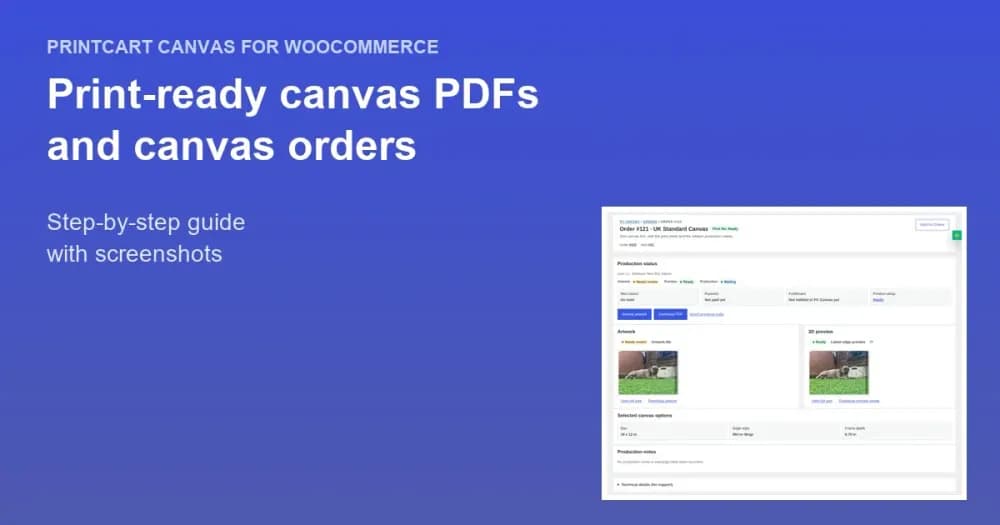
- Produce the order. Review the artwork in the Artwork queue, then download the print-ready PDF for each order line.
What the buyer sees
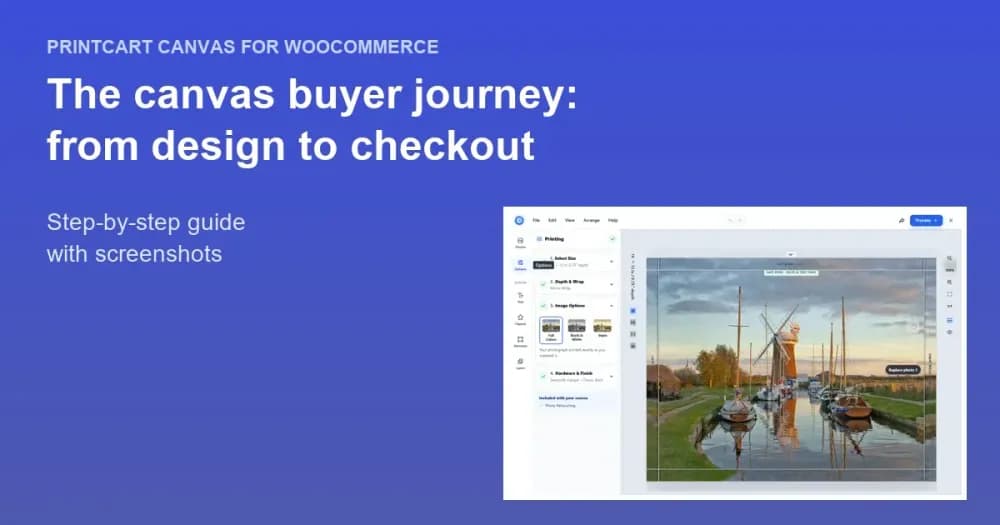
Buyers upload photos in a designer that opens over your product page and pick a size, layout and edge style. The canvas preview and the print-quality rating update as they change their choices, so they know before checkout how the picture wraps around the frame and whether a photo is sharp enough for the size. The preview is a rendered image of the finished canvas, not a rotatable 3D model.
What you get for production
Every canvas choice is saved on the WooCommerce order line, including size, depth, edge style, layout and preview image. Paid orders are sent to Printcart with the design file and a print sheet, and each file appears in the Artwork queue with its quality verdict. The print file is a CMYK PDF with trim, bleed and cut line.
Edge styles explained
The edge style decides what appears on the sides of the canvas. Image Wrap continues the photo around the sides, Mirror Wrap reflects the edge of the photo, Blur Wrap blurs it, and Solid Colour fills the sides with any colour you choose. You decide which styles each product offers.
Photo layouts and extras
Customers can place one photo or several on a single canvas by choosing a layout, and you can offer extras such as retouching, hanging hardware and a back finish. The prices for sizes and extras come from your pricing template, and the server calculates the price from the customer's selection.
Requirements
- WordPress 6.5 or higher
- PHP 7.4 or higher
- WooCommerce
- A Printcart account
Plans
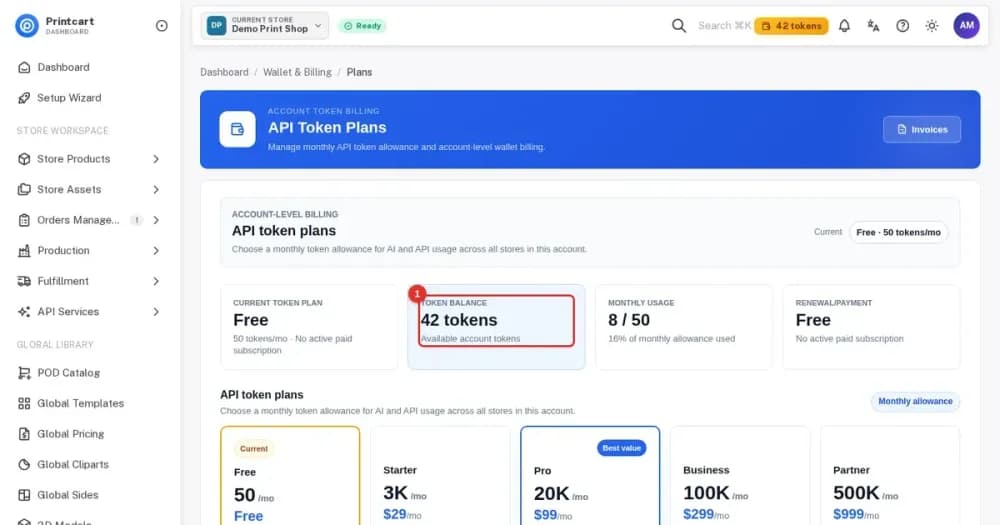
The plugin is free and a Free plan is available for the Printcart account. Paid plans are listed in the Printcart Dashboard.
Good to know
Multi-panel canvases, where one picture is split across several frames, are not available yet. Printcart Canvas is a standalone plugin with its own PC Canvas menu, so use Printcart Store if you also sell other product types such as T-shirts or mugs.
Get started
These guides from the Printcart Canvas tutorial series take you from install to your first canvas order.
Tutorials for WordPress Canvas Print
More print on demand tutorials →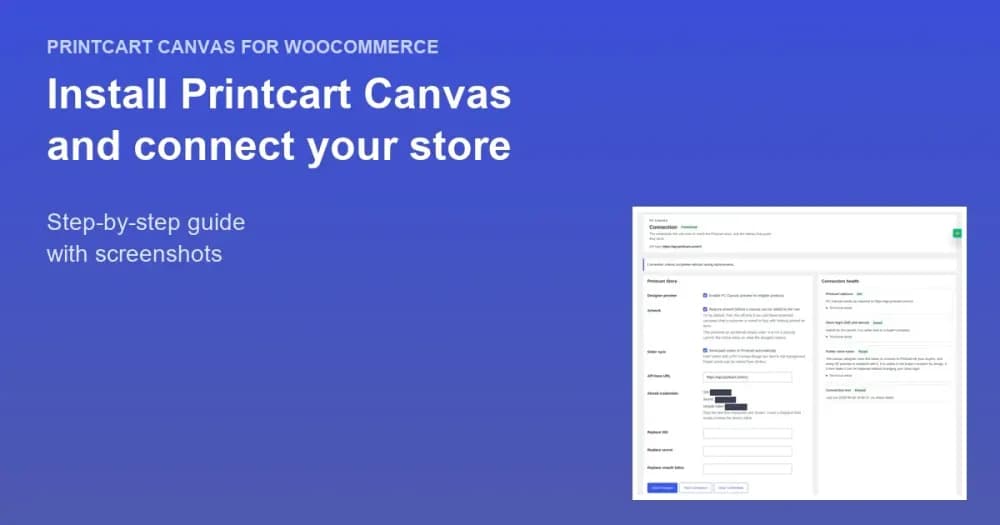
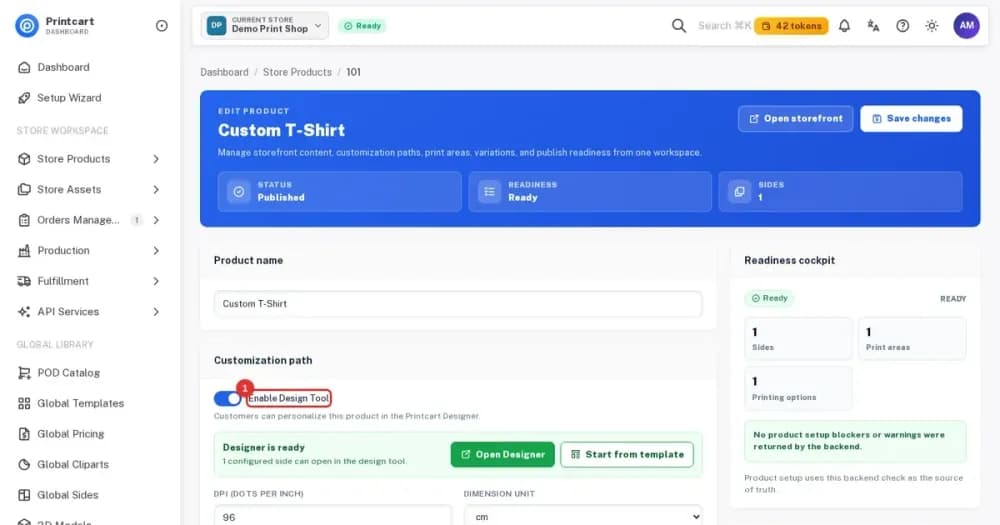
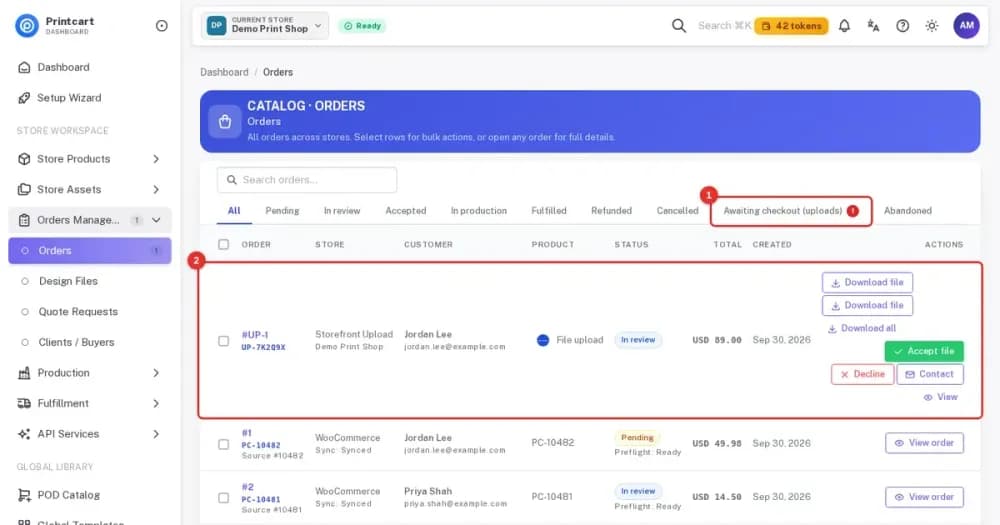
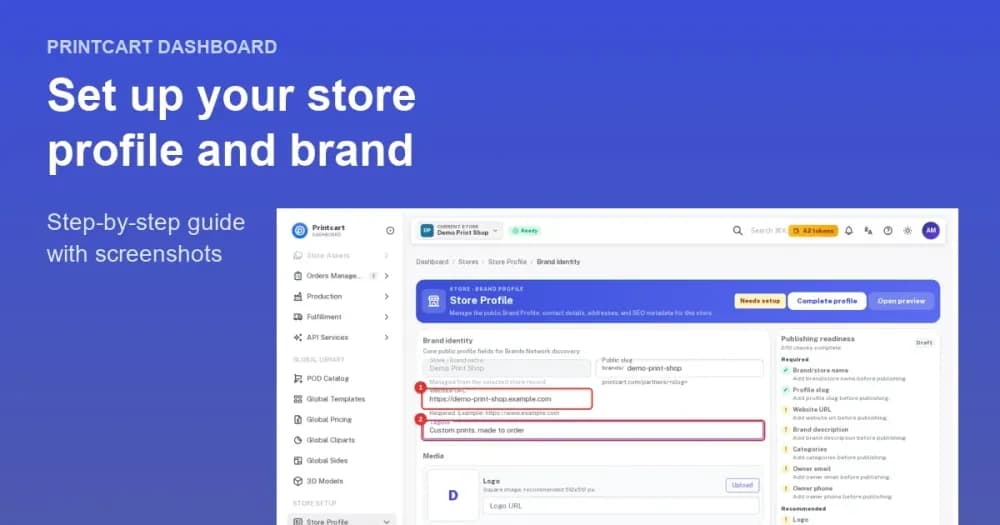
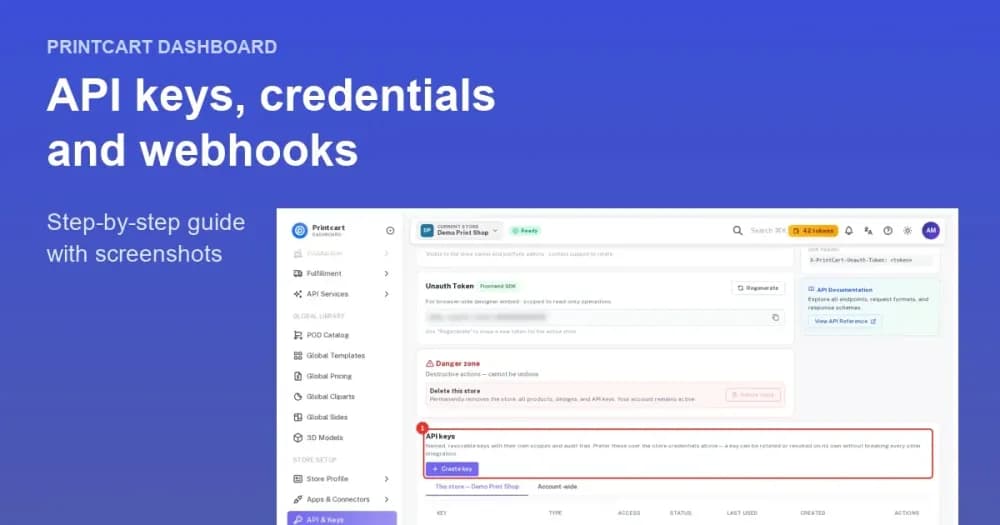
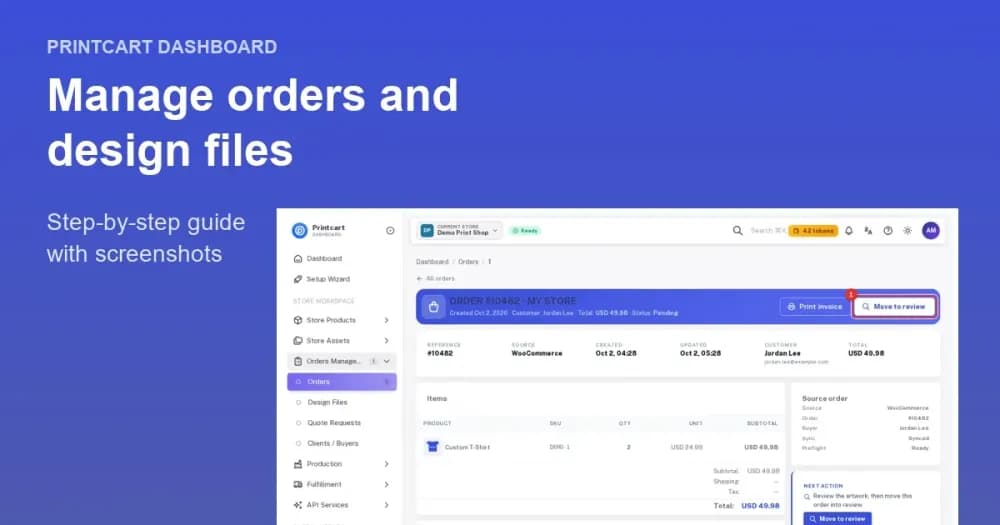
Manage it in the Printcart Dashboard

Plans
A Free plan is available, so you can install the app and try custom products before you decide on anything else. See the current plans on the marketplace listing.
Frequently asked questions
What is Printcart Canvas?
Printcart Canvas is a WooCommerce plugin for canvas and wall-art products. It adds a designer to your product page where customers upload photos, pick a size, layout and edge style, and preview the gallery wrap before they buy.
Is Printcart Canvas free?
The plugin is free. It needs a Printcart account, which powers the designer, the edge-wrap preview and the print-quality check. Customers never pay for these services.
How do I install Printcart Canvas?
In WordPress, open Plugins, search for Printcart Canvas, then install and activate it. Next open PC Canvas, then Connection, and connect your Printcart account. The install guide shows each step.
Do I need Printcart Store as well?
No. Printcart Canvas is a standalone plugin with its own PC Canvas menu. Use Printcart Store if you also sell T-shirts, mugs, business cards or other products.
Which canvas edge styles are supported?
Four: Image Wrap (the photo continues around the sides), Mirror Wrap, Blur Wrap and Solid Colour in any colour you choose. You decide which ones each product offers.
Is the preview a real 3D model?
No. The canvas in the designer updates as the customer changes size or edge style, and Printcart renders an edge-wrap preview image of the finished canvas. It shows the face and the wrapped sides, but it is an image, not a model the customer can rotate.
Can customers put several photos on one canvas?
Yes. Customers choose from 34 photo layouts, from a single photo to six photos on one canvas. Multi-panel canvases, where one picture is split across several frames, are not available yet.
What does my production team receive?
Each order line records the size, depth, edge style, layout, preview image and design file. The print sheet is calculated for that size and depth, and the file appears in the Artwork queue with its quality verdict for approval.
Support
Changelog · v4.6.0
- v4.6.02026-10-03
- New: choose from all 34 photo layouts per product, with a default layout and “See it on a wall” room preview for buyers.
- v4.5.92026-10-01
- New: Image Wrap and Blur Wrap edges, image colour (Colour, Black & White, Sepia), retouching, hanging and back-finish options — priced and shown on every order.
- v4.5.8
- New: choose which photo layouts each canvas product offers, and an optional starter photo.
- v4.5.7
- New: PC Canvas → Templates. Browse the Printcart template library and import a ready-made canvas product (sizes, frame depths, edge styles and prices) in one click.
- New: Download PDF. Print-ready files for every order line, from PC Canvas → Orders, the order detail page and the WooCommerce order screen.
- New: canvas production profiles (Classic and Deluxe frame depth, back wrap, staple margin, cut line) and print output settings per store and per product.
- New: buyers see their design thumbnail and chosen size, frame depth, edge style and image quality on the product page, cart, checkout, order pages and order e-mails.
- New: buyers can edit a design from the cart; the cart line is updated and repriced automatically. Classic and block-based carts are supported.
- Improved: the 3D edge preview reflects the buyer’s chosen size, frame depth and edge style, with a Refresh link on rendered previews.
- Improved: production-readiness checks run automatically in the background.
- Improved: custom sizes are checked against your print-roll limit before add to cart.
- Improved: clearer admin screens, labels and messages throughout.
- Improved: the designer loads from the standard Printcart address, with no extra setup.
- v4.3.6
- New plugin icon and banner on the WordPress.org listing.
- The listing title, short description, Description and FAQ are rewritten to say what the plugin does in plain language: the edge-wrap preview, the 34 photo layouts, the print-quality check and server-side pricing.
- “Tested up to” is now 7.1.2.
Show older versions
- v4.3.5
- The admin screen loader validates the request origin before it reads any other part of the request: the permission check, then the nonce for the screen the request names, then the screen query. A nonce issued for one PC Canvas screen can no longer load another.
- Admin actions are gated by one nonce check for both request transports, instead of a check chosen by transport.
- Every PC Canvas screen checks the user’s permission before it verifies the nonce, so a nonce is never the only thing authorising a request.
- The Connection screen routes a submission by the form it names, so its two nonce checks cannot overlap.
- v4.3.4
- Admin view query values, including nested values, are sanitised immediately after WordPress decodes them and before any screen renders.
- v4.3.3
- Admin actions now verify permission and intent before request values are normalised into an explicit payload. Downstream helpers no longer read raw request globals.
- Values decoded from JSON are passed through WordPress core sanitizers before use, while encoded image URLs remain intact.
- Test artwork uploads now use the WordPress upload handler with PNG-only MIME validation and remove the temporary local copy after use.
- Malformed list values in admin actions are rejected safely instead of reaching scalar-only functions.
Start selling custom products
Trusted by 2000+ stores. Printcart Canvas is a WooCommerce canvas print designer with a live edge-wrap preview, photo layouts and a print-quality check. Free plugin.
Other Printcart apps

Printcart Solution
Printcart Solution is the Printcart POD dashboard: one place to manage orders, customer designs, uploads and print-ready files for stores connected on Shopify, Wix or WooCommerce. It is built for print shops, print-on-demand sellers and B2B providers who want a single workflow from buyer design to production. A Free plan is available.

Printcart Store – Web to Print Product Designer for WooCommerce
Printcart Store is a WooCommerce plugin that adds a drag-and-drop product designer and customer artwork upload to your WordPress shop. It is built for print shops, print-on-demand sellers and agencies who want buyers to personalize products online. Every order gives you print-ready files in PDF, SVG, PNG and JPG CMYK. A Free plan is available.

Printcart Product Personalizer
Printcart Product Personalizer is a Shopify app that adds an online design tool to your products. Buyers personalize items with templates, text and image uploads on any device, and you receive print-ready files in SVG, PDF, PNG and JPG. It is built for print shops, print-on-demand sellers and B2B suppliers who sell custom products on Shopify. A Free plan is available.