
Web-to-Print tutorials
Web-to-print (W2P) is software that lets customers design and order printed products directly from a website, instead of emailing files back and forth with a sales rep. These tutorials explain how Printcart’s web-to-print tools fit into a storefront, what separates W2P from standalone print-on-demand, and how to connect an online designer to real catalog products, pricing, and checkout. Use this category if you run a print shop, corporate portal, or POD store and want customers to self-serve their own designs online.
Browse other tutorial categories
Web-to-Print tutorials
5 guides Print-on-Demand
Web-to-Print vs Print-on-Demand: Which Model Fits Your Business?
Web-to-print and print-on-demand solve different problems: web-to-print controls custom orders and proofs for print buyers, while print-on-demand produces...
 Web-to-Print
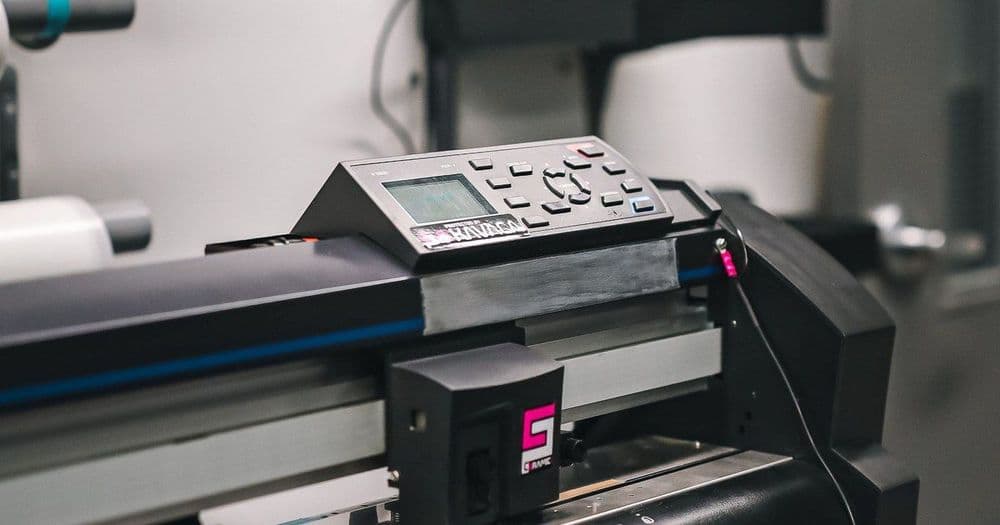
Turning an Offline Print Shop into a Web-to-Print Store
Turn an offline print shop into a web-to-print store by digitizing your catalog, adding an online product designer, structuring print options and pricing,...
 Web-to-Print
Which Printcart App Fits Your Platform? A Comparison
Compare Printcart apps across Shopify, WooCommerce, Wix, Microsoft 365, and a Chrome extension to pick the right way to add a product designer and...
 Web-to-Print
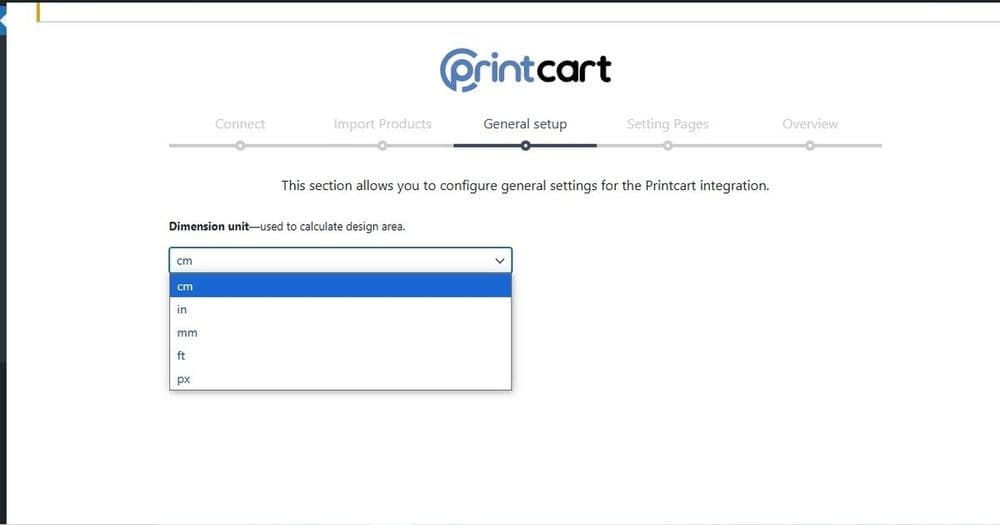
WooCommerce Web-to-Print with Printcart: Setup & Selling
Add web-to-print to WooCommerce with the Printcart plugin so shoppers personalize products on your WordPress store and each order returns a print-ready...
 Web-to-Print
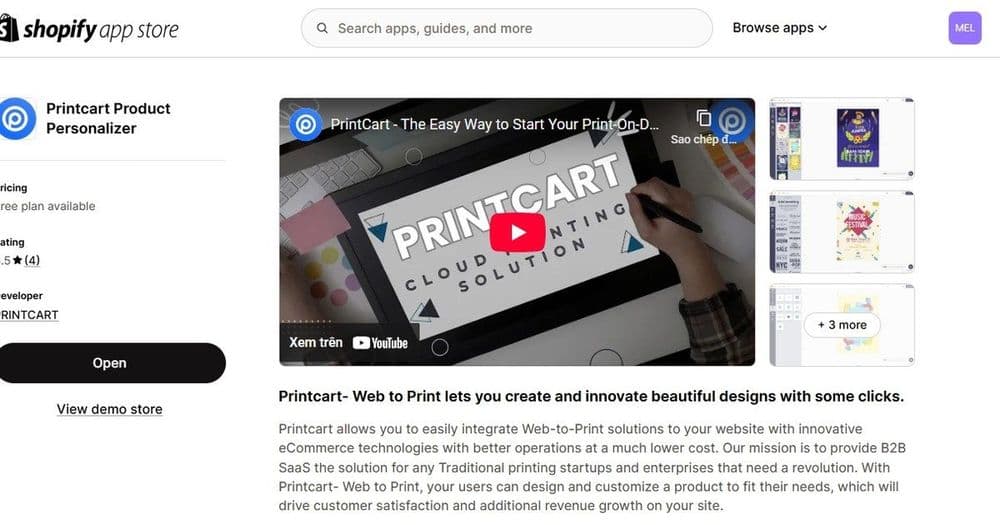
Sell Custom Print Products on Shopify with Printcart
Sell custom print products on Shopify by adding the Printcart product designer to your store. This guide shows Shopify owners how the app puts a live...