
Print-on-Demand tutorials
Print-on-demand (POD) lets you sell custom products — apparel, mugs, phone cases, and more — without holding inventory: a customer orders, a connected print provider produces and ships one unit, and you keep the margin. These tutorials cover choosing a POD platform, setting product pricing, connecting a storefront, and handling customer orders through Printcart’s catalog and designer tools. Start here if you’re deciding whether POD fits your business, or you’re already selling and want to tighten your production and fulfillment workflow.
Browse other tutorial categories
Print-on-Demand tutorials
46 guides Print-on-Demand
How to Launch a Print-on-Demand Store with Printcart: Step-by-Step
Launch a print-on-demand store with Printcart by choosing a model, building a product catalog, setting up the product designer, connecting fulfillment,...
 Print-on-Demand
Setting Up the Online Product Designer: A Complete Guide
Set up an online product designer with Printcart by defining print areas, adding templates and cliparts, configuring text and image controls, setting...
 Print-on-Demand
Automating POD Orders and Fulfillment with the Printcart API
The Printcart API lets developers automate print-on-demand orders, artwork files, and fulfillment status between a storefront and production. This guide...
 Print-on-Demand
Web-to-Print vs Print-on-Demand: Which Model Fits Your Business?
Web-to-print and print-on-demand solve different problems: web-to-print controls custom orders and proofs for print buyers, while print-on-demand produces...
 Print-on-Demand
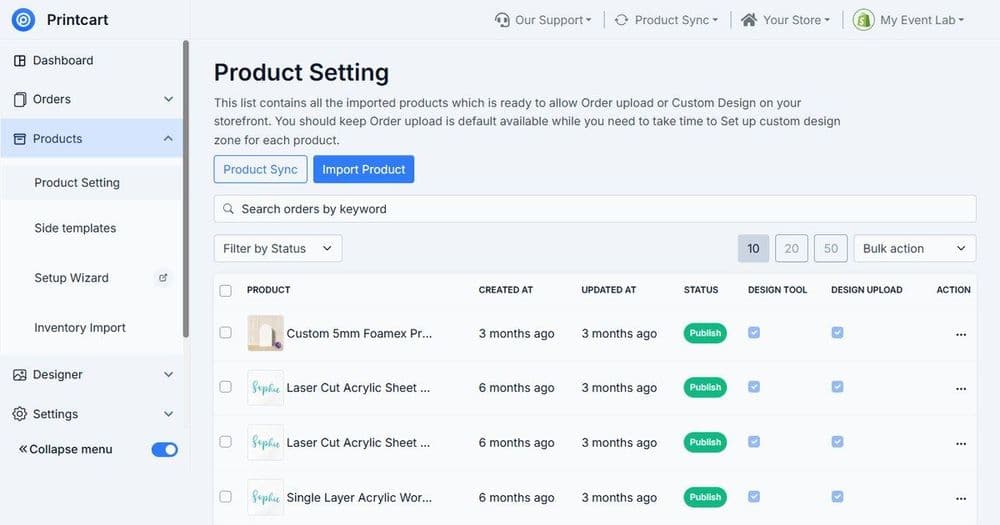
Building a Custom Product Catalog for POD Stores
Build a custom product catalog for a POD store by grouping products, standardizing variants and print areas, attaching templates, and setting consistent...
 Print-on-Demand
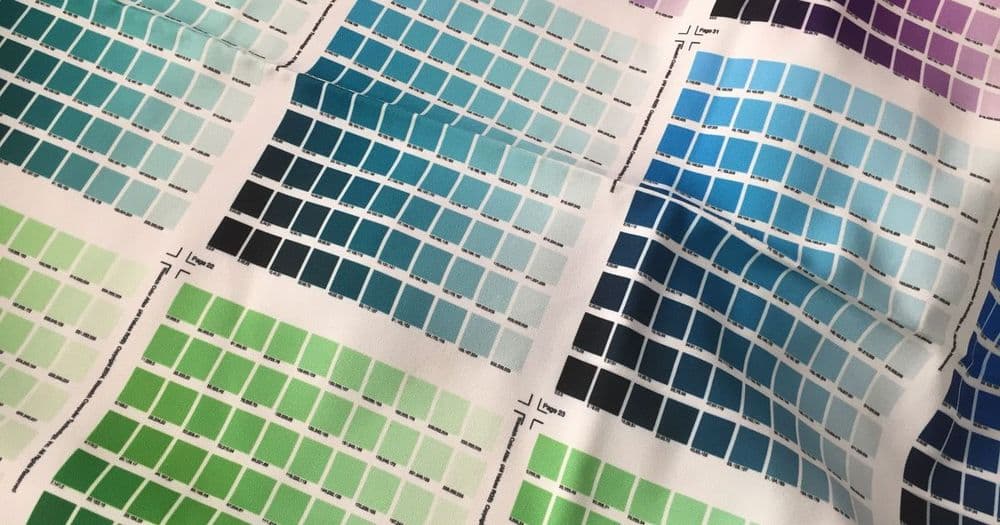
Preparing Print-Ready Files: DPI, Bleed, Color, and Fonts
A print-ready file has the right resolution, bleed, color mode, and embedded fonts so it prints cleanly without surprises. This guide explains each...
 Print-on-Demand
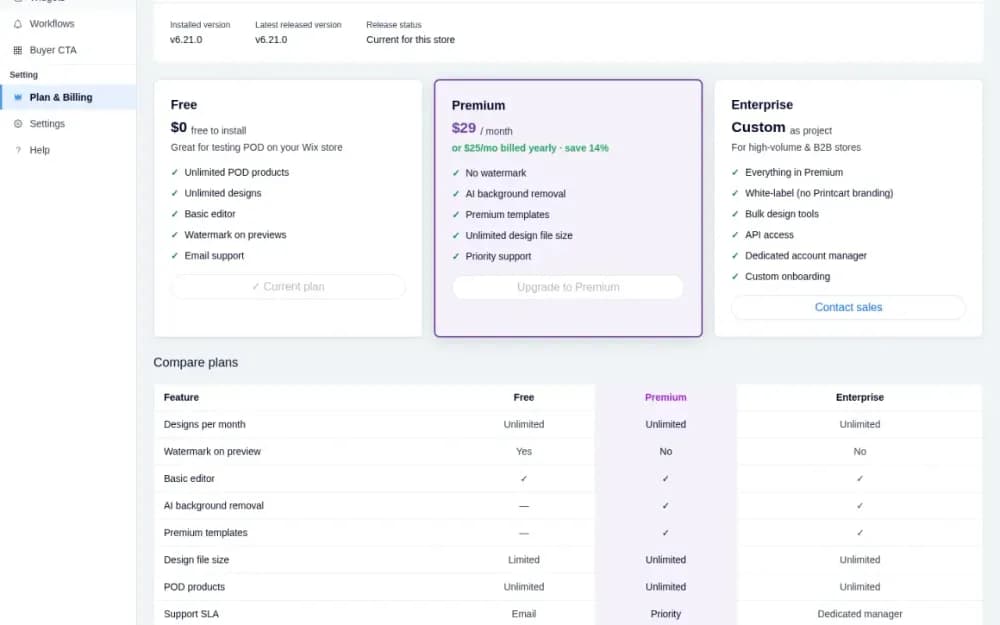
Printcart Plans on Wix: Compare Free and Premium and Upgrade
See what the Free, Premium and Enterprise plans include, how to upgrade from the Printcart POD app through Wix, and how to check or cancel your plan.
 Print-on-Demand
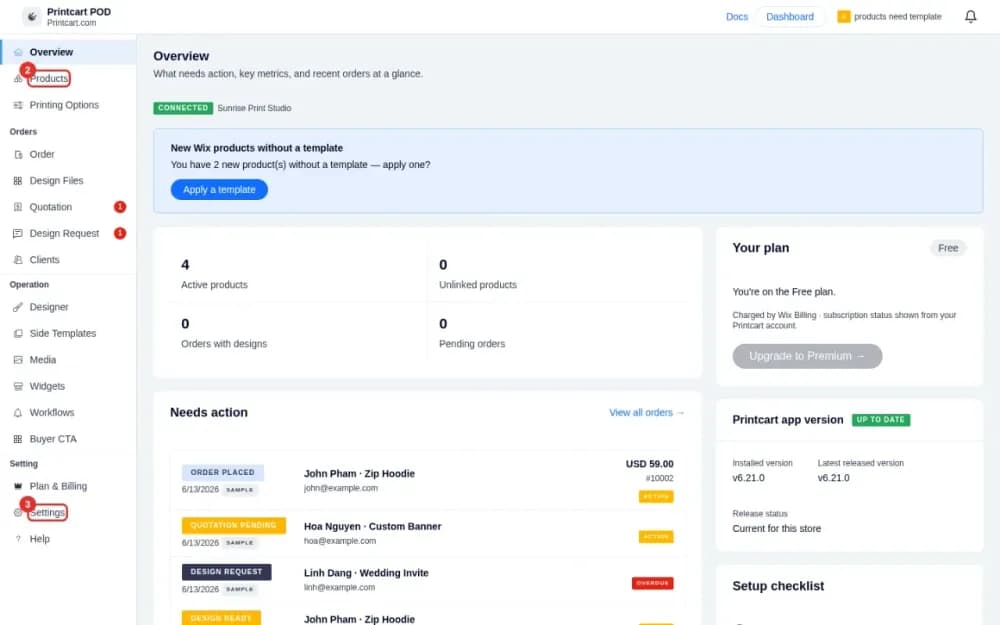
How to Install Printcart on Wix and Connect Your Store
Install the Printcart POD app from the Wix App Market, confirm your store is connected and find your way around the dashboard in about five minutes.
 Print-on-Demand
How to Join a Print-on-Demand Fulfillment Network (For Printers)
Join a print-on-demand fulfillment network by defining your production capabilities, mapping products and print methods, setting SLA and shipping zones,...