
Product Personalization tutorials
Product personalization means letting a shopper customize a product — adding their own name, photo, text, or layout — before it’s produced. These tutorials walk through building that experience with Printcart’s product designer, templates, and clipart library: locking print-safe zones, exposing editable fields, and validating a customer’s design before it reaches production. Read this category if you’re setting up personalized gifts, monograms, or made-to-order products and need customers to design confidently without breaking your print specs.
Browse other tutorial categories
Product Personalization tutorials
14 guides Print-on-Demand
How to Launch a Print-on-Demand Store with Printcart: Step-by-Step
Launch a print-on-demand store with Printcart by choosing a model, building a product catalog, setting up the product designer, connecting fulfillment,...
 Print-on-Demand
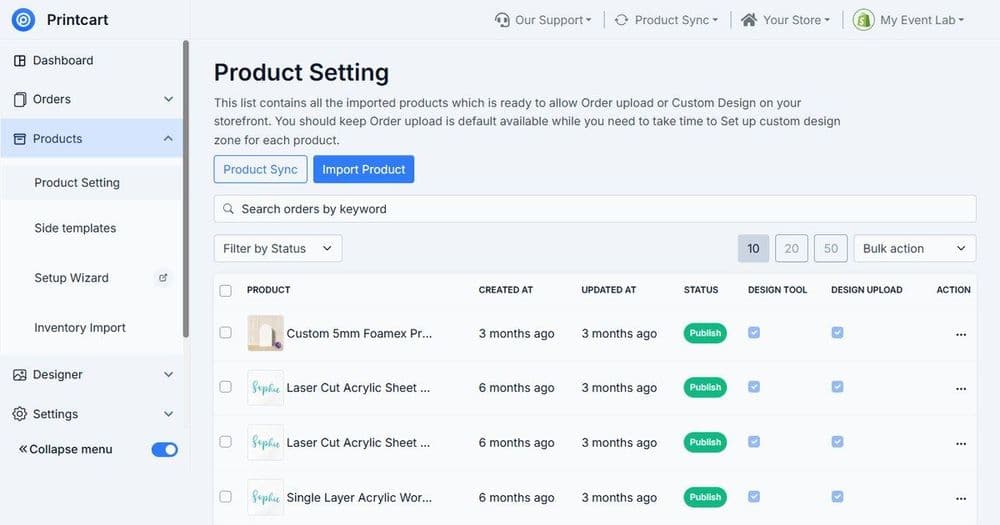
Setting Up the Online Product Designer: A Complete Guide
Set up an online product designer with Printcart by defining print areas, adding templates and cliparts, configuring text and image controls, setting...
 Print-on-Demand
Building a Custom Product Catalog for POD Stores
Build a custom product catalog for a POD store by grouping products, standardizing variants and print areas, attaching templates, and setting consistent...
 Product Personalization
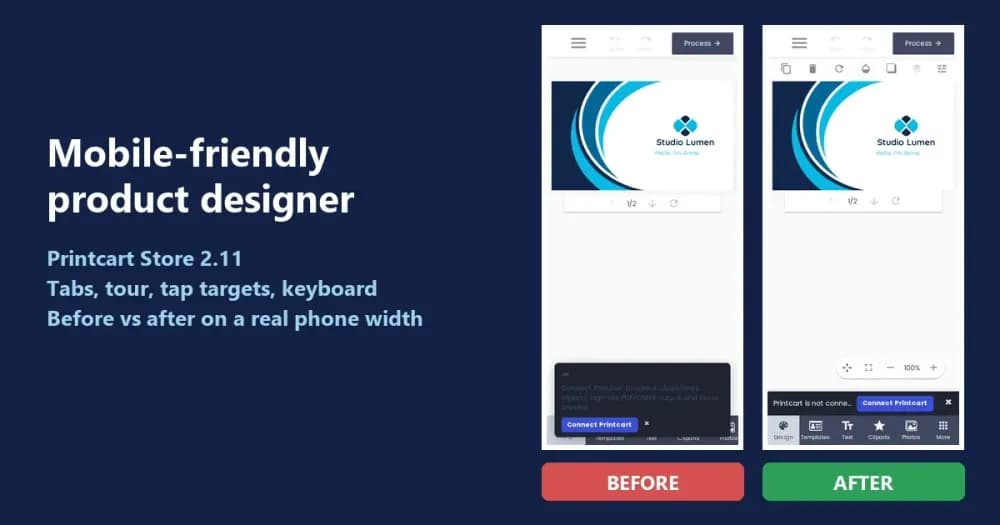
Mobile-Friendly Online Product Designer: Before and After in Printcart Store 2.11
See how Printcart Store 2.11 makes the online product designer work on phones: a tab bar that fits, a skippable tour, 44px tap targets and a...
 Product Personalization
Managing Bulk and Recurring Corporate Print Orders: Cards, Labels, and Documents
Bulk and recurring corporate print orders — business cards, labels, and documents — need reorder templates, batch data, approvals, and routed fulfillment...
 Product Personalization
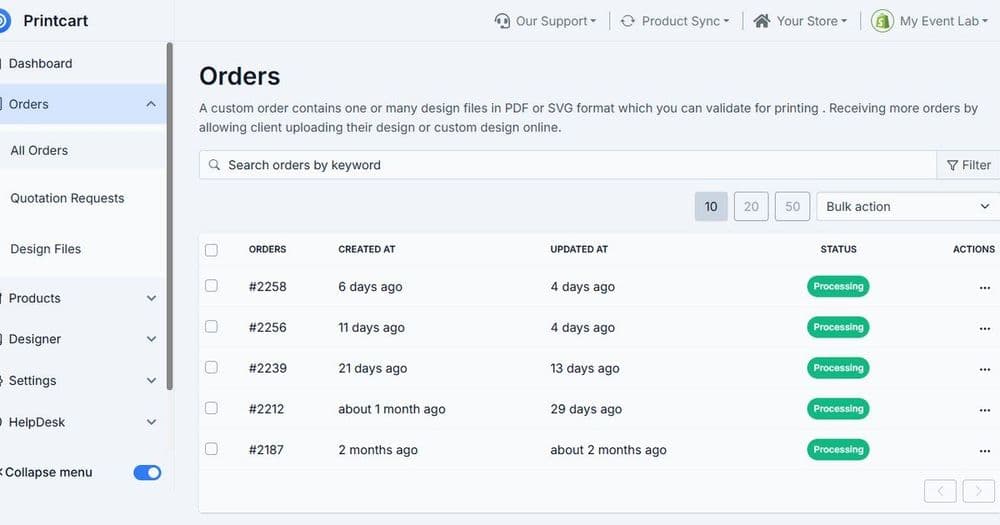
How to Set Up a Corporate Printing Portal for Company Merch and Gifts
A corporate printing portal lets a company order branded merch, gifts, and print materials from one controlled storefront with locked brand templates,...
 Web-to-Print
Turning an Offline Print Shop into a Web-to-Print Store
Turn an offline print shop into a web-to-print store by digitizing your catalog, adding an online product designer, structuring print options and pricing,...
 Product Personalization
Personalization at Scale: Templates, Cliparts, and Customer Input Fields
Personalization scales when the store controls the design with templates, cliparts, and defined customer input fields — not free-form editing. This guide...
 Web-to-Print
Which Printcart App Fits Your Platform? A Comparison
Compare Printcart apps across Shopify, WooCommerce, Wix, Microsoft 365, and a Chrome extension to pick the right way to add a product designer and...