
Print Workflow Automation tutorials
Print workflow automation connects order intake, artwork handling, approval, and fulfillment so orders move from checkout to production without manual handoffs. These tutorials cover using the Printcart API and apps to automate order routing, status updates, and production triggers, plus where to keep a human review step for exceptions like missing artwork or rush orders. Read this category if you’re scaling order volume and need a repeatable, less manual fulfillment process.
Browse other tutorial categories
Print Workflow Automation tutorials
28 guides Print-on-Demand
How to Launch a Print-on-Demand Store with Printcart: Step-by-Step
Launch a print-on-demand store with Printcart by choosing a model, building a product catalog, setting up the product designer, connecting fulfillment,...
 Print-on-Demand
Automating POD Orders and Fulfillment with the Printcart API
The Printcart API lets developers automate print-on-demand orders, artwork files, and fulfillment status between a storefront and production. This guide...
 Print-on-Demand
Web-to-Print vs Print-on-Demand: Which Model Fits Your Business?
Web-to-print and print-on-demand solve different problems: web-to-print controls custom orders and proofs for print buyers, while print-on-demand produces...
 Print Workflow Automation
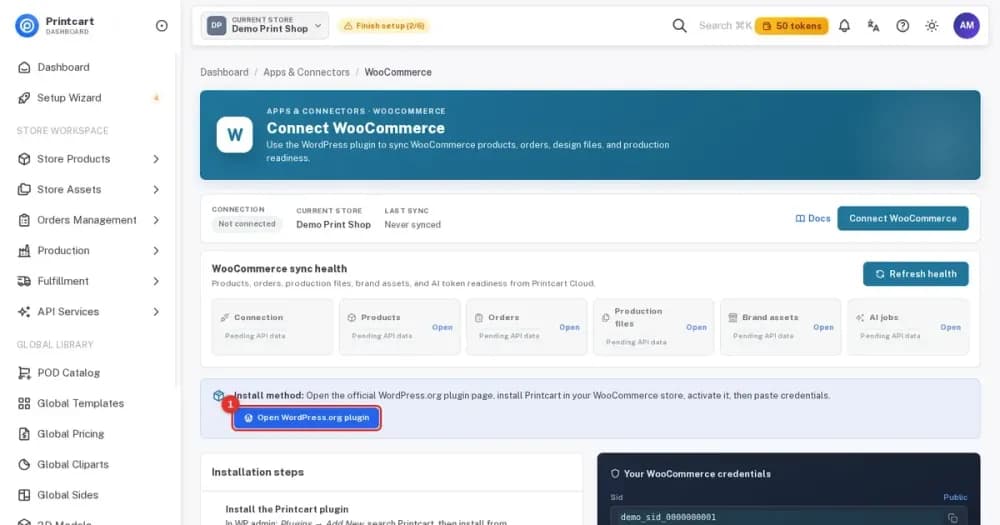
How to Connect Your Store to Printcart: WooCommerce, Wix, Shopify or a Custom Site
Connect WooCommerce, Wix, Shopify or a custom site to the Printcart Dashboard. Eight steps show where the connect buttons and credentials are, with...
 Print Workflow Automation
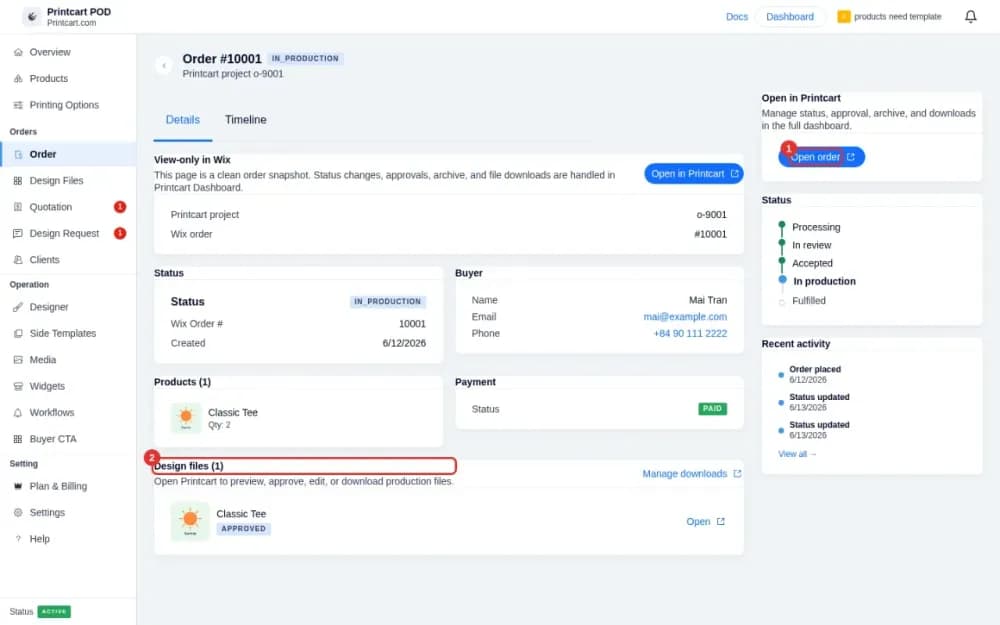
Receive Wix Orders and Download Print Files with Printcart
See new Wix orders with customer artwork, review design files, download print-ready files and control which notifications buyers and you receive.
 Print Workflow Automation
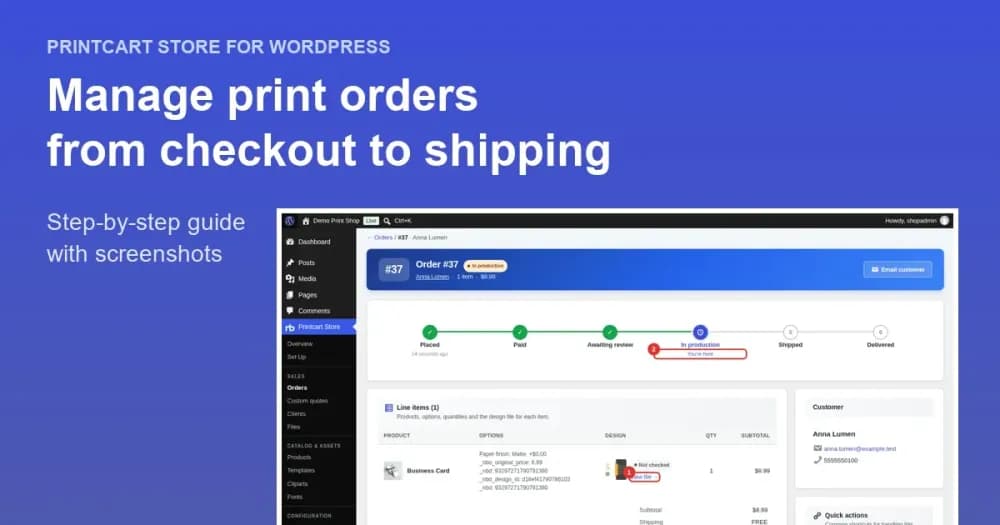
Manage Print Orders in WooCommerce: Review Designs, Track Status and Ship
Follow one print order from checkout to shipping in Printcart Store: open the order, review the customer design file, add tracking and mark it shipped.
 Print Workflow Automation
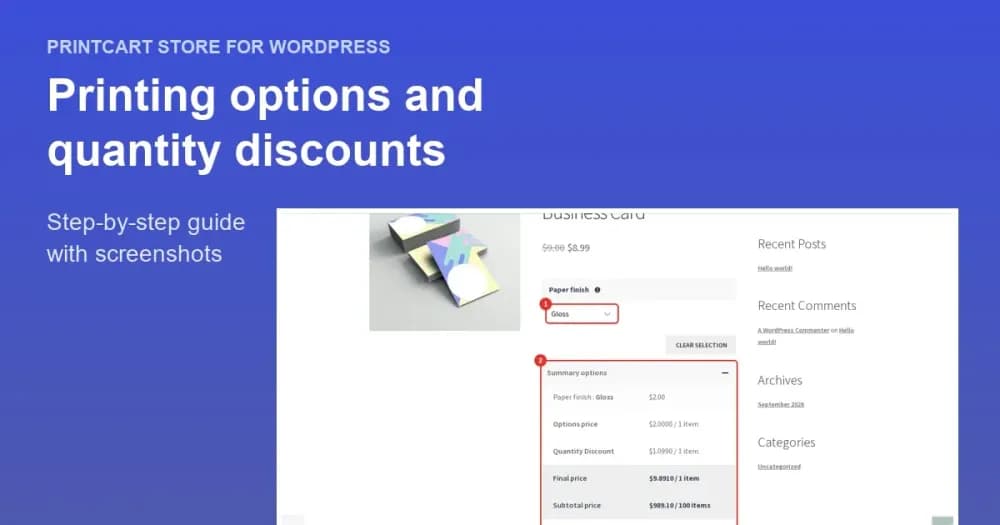
Add Printing Options and Quantity Discounts to a WooCommerce Product
Give shoppers choices such as a paper finish with an extra price, and reward bigger orders with quantity discounts. Test the live price.
 Product Personalization
Managing Bulk and Recurring Corporate Print Orders: Cards, Labels, and Documents
Bulk and recurring corporate print orders — business cards, labels, and documents — need reorder templates, batch data, approvals, and routed fulfillment...
 Product Personalization
How to Set Up a Corporate Printing Portal for Company Merch and Gifts
A corporate printing portal lets a company order branded merch, gifts, and print materials from one controlled storefront with locked brand templates,...