
Product Catalog tutorials
A print-on-demand catalog is the set of products, variants, print areas, and pricing rules a store sells from. These tutorials cover structuring that catalog in Printcart — choosing product types, defining variants and print zones, and syncing products to storefronts like Shopify, WooCommerce, or Wix. Use this category when you’re building a new POD catalog from scratch, expanding into new product types, or cleaning up inconsistent variant and pricing data across an existing store.
Browse other tutorial categories
Product Catalog tutorials
12 guides Print-on-Demand
How to Launch a Print-on-Demand Store with Printcart: Step-by-Step
Launch a print-on-demand store with Printcart by choosing a model, building a product catalog, setting up the product designer, connecting fulfillment,...
 Print-on-Demand
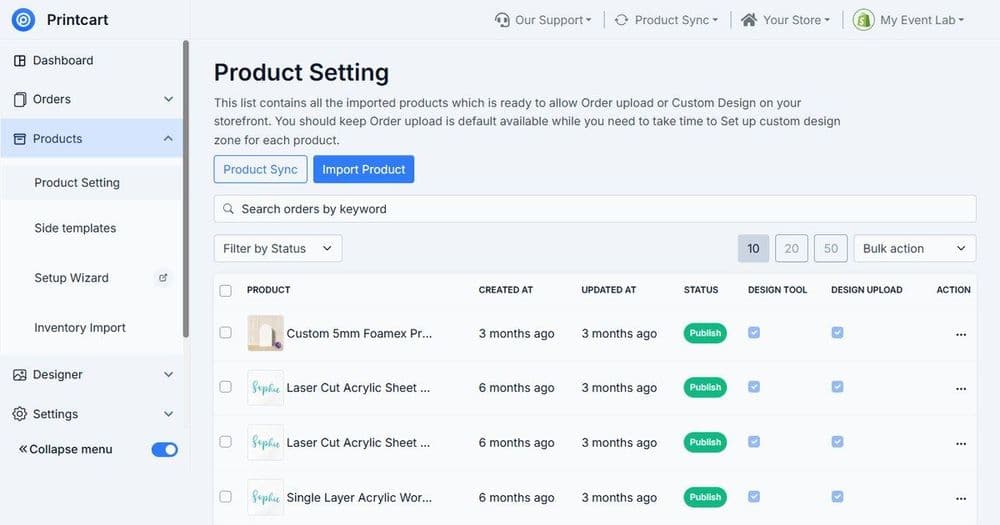
Setting Up the Online Product Designer: A Complete Guide
Set up an online product designer with Printcart by defining print areas, adding templates and cliparts, configuring text and image controls, setting...
 Print-on-Demand
Building a Custom Product Catalog for POD Stores
Build a custom product catalog for a POD store by grouping products, standardizing variants and print areas, attaching templates, and setting consistent...
 Product Catalog
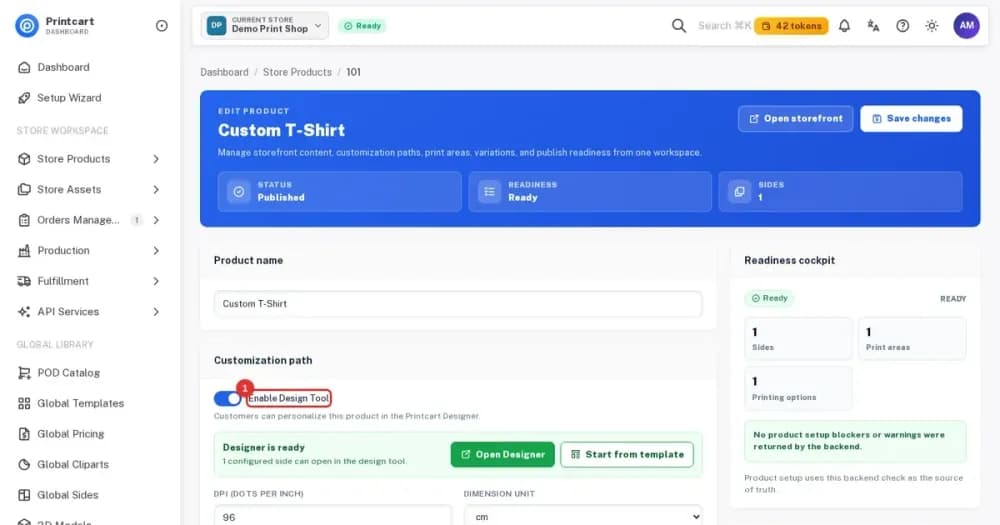
How to Enable the Online Designer and Set Up Products and Printing Options in the Printcart Dashboard
Turn on the online designer or file upload for a product, add sides and print areas, link printing options and check readiness. Eight steps with...
 Product Catalog
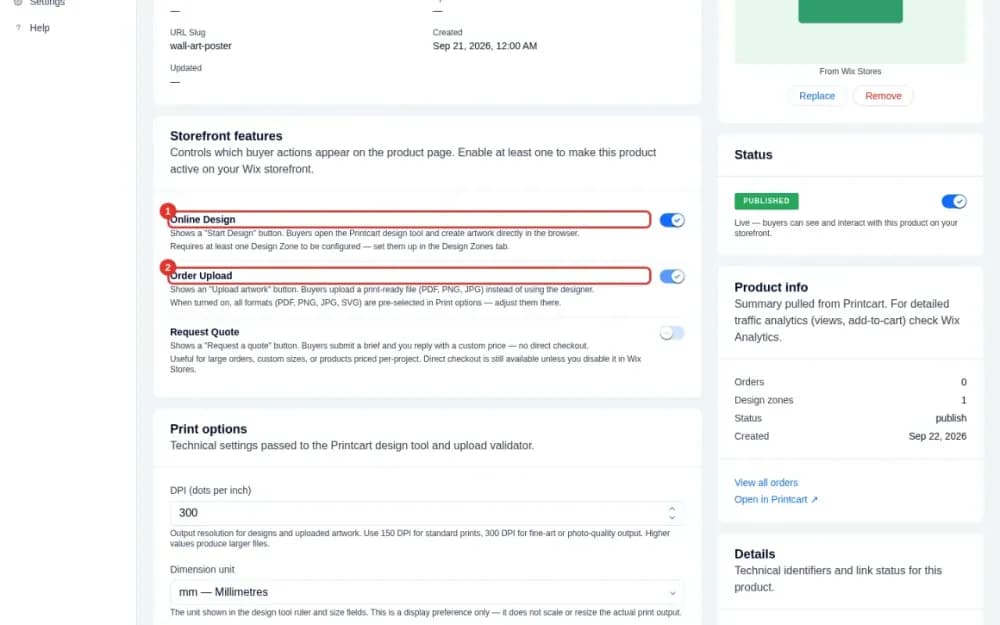
Create Your First Customizable Product on Wix with Printcart
Turn a Wix Stores product into a customizable one: enable online design or file upload, set print areas and preview the buyer buttons on your product page.
 Web-to-Print
Turning an Offline Print Shop into a Web-to-Print Store
Turn an offline print shop into a web-to-print store by digitizing your catalog, adding an online product designer, structuring print options and pricing,...
 Print-on-Demand
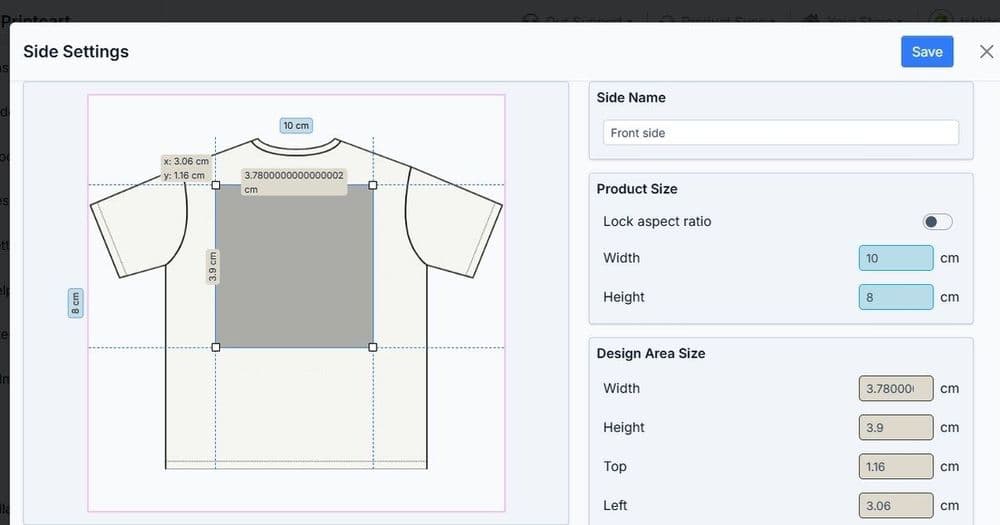
Configuring Print Product Options, Variants and Print Areas
Configure print product options, variants, and print areas so every choice a customer makes maps to correct pricing and a print-ready file. This guide...
 Product Catalog
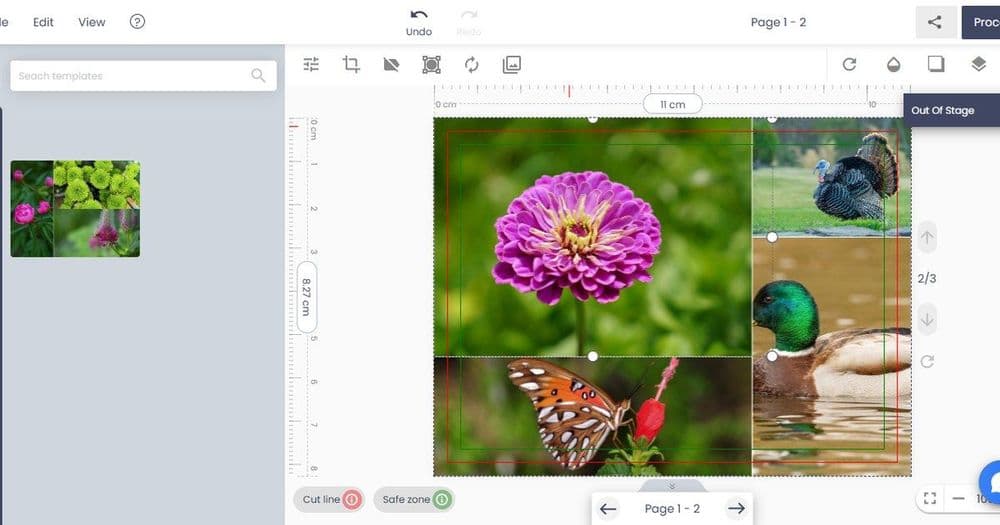
How to Build a Multi-Vendor Print Marketplace
A multi-vendor print marketplace lets many sellers or print partners list customizable products, share a design tool, and route orders to the right...
 Print-on-Demand
How to Remove Backgrounds from Product Photos for Print & Listings
Remove backgrounds from product photos to get clean listing images and print mockups. This guide shows print-on-demand sellers and catalog teams how to...