
Photo Commerce Tools tutorials
Photo commerce tools apply computer vision to photo-heavy print jobs — matching faces across event photos, auto-cropping portraits to a consistent frame, or generating QR cards that link each photo to its owner. These tutorials cover Printcart’s AI face matching, face crop, and bulk QR tools for school photography, event photography, and other high-volume photo print workflows. Use this category if you process large batches of photos and need to automate matching, cropping, or delivery instead of handling each one by hand.
Browse other tutorial categories
Photo Commerce Tools tutorials
6 guides Photo Commerce Tools
AI Face Matching for Event & School Photography
AI face matching sorts a large batch of event or portrait photos to the right subject automatically, using one clear reference photo per person. This...
 Print Workflow Automation
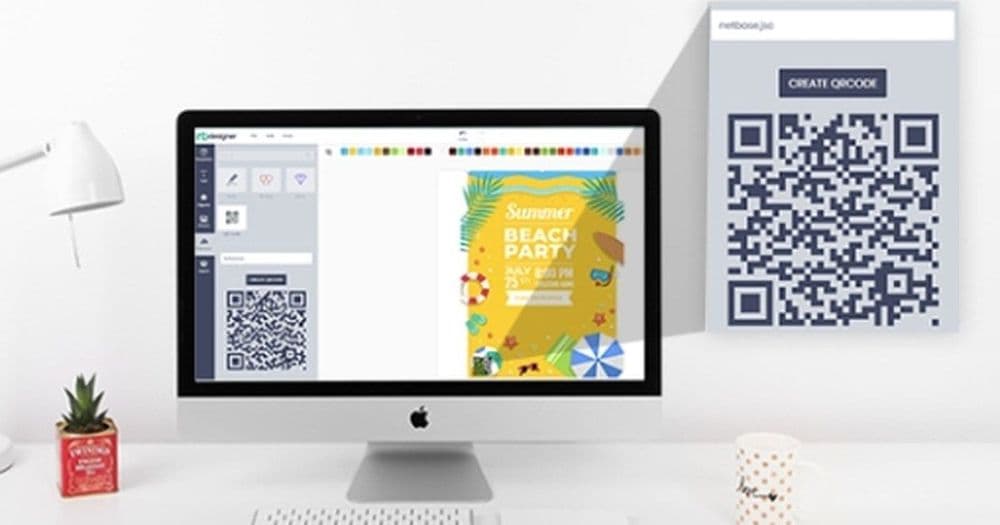
Generate Bulk QR Cards for Photo Fulfillment
Generate bulk QR cards to label, sort, and track subjects across a photo fulfillment workflow. This guide shows studio and event operators how AI-assisted...
 Photo Commerce Tools
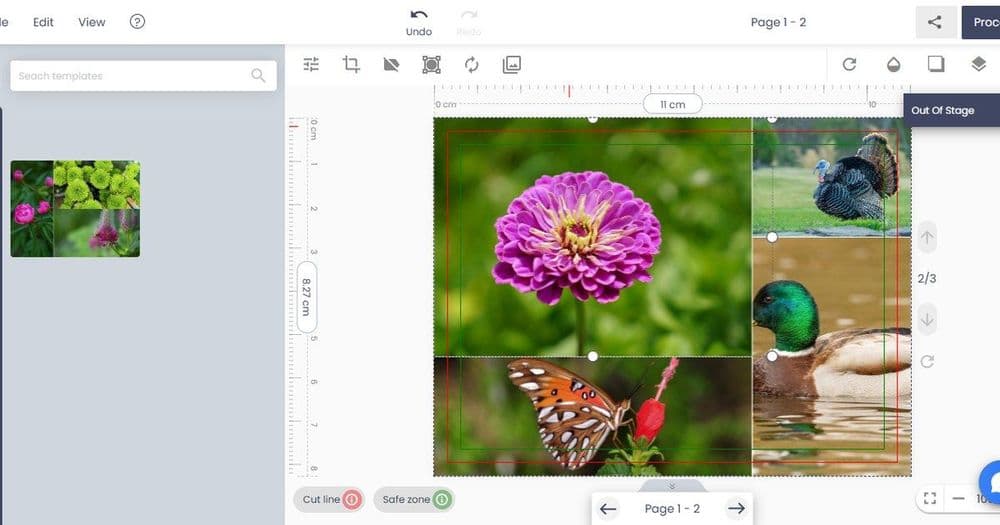
Auto Face Crop for School & Studio Photos
Auto face crop detects faces across large photo batches and crops them consistently for school, sports, and studio portrait products. This guide shows...
 Print-on-Demand
How to Remove Backgrounds from Product Photos for Print & Listings
Remove backgrounds from product photos to get clean listing images and print mockups. This guide shows print-on-demand sellers and catalog teams how to...
 company
Innovative Printing Solutions by Printcart
Explore Printcart's product catalog, design Studio, tools, and apps, with a practical checklist for preparing a custom print product.
 business
Introduction to Printcart: Empowering Print Businesses
An introduction to Printcart's product catalog, design Studio, tools, and apps for planning a custom print workflow.