


Connect · Integrations
Shopify integration
Order and product sync between Shopify and Printcart is live today. Install the Printcart app for Shopify, connect your store, and buyers get the product designer right on your product pages, with order sync, print-ready files and webhooks for every order, plus the same AI print tools available to every Printcart store.
A product of Netbase JSC
- Platform
- Shopify
- Status
- Includes
- Designer, order sync, print-ready files, webhooks
- Updated
The problem, and what Connect gives you
The problem
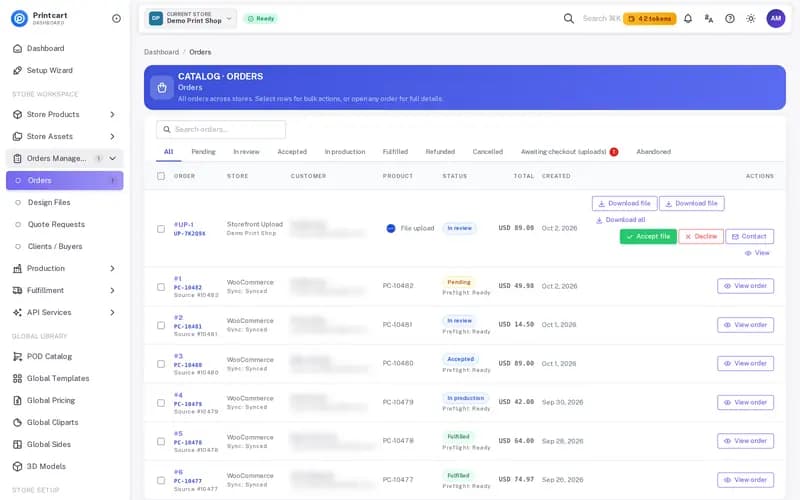
Selling customizable print products on Shopify without a designer means buyers cannot personalize a product on the product page, and a separate design tool means orders, artwork and production fall out of sync.
What Printcart Connect gives you
- The Printcart app for Shopify adds the product designer to your product pages and keeps every order, with its design, synced back into Printcart automatically, so production always has the print-ready file that matches what the buyer approved.
How orders flow
What happens between a buyer finishing a design on Shopify and the order reaching production.
- 1
Step 1
A buyer opens the designer on your Shopify product page and saves a personalized design.
- 2
Step 2
The design and every chosen option are attached to the Shopify order line.
- 3
Step 3
A Shopify order webhook notifies Printcart, which generates a print-ready PDF for each line.
- 4
Step 4
The order and its artwork appear in Printcart for production.
Related services
Printcart can combine Shopify with another Printcart solution, or connect it to your other systems.
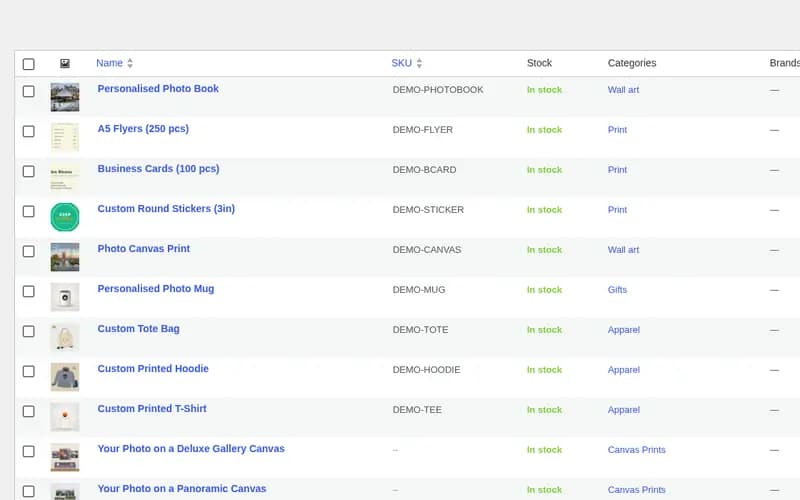
Printcart integration into your print shop store
Combine the Printcart designer and workflow with your Shopify store.
See the service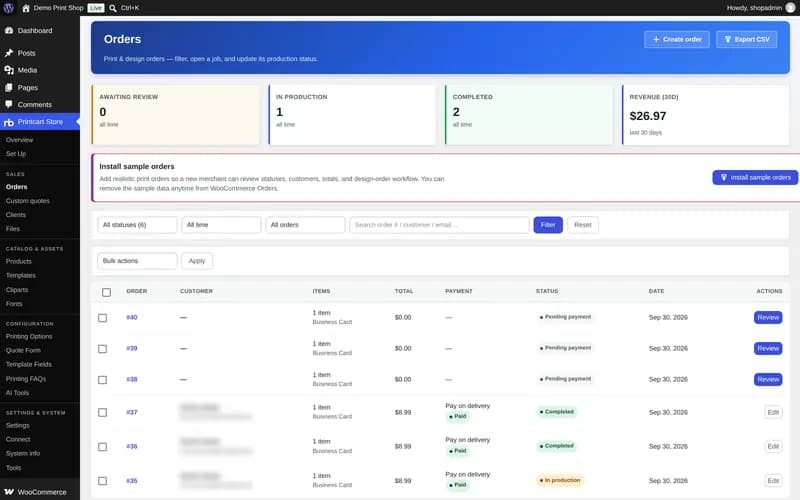
Fulfillment workflow automation
Send orders to production and partners without manual re-entry.
See the service
Get started
 1
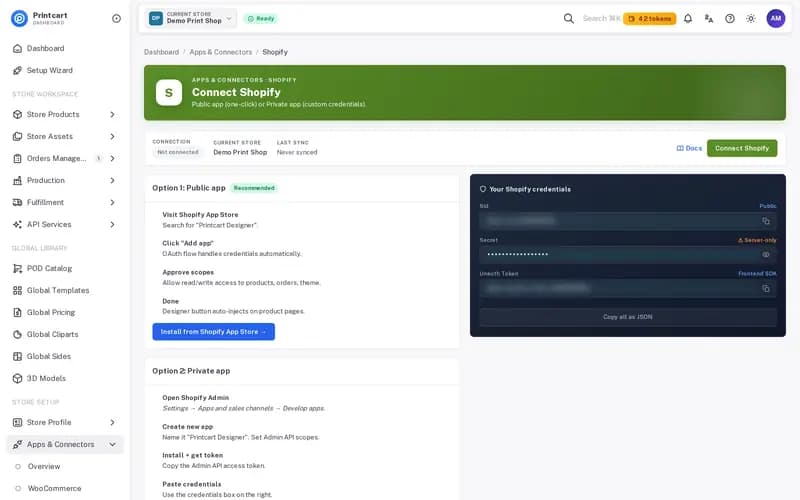
Install the app
Add the Printcart app for Shopify and connect your account.Browse apps: All Printcart appsRead the comparison: Which Printcart app fits your platform
 2
Set up a product
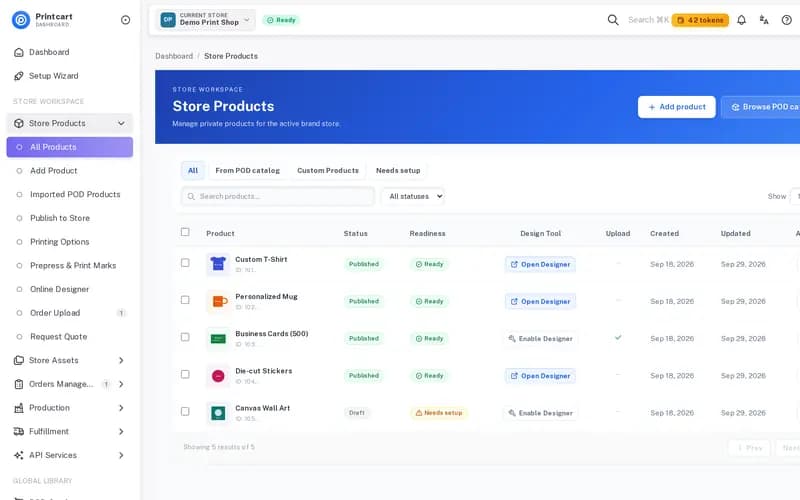
Link a product to its Printcart printing option, or import one from the template library.
- 3
Go live
Publish the product; the designer, order sync and webhooks are already connected.
Who uses Printcart Connect
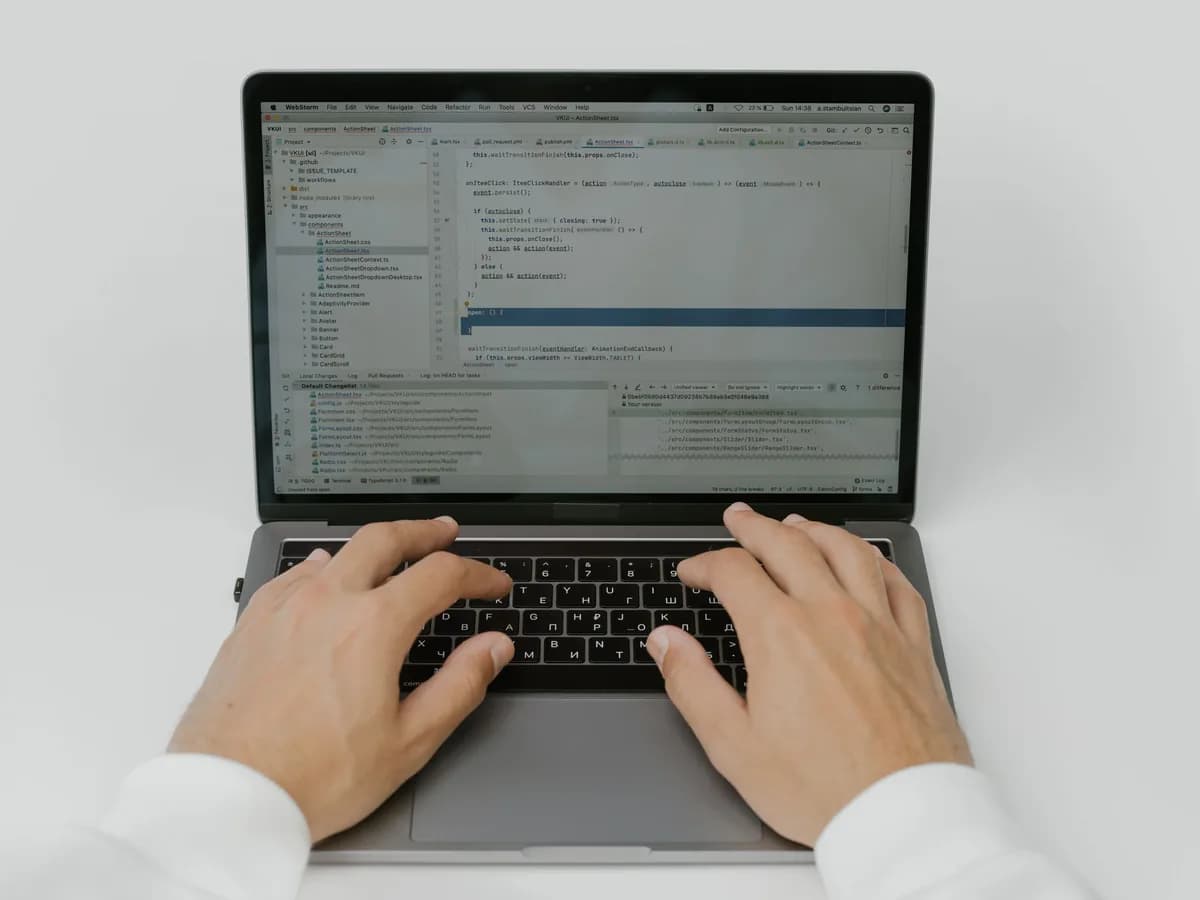 Print shop
s automating order intake
Cloud API and webhooks replace manual re-keying between storefront and press.
 Apparel / POD
Apparel and POD workshops
Templates and pricing presets standardize production across a growing catalog.
 Storefront merchant
Shopify, Wix and WooCommerce stores
A store integration connects the designer, order sync and fulfillment in one step.
Talk to an expert

Huy Nguyen (David)
Talk to an expert
- Works with merchants in 80+ countries, any industry — services are delivered remotely.
- Contracts and payments are made directly with the company, Netbase JSC.
- Service work is quoted in writing before any payment is taken.
Backed by Netbase JSC
Printcart is a brand of Netbase JSC. Every Printcart service, from full web-to-print stores and custom development to integration and ongoing support, is delivered remotely, so a merchant in any country and any industry can work with us. Netbase has worked with clients in 80+ countries. Contracts and payments are made with the company, Netbase JSC. To discuss a project, contact our CEO, Huy Nguyen (David), on WhatsApp at https://wa.me/84937869689 or by email at support@printcart.com.
Shopify questions
Which app do I install for Shopify?
Install the Printcart app for Shopify from the Printcart apps page, then connect it to your Printcart account.
When does an order sync to Printcart?
When a buyer pays for a personalized product on Shopify, the order and its design sync to Printcart so production can start.
Can I run a second Printcart solution next to the Shopify app?
Each store connects one Printcart solution at a time. The three-plugins guideline explains why and your options for combining several.
Can you work with a merchant in my country?
Yes. Printcart services are delivered remotely, so we work with merchants in any country. Netbase JSC, the company behind Printcart, has worked with clients in 80+ countries.
Do you support my industry?
Printcart services are not tied to one industry. Full stores, custom development, integration and support are delivered remotely; tell us what you sell and we will say plainly whether Printcart fits.
How do I pay securely?
You sign the contract with and pay the company, Netbase JSC. App plans are billed through Shopify or Wix for stores on those platforms, and through PayPal for WooCommerce and direct stores. Full-store orders on solution.printcart.com check out through PayPal. Service work is quoted in writing in your Helpdesk ticket before any payment.
Who do I talk to?
Talk to our CEO, Huy Nguyen (David), on WhatsApp at https://wa.me/84937869689 or by email at support@printcart.com.
Sources and standards
Connect your Shopify store
Install the app for Shopify, or start a project if you need it combined with another solution.