


Corporate & B2B portals

Enhanced SaaS Solution for Legal Document Creation and Analysis in France

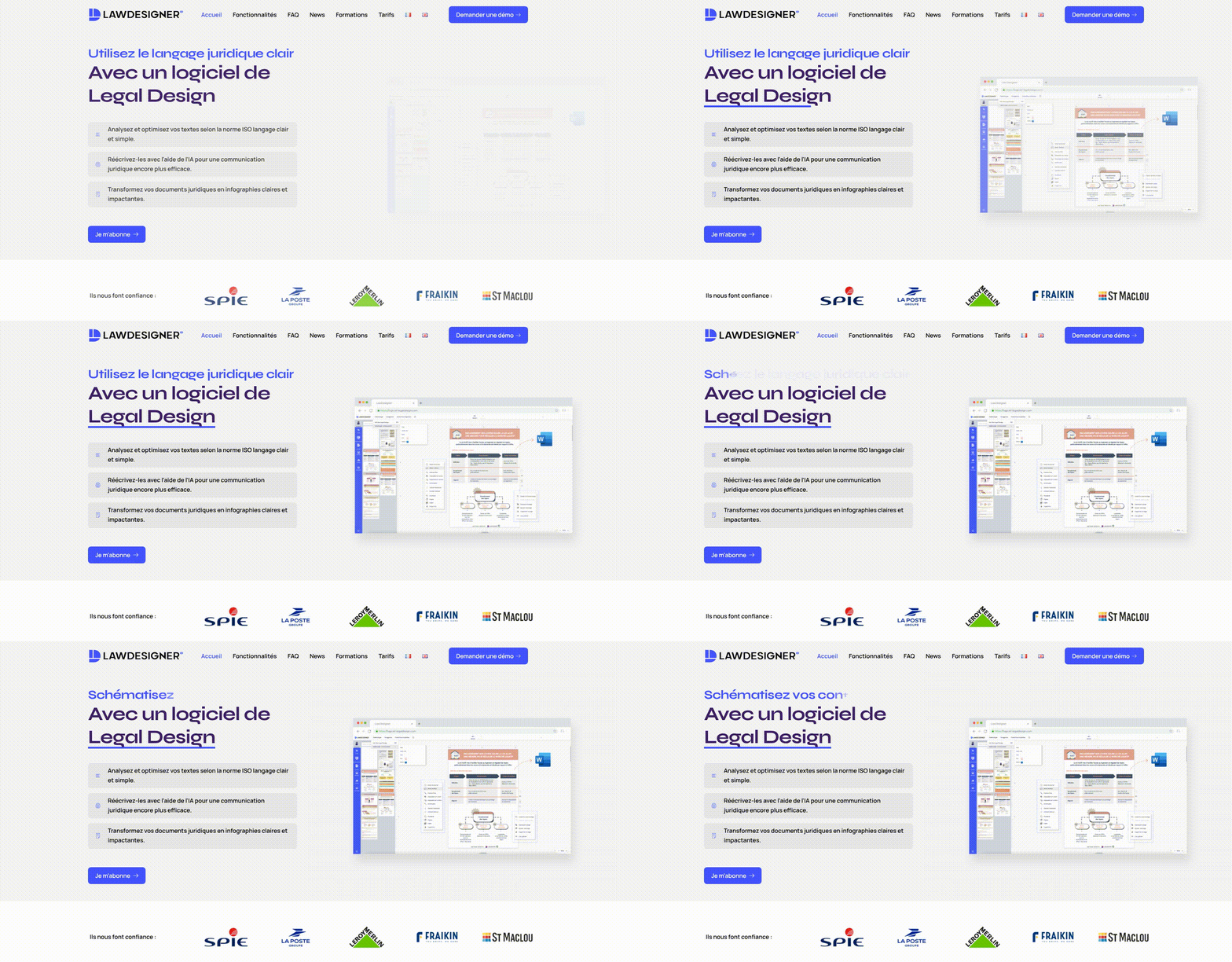
LawDesigner, a prominent SaaS solution for legal design, offers tools for creating and analyzing legal documents with a focus on clarity and visualization. Their services include automated text analysis, AI-assisted rewriting, and a template library. Cmsmart played a key role in refining LawDesigner’s online presence, optimizing the customer journey for document creation and purchasing. By simplifying the catalog structure and enhancing service discoverability, Cmsmart facilitated a smoother journey for users, enabling them to efficiently select templates and submit designs for their legal documentation needs.

Enhanced SaaS Solution for Legal Document Creation and Analysis in France - project preview

The challenge

Context and Problem

LawDesigner is a leading SaaS platform in the legal sector that specializes in producing clear, compliant legal documents. Operating primarily in France, the company offers a suite of features that streamline the creation and analysis of legal texts while adhering to ISO standards. However, the previous online ordering process was complex, potentially deterring clients seeking seamless access to legal design tools and templates.

Goals

The primary objective was to enhance the ordering experience for LawDesigner’s clients, allowing easier access to their digital services. By reducing friction in the user journey, the company aimed to improve customer satisfaction and increase conversions for their product offerings.

The solution

Solution Overview

To address these challenges, Cmsmart restructured the online catalog and improved the overall site usability. This transformation involved creating clearer categories for the services offered, streamlining the onboarding process for new users, and enhancing the visibility of key document creation tools available on the platform.

Implementation Approach

The implementation involved a comprehensive assessment of the existing functionality followed by a phased redesign approach. Initial phases included user journey mapping to understand client needs, followed by the categorization of features and service offerings to promote ease of access. The final phase focused on optimizing the site for conversion, enhancing every aspect of the client journey from discovery to document creation.

What was built

  • Online ordering system with easy navigation through document templates
  • Enhanced product configuration options with a focus on user needs
  • Support for artwork upload to facilitate customized document creation
  • Improved user experience with an intuitive design interface for legal document drafting
  • Clearer service categories that help clients quickly find necessary legal solutions

How it fits the order workflow

LawDesigner’s improved workflow allows clients to quickly generate quotes, submit proofs, and finalize their legal documents ready for production and fulfillment. The user-friendly interface empowers legal teams and professionals to focus more on their work without the barriers of cumbersome ordering processes.

Outcome

The collaboration with Cmsmart resulted in significant improvements in how potential customers discover and engage with LawDesigner’s services. The newly structured online platform not only showcased the full range of legal design solutions available but also provided a frictionless experience for selecting options and submitting artwork. This improvement is expected to boost client engagement, enhance service clarity, and facilitate a more efficient ordering process.

What the workflow covers

  • Clearer service discovery

    Organizes offerings like text analysis, AI rewriting, schematics, and templates so prospects understand what to choose without extra calls or confusion.

  • Faster demo-to-subscription handoff

    Automatically guides leads from demo request to the right plan conversation, reducing waiting time and keeping momentum toward activation.

  • Consistent customer communications

    Auto-sends confirmations, reminders, and next steps so customers always know what happens next, improving trust and reducing inbound “status check” messages.

  • Fewer manual follow-ups

    Cuts repetitive admin work by standardizing outreach for demos, onboarding, and training—freeing the team to focus on higher-value customer support.

  • Better onboarding experience

    Provides a smoother first-use journey, helping customers reach value faster when creating, editing, and exporting legal documents.

  • Improved operational visibility

    Keeps activities organized across sales, onboarding, and support so nothing is forgotten and responsibilities are clearer across the team.

  • Scales with enterprise requirements

    Supports enterprise-ready paths for customers who need branding alignment, priority support, or security discussions like single sign-on—without adding chaos.

  • Cleaner long-running support management

    Helps maintain good service hygiene by prompting timely follow-ups and clarifying when a new request should be opened, preventing stalled conversations.

What clients say

Less back-and-forth with prospects

Automated confirmations and reminders reduced repeated emails and missed handoffs. Customers arrive better prepared and understand the value of legal document clarity and visualization.
Robbie Hillis

Great foundation, needed minor tailoring

The template covered most needs out of the box, but we still customized messaging and routing rules for different customer types. After tuning, it became a reliable daily assistant.
Alsey54

Stronger consistency for training offers

The workflow made training inquiries and scheduling feel more professional. Reminders and follow-ups are predictable, which improved attendance and reduced coordination workload.
Mara Wakefield

Much smoother customer journey

The flow helped us simplify how customers find the right service and what to do next. Demo requests, onboarding steps, and follow-ups are now consistent and easy to manage.
marthaowins

Better structure for templates and features

We were able to align the workflow with our template library, export options, and AI-assisted improvements. It’s easier for users to discover what’s included and get started quickly.
Ashish Garg

Questions about this project

It’s best for SaaS businesses that sell legal document clarity and design capabilities—such as text analysis, AI-assisted rewriting, visual schematics, and template-based document creation—especially when customers start via demo requests. For smoother setup and monitoring, the Pro plan is recommended.

It helps organize the path from discovery to demo request, then to plan selection and onboarding, and finally to ongoing guidance and updates. This reduces manual chasing and keeps customers informed. Pro plan users get better reliability and easier oversight.

It can, as long as you connect an email-sending service you trust for deliverability. You can automate demo confirmations, onboarding messages, and training reminders. Pro plan users typically benefit from stronger monitoring and fewer delivery issues.

No. This workflow focuses on automating operations around your catalog and customer communications. Any changes to layout, pages, or messaging remain fully under your control. A paid plan is useful if you want ongoing optimization support.

Yes. You can route leads differently based on interest in individual vs. enterprise plans, including security needs like single sign-on and dedicated hosting discussions. Pro plan features are helpful for managing multiple routing rules cleanly.

By standardizing how requests are captured, categorized, and followed up—so fewer items fall through the cracks and every customer receives consistent next steps. Pro plan tools can further reduce manual oversight.

Yes. You can align the workflow to your real service structure—template library, editor features, exports (PDF/DOCX/images), and AI tools—so customers find the right option faster. Pro plan users can iterate faster with less risk.

You should have your plan structure, key service categories (analysis, rewriting, visualization, templates), and basic customer messaging ready. Start with a small test group first; Pro plan users can scale with better stability and tracking.

Yes. You can include automated steps for training inquiries, session confirmations, reminders, and post-session follow-ups. If you want more advanced tracking and fewer missed notifications, consider the Pro plan.

Yes. Many businesses prefer to review enterprise pricing discussions, security topics, or special training packages before sending final details. A Pro plan helps keep these approvals organized and auditable.

Enhanced Online Ordering Experience for Custom Print Products - project preview
Corporate & B2B portals

Enhanced Online Ordering Experience for Custom Print Products

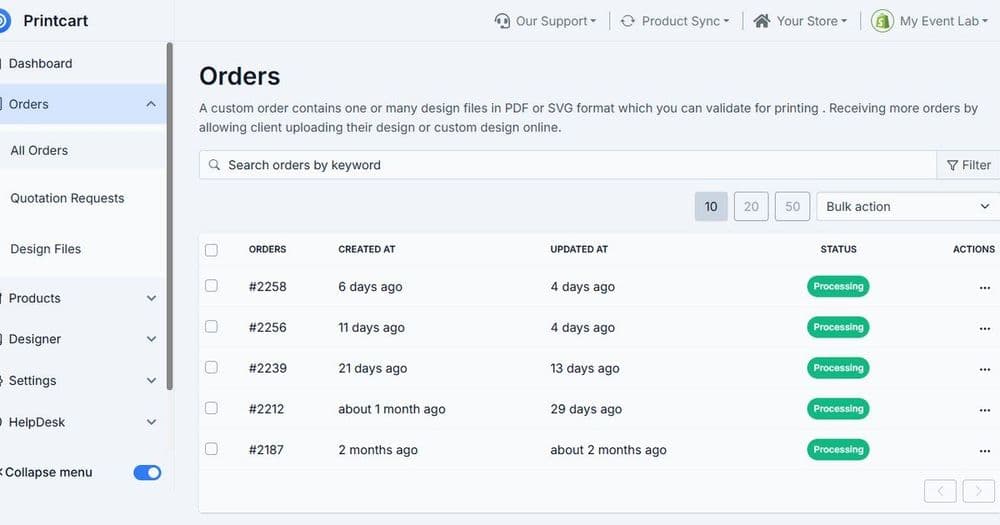
CMSMART recognized the need for an improved online presence and ordering flow for a print product business. The client offers a wide range of services, including business cards, flyers, posters, plans, and signage. By streamlining their online ordering process, CMSMART helped the client enhance product discoverability and provide a seamless customer journey. Customers can now easily navigate through clearer service categories, upload artwork, and select product configurations with reduced friction, resulting in a significantly enhanced online experience.

Read the case study →
Enhancing Customer Journey and Ordering Experience for Custom Products - project preview
Corporate & B2B portals

Enhancing Customer Journey and Ordering Experience for Custom Products

The client specializes in delivering high-quality custom products, including business cards, posters, and banners. Their service-oriented approach emphasizes an effortless customer journey from selecting products to artwork submission and production. CMSMART played a crucial role in refining their online presence by improving the catalog structure and enhancing the ordering flow, thus enabling customers to easily navigate their offerings and submit designs.

Read the case study →
Improving Customer Experience for Print Products with Streamlined Online Ordering - project preview
Corporate & B2B portals

Improving Customer Experience for Print Products with Streamlined Online Ordering

In today’s competitive landscape, a seamless online presence is imperative for businesses in the printing industry. Our client specializes in offering a variety of print products and services, such as business cards, flyers, and custom signage. Cmsmart recognized the need to enhance their service discovery and ordering efficiency. By implementing a tailored solution, we improved their online ordering process and facilitated easier product personalization. Our efforts helped to simplify the customer journey from browsing to final purchase, ultimately providing a superior user experience.

Read the case study →

Want a store like this?

Start with a free Printcart account, or see how our services can set it up for you.

Create free account →
Enhanced SaaS Solution for Legal Document Creation and Analysis in France | Printcart