


Print-on-demand & gifts

Transforming the Product Ordering Experience for a Print Shop

This entry showcases how Cmsmart partnered with a print shop to elevate their online presence and streamline the product ordering process. By focusing on user-centric design and simplified navigation, the print shop can provide an easier customer journey from selection to checkout, enhancing overall satisfaction.

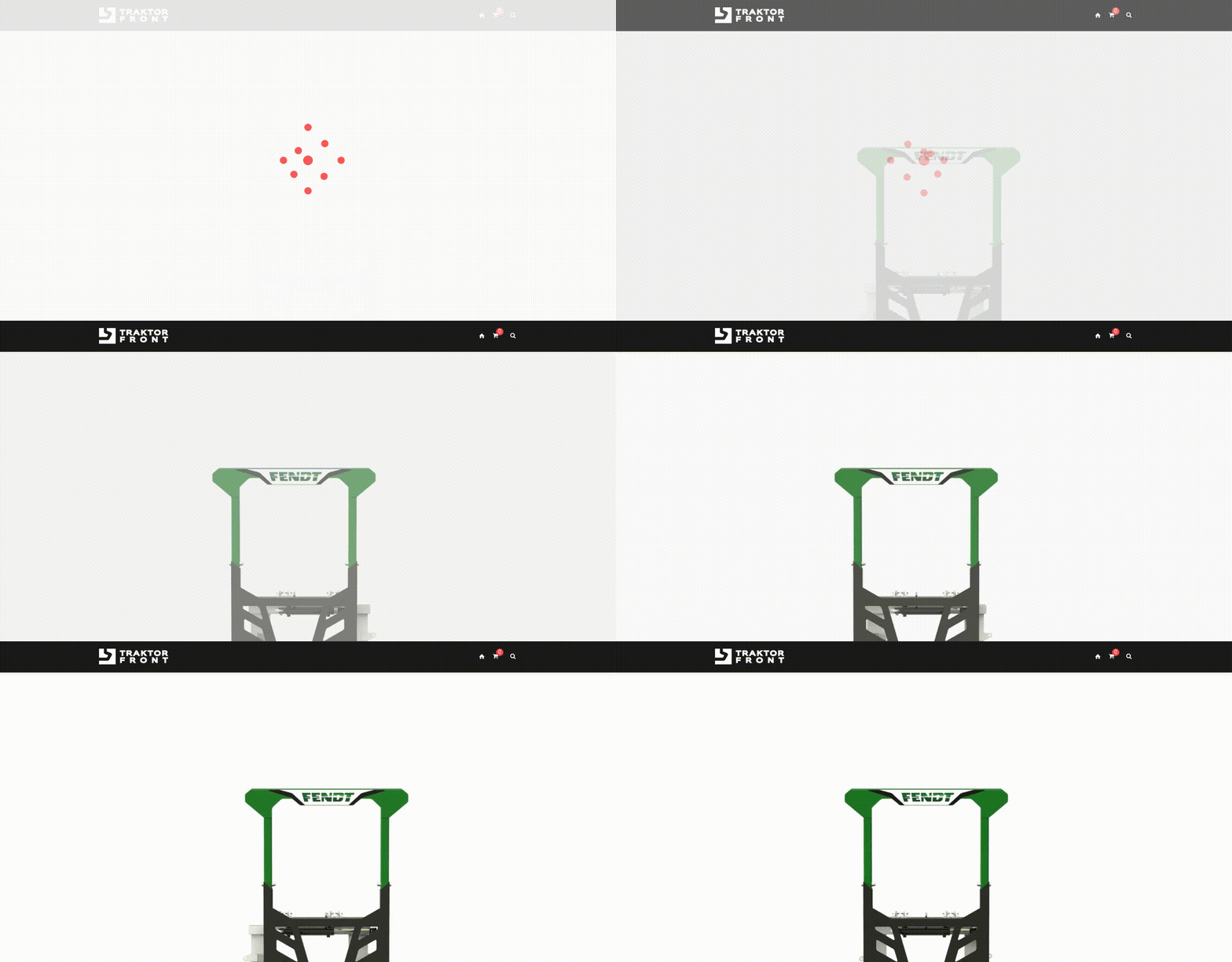
Transforming the Product Ordering Experience for a Print Shop - project preview

The challenge

Context and Challenges

This print shop specializes in providing various custom printing services, including business cards, flyers, and promotional materials. However, they faced challenges with website usability, where potential customers experienced difficulties navigating the site and discovering available services effectively. Ensuring a smooth user experience was essential for retaining customers and increasing online orders.

Goals

The primary goal was to enhance the customer journey on their website. This included simplifying the product discovery process, improving the artwork upload functionality, and establishing a clearer ordering flow, allowing customers to place orders efficiently.

The solution

Solution Overview

By implementing a user-friendly design approach, Cmsmart restructured the site to better highlight the print shop's offerings. The enhancements included a more intuitive catalog layout, streamlined ordering pathways, and improved options for uploading designs. Cmsmart focused on keeping the user experience seamless, which was key to achieving the client's objectives.

Implementation Approach

The Cmsmart team adopted a structured, phased approach that began with analyzing the existing customer journey and identifying pain points. Based on these findings, a new wireframe was developed, focusing on optimal paths for both product selection and artwork submission. The final implementation saw a collaborative effort to test functionality and user experience enhancements before the official launch.

What was built

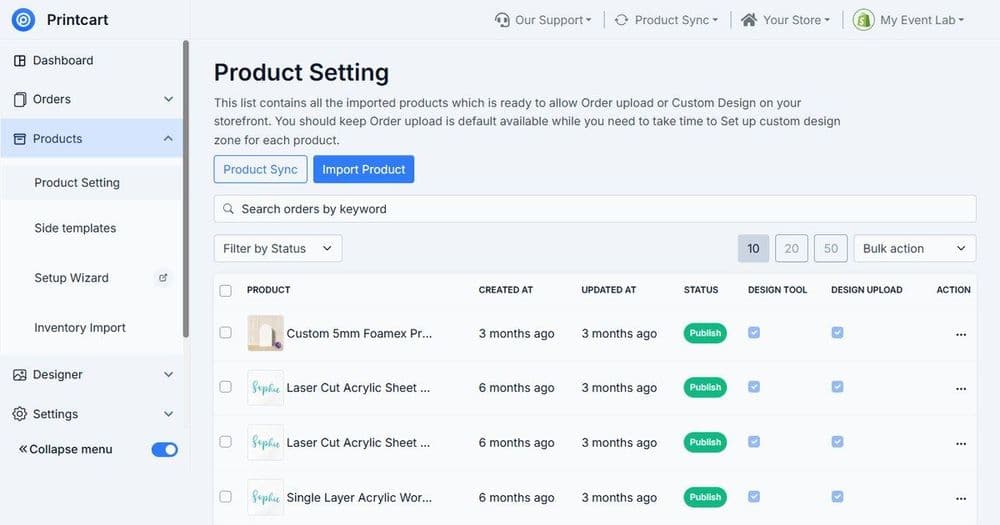
  • Online Ordering: A straightforward checkout system was implemented, reducing steps and minimizing friction for the customer.
  • Product Configuration: Customers can now easily select specifications for printed products, improving clarity in options available.
  • Artwork Upload: The new design offers a more robust and reliable file-upload feature that allows users to submit their designs effortlessly.
  • Customer Flow: Improved navigation leads customers naturally through the process from selection to order confirmation.

What the workflow covers

  • Simpler product discovery

    Helps customers find the right print service faster with clearer navigation and a more intuitive catalog structure, reducing drop-offs caused by confusion.

  • Clearer product configuration

    Guides buyers through selecting specs like size, finish, and quantities so they understand choices and place more accurate orders the first time.

  • Smoother artwork submission

    Improves the file-upload step with clearer prompts and fewer failed uploads, helping your team receive usable artwork sooner.

  • Fewer manual follow-ups

    Automates customer updates and reminders, so your staff spends less time chasing files, clarifying specs, or confirming next steps.

  • Faster order turnaround

    By reducing order errors and missing artwork, the workflow helps keep jobs moving from order to review to production without unnecessary delays.

  • More consistent customer experience

    Creates a repeatable ordering path that feels professional and predictable, improving trust—especially for first-time customers.

  • Better operational visibility

    Keeps ordering steps and customer communications organized, making it easier to see what’s waiting on artwork, proofing, or confirmation.

  • Easier scaling during busy periods

    As order volume grows, structured steps and automated messages reduce bottlenecks and help your team manage more requests without losing accuracy.

What clients say

Ordering feels much more straightforward

Customers can pick options and move to checkout with less confusion. The overall flow is cleaner and we spend less time explaining where to click.
Pilot216

Better customer updates with less effort

We’re sending consistent messages at the right moments, which reduced “what’s the status?” emails and improved customer confidence.
Ashish Sharma

Artwork submissions improved noticeably

The upload step is clearer and we get fewer incomplete submissions. That alone reduced delays and made our prepress work smoother.
blakespot

Cleaner structure for our catalog

Products are easier to browse and the layout highlights our services better. It’s a stronger experience for new visitors and repeat buyers.
Mary Swan

Great foundation, needed minor tailoring

The template covered the core needs, but we still had to adjust wording and some options to match our shop. After that, it worked reliably.
The Ghoast

Questions about this project

It’s designed for print shops and custom product sellers who need a clearer online ordering journey—especially when customers must choose specs and upload artwork. If you handle frequent file questions, this helps reduce back-and-forth. For ongoing reliability and monitoring, a Pro plan is recommended.

It focuses on product discovery, choosing options (size, paper, finishing), artwork submission, and a smoother path to checkout. It also supports clearer customer updates after the order is placed. Pro users can add more advanced routing and reporting.

Yes. You can adapt the template to different product lines by mapping your categories and option sets. The goal is consistent ordering steps across items while keeping choices easy to understand. A Pro plan helps when you want deeper customization and scaling.

Yes, you can set up automated messages for key checkpoints like order confirmation, artwork required, proof ready, and completion. This reduces manual emails and improves customer confidence. Pro plans are best if you want more timing rules and monitoring.

It can support a proofing flow by triggering reminders and status updates when proofs are ready and when approvals are needed. Exact proofing tools vary by your store setup, but the workflow helps keep the process organized. Pro plans help with more complex approval paths.

Prepare your product categories, option lists, upload guidelines, and the messages you want customers to see. Also decide who receives internal notifications for new orders and artwork issues. Pro users can implement richer reporting and controls.

Timing depends on how many products and options you have and how much you want to tailor messaging and the upload flow. Many shops can start with a basic setup quickly, then expand. Pro plans make it easier to maintain and scale reliably.

You can refine categories, option wording, and notification timing as your store evolves. For ongoing improvements, monitoring, and priority assistance, a Pro plan is the best fit—especially if the workflow becomes core to daily operations.

Yes. By guiding customers through selection and file submission, it cuts common questions and reduces errors that cause delays. Automated reminders help prevent stalled orders. For priority help and stability in a busy store, choose a Pro plan.

It supports a more guided upload experience so customers know what to submit and when. You can add prompts for file types, size requirements, and what happens next (review/proof). Pro plans are helpful for stronger tracking and fewer missed uploads.

Print-on-demand & gifts

Optimizing Online Presence for Print Service Providers

This project showcases how Cmsmart streamlined the online ordering experience for a print service provider, enhancing product discoverability and simplifying the ordering process. By improving the user journey, customers can easily navigate through a well-structured service catalog and personalize their products with ease.

Read the case study →
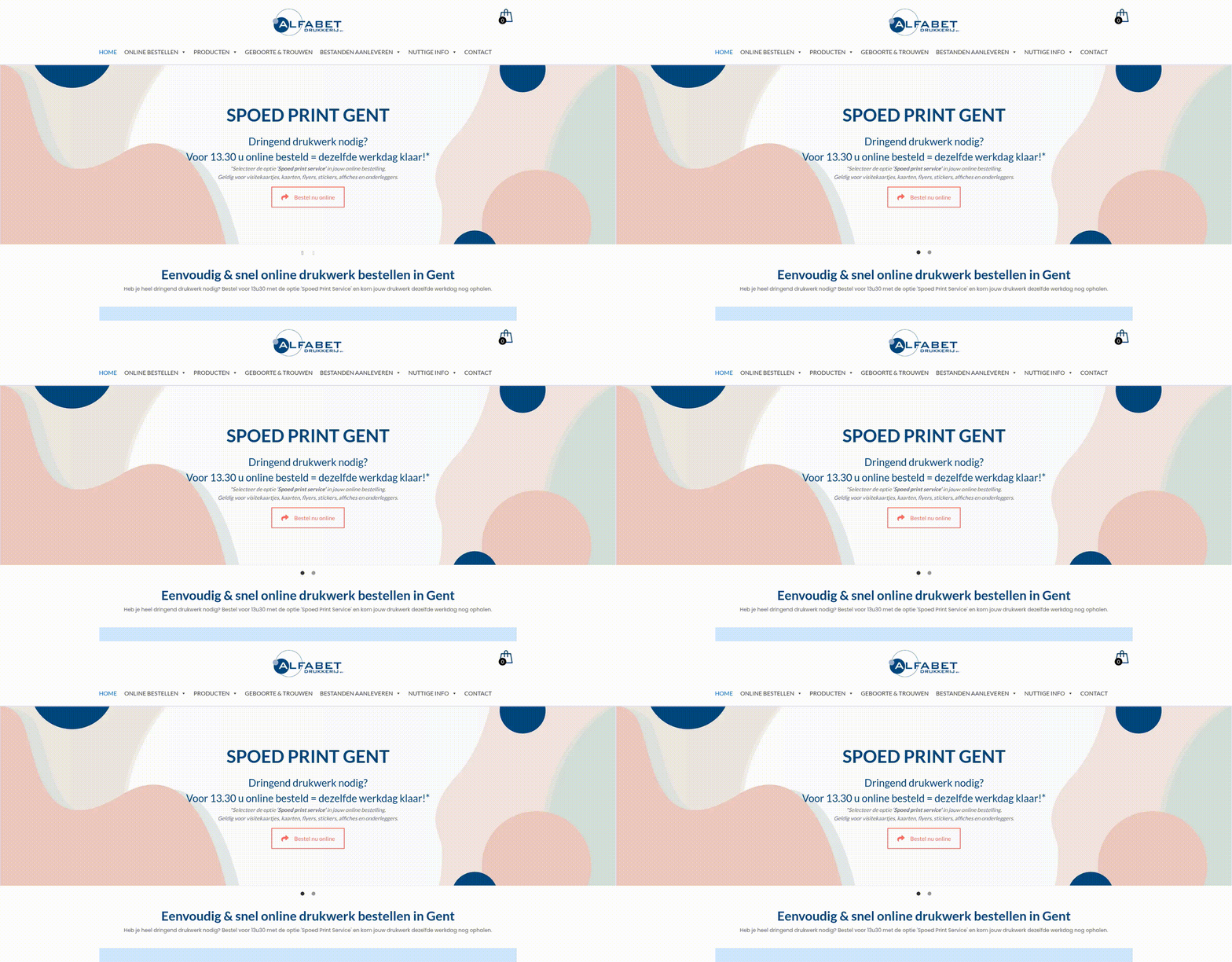
Transforming the Online Ordering Flow for Custom Print Services - project preview
Print-on-demand & gifts

Transforming the Online Ordering Flow for Custom Print Services

This case highlights how a customized online ordering system was developed to address the unique needs of a print service provider, enhancing customer experience and streamlining the order process. Cmsmart played a crucial role in redesigning the ordering workflow, allowing users to efficiently navigate through service categories, configure their products, and submit designs with minimal friction. The optimized ordering experience has significantly improved the overall usability and satisfaction for customers looking to personalize their print solutions.

Read the case study →
Transforming the Online Ordering Journey for Custom Products - project preview
Print-on-demand & gifts

Transforming the Online Ordering Journey for Custom Products

Cmsmart played a pivotal role in enhancing the online presence of a business specializing in personalized products. By focusing on improving discoverability and streamlining the ordering process, Cmsmart helped create a more user-friendly experience. This transformation included implementing effective product categories and an efficient workflow for customers to easily create and order custom items.

Read the case study →

Want a store like this?

Start with a free Printcart account, or see how our services can set it up for you.

Create free account →
Transforming the Product Ordering Experience for a Print Shop | Printcart