


Key takeaways
Explore a custom printing workflow
Printcart brings together a print-on-demand product catalog, a design Studio, and tools and apps for print businesses. These parts can help a team move from a product idea to artwork that is ready for production review. The exact setup depends on the product, the connected services, and the printing partner.
Start with the product and design
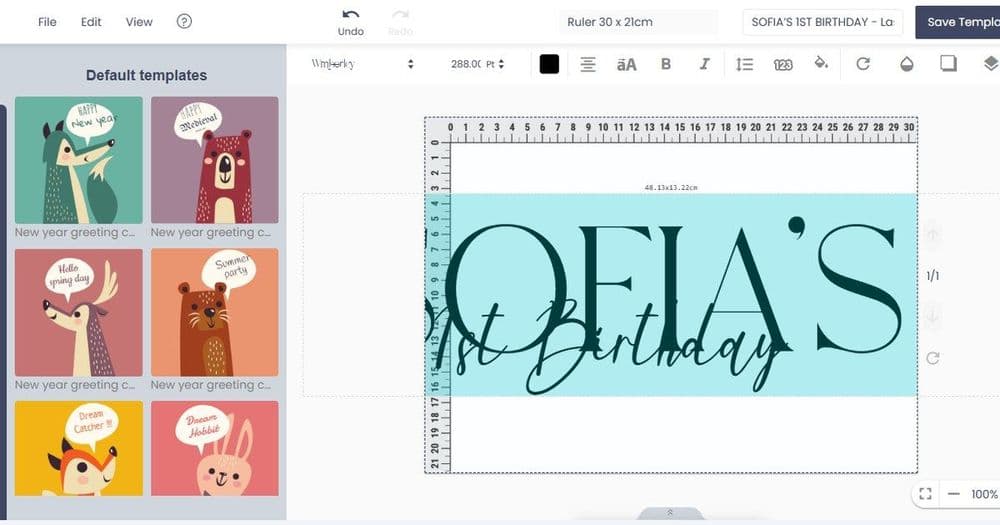
Browse the Printcart product catalog to choose the item you want to customize. Check its available options and production requirements before preparing artwork. Use the design Studio to work on the visual layout and preview it. A preview is a planning aid; confirm print dimensions, colors, materials, and other specifications with the producer before accepting an order.
Choose tools for your operation
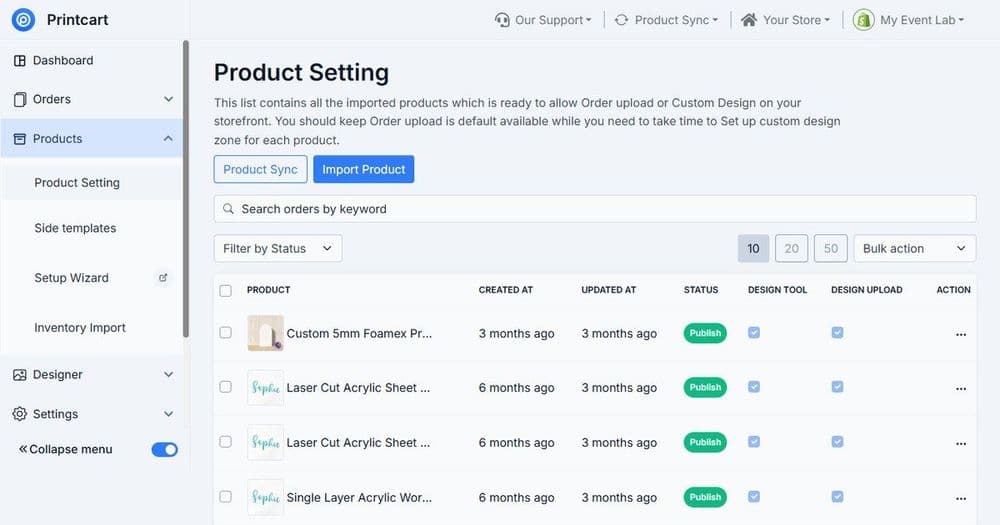
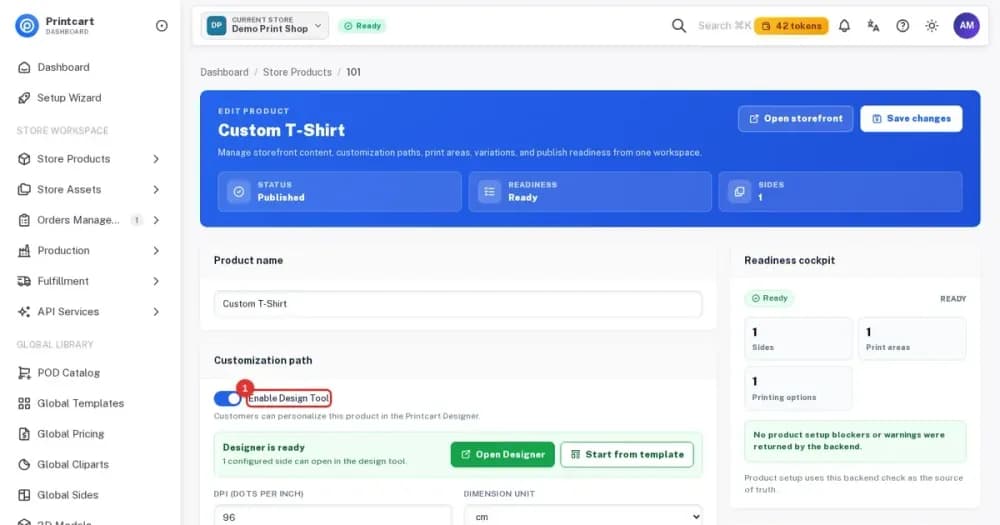
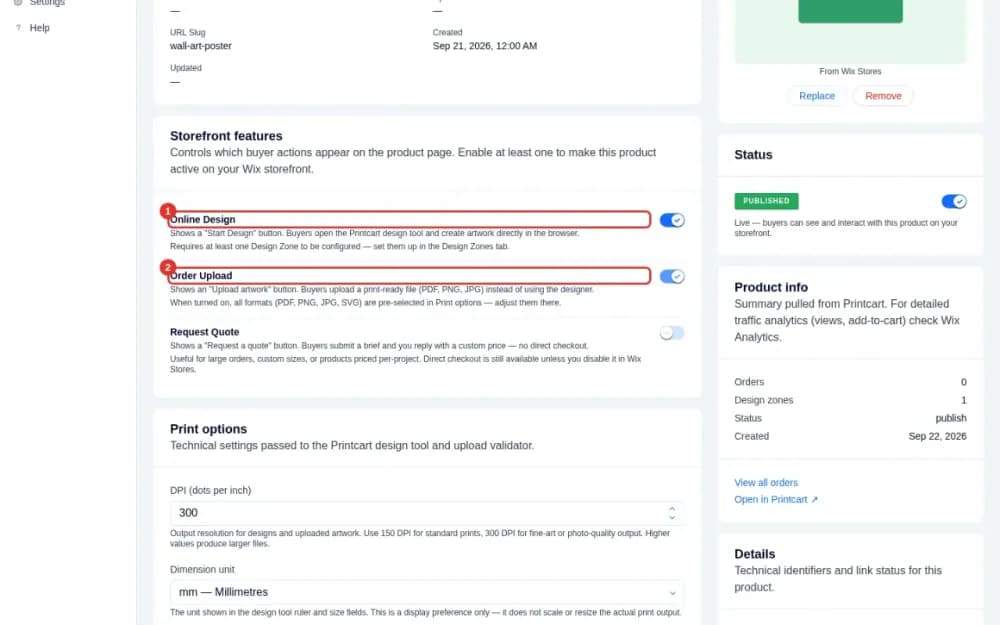
The tools and apps pages show the options available on Printcart. Review each option against your storefront, design, and fulfillment needs. Check the current documentation and service terms for any integration before relying on it in a customer workflow.
Review before fulfillment
Test a sample product when practical. Check artwork resolution, safe areas, spelling, color expectations, packaging, and the delivery estimate supplied for the order. Confirm each step with the responsible production or shipping provider. Availability and delivery times vary by product, destination, and provider; this guide does not promise a particular result or delivery date.
For related setup advice, browse the Printcart tutorials.
What tools does Printcart offer for a custom printing workflow?
Printcart brings together a print-on-demand product catalog, a design Studio for working on the visual layout, and tools and apps pages that list the integration and production options available for a print business.
Should I test a sample product before fulfillment?
Yes. Testing a sample lets you check artwork resolution, safe areas, spelling, color expectations, and packaging, and confirm each step with the responsible production or shipping provider before relying on the setup for live orders.
Does Printcart promise a particular delivery date?
No. Availability and delivery times vary by product, destination, and printing partner, so this guide does not promise a particular result or delivery date; confirm timing with the provider handling the order.
Printcart field note
What to verify before you roll out Innovative Printing Solutions by Printcart
This guide is based on Printcart implementation patterns across catalog structure, design controls, and customer personalization. Before rolling it out to customers, test the workflow yourself with one real product, one real design file, and one real order.
Sources
Innovative Printing Solutions by Printcart — common questions
What tools does Printcart offer for a custom printing workflow?
Printcart brings together a print-on-demand product catalog, a design Studio for working on the visual layout, and tools and apps pages that list the integration and production options available for a print business.
Should I test a sample product before fulfillment?
Yes. Testing a sample lets you check artwork resolution, safe areas, spelling, color expectations, and packaging, and confirm each step with the responsible production or shipping provider before relying on the setup for live orders.
Does Printcart promise a particular delivery date?
No. Availability and delivery times vary by product, destination, and printing partner, so this guide does not promise a particular result or delivery date; confirm timing with the provider handling the order.
Next steps in Printcart
Connect this guide with catalog setup, templates, production workflows and implementation support.
Put this guide into practice with Printcart
Use the related Printcart tool below, or create a free account to start building with the product designer.