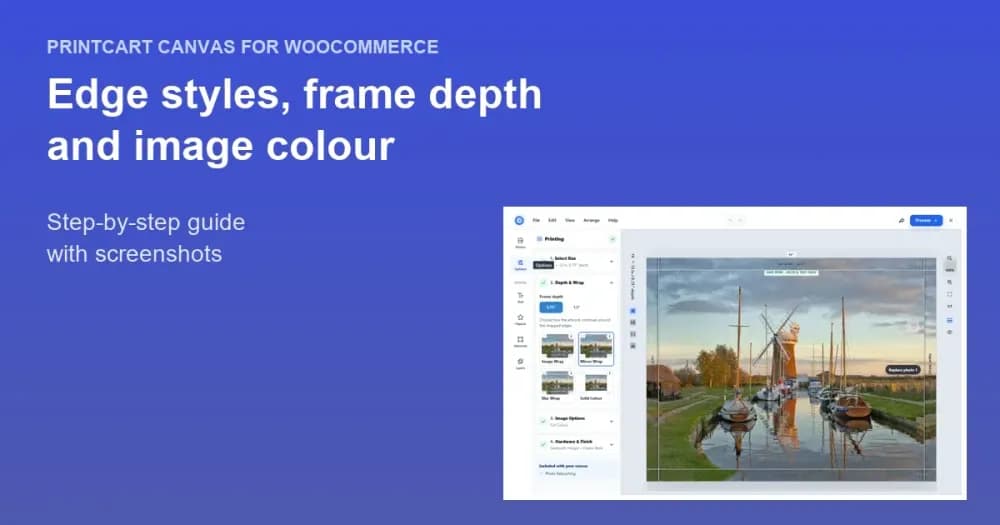
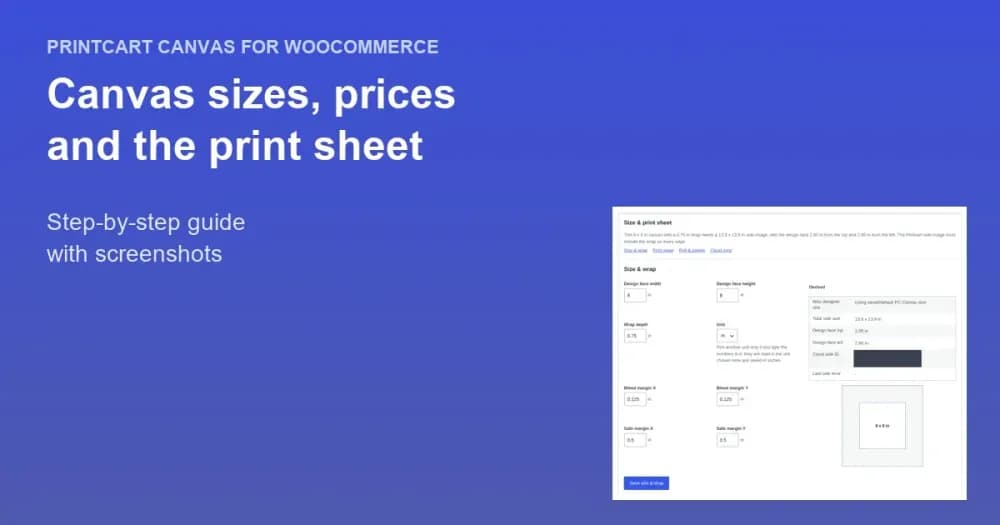
Printcart Canvas is a free WordPress plugin that turns a WooCommerce product into a made-to-measure canvas print with a live edge-wrap preview. Install it from Plugins > Add New Plugin, paste your Printcart store SID, secret and unauth token under PC Canvas > Connection , press Test Connection , set your dimension unit and finish with Diagnostics >...
Key takeaways
What do you need before you start?
- A WordPress site with WooCommerce active and administrator access.
- A Printcart account and store. Your SID, secret and unauth token are in the Printcart dashboard.
The screenshots come from a demonstration WooCommerce store running Printcart Canvas 4.5.9 with the UK Standard Canvas template. Store credentials and internal identifiers are masked. Want to see it first? Open the live demo store and press Design your canvas.
How do you install and connect Printcart Canvas?
Step 1Install the plugin
In WordPress go to Plugins > Add New Plugin, search for Printcart Canvas and press Install Now, then Activate. You can also download it from WordPress.org. The designer opens from Printcart's standard designer address, so there is nothing to configure for it.
Expected result: The plugin row shows Connect store and Dashboard links, and a new PC Canvas menu appears below WooCommerce.

Step 2Enter your Printcart store credentials
Open PC Canvas > Connection. Check that API base URL is https://api.printcart.com/v1, paste your values into Replace SID, Replace secret and Replace unauth token, and press Save Changes. Leave the three switches on: Designer preview shows the designer on canvas products, Artwork refuses to add a canvas to the cart without a design, and Order sync sends paid orders to Printcart automatically.
Expected result: Only the last four characters of each credential are shown. Leave a Replace field empty to keep what is stored.
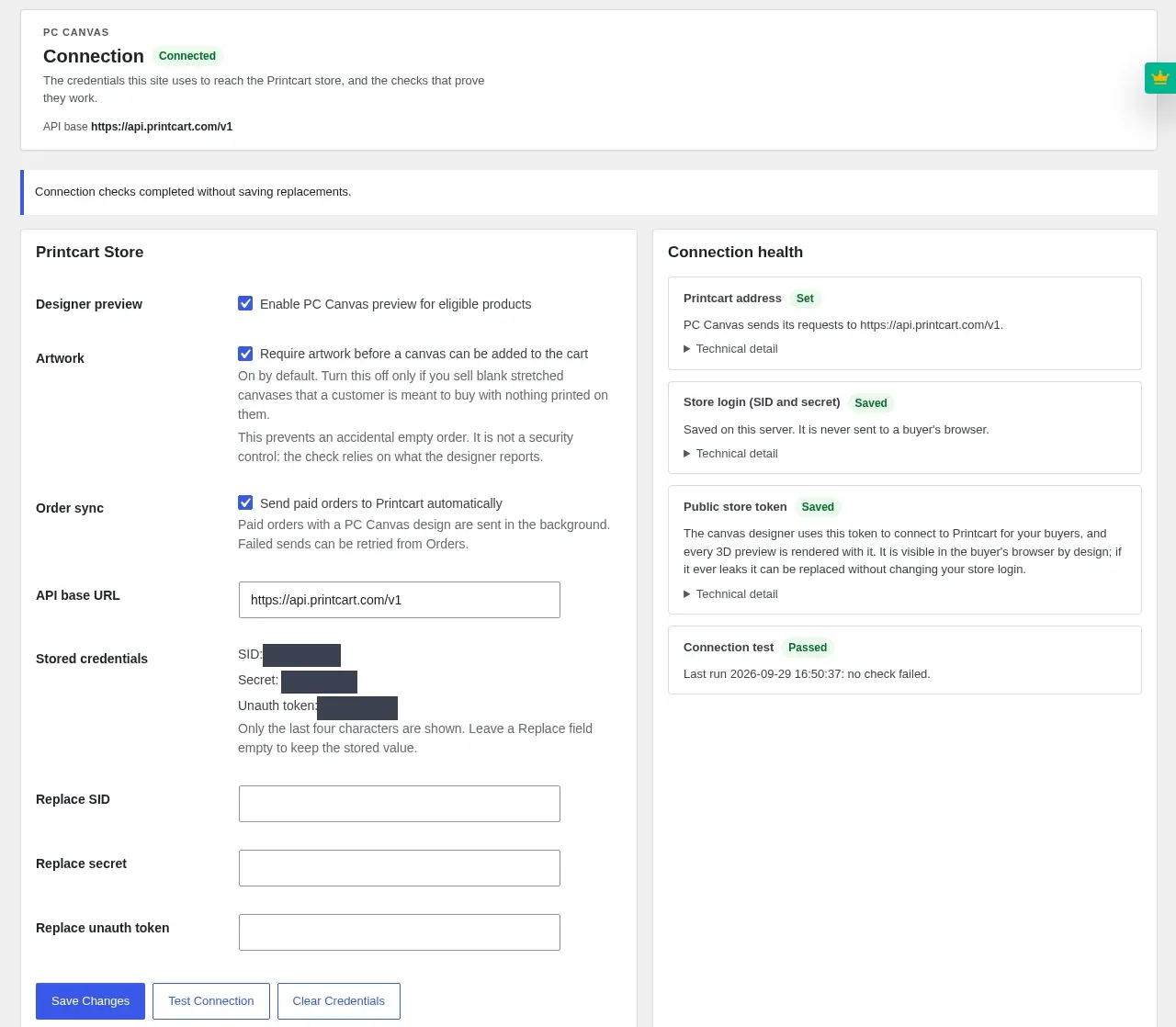
Step 3Test the connection
Press Test Connection. It saves nothing; it asks Printcart to accept the stored values. Then read Plan and entitlement and Last test result below it.
Expected result: Connection health shows Printcart address Set, Store login Saved, Public store token Saved and Connection test Passed, every row of the last test is Done and 3D edge preview is Available.
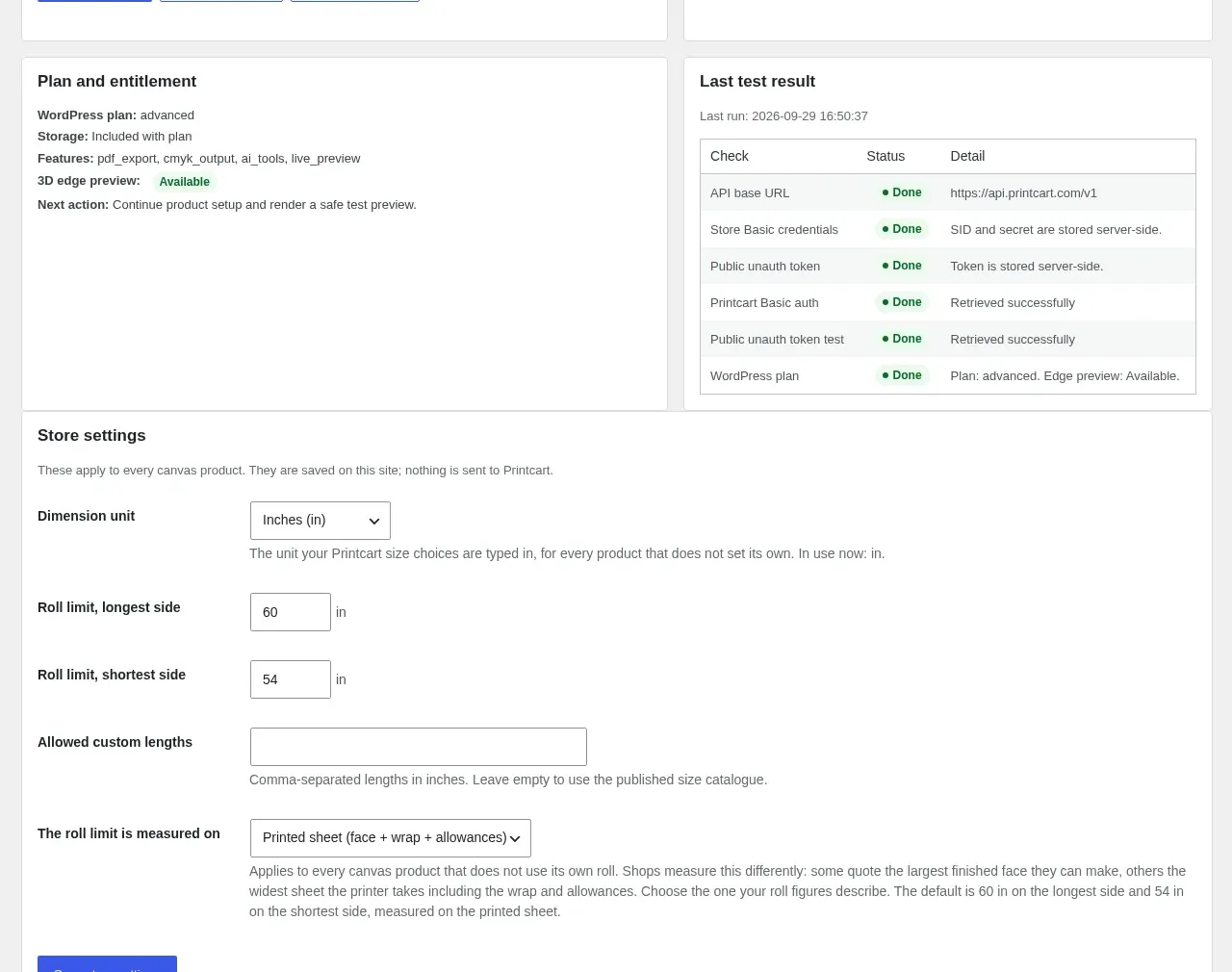
Step 4Set your store settings
In the Store settings box on the same page, set Dimension unit to the unit your sizes are typed in (the UK template uses inches), check the roll limits against your printer and press Save store settings. These settings stay on your site; nothing is sent to Printcart.
Expected result: The unit and roll limits are saved and apply to every canvas product that does not set its own.
Step 5Set permalinks and run the final check
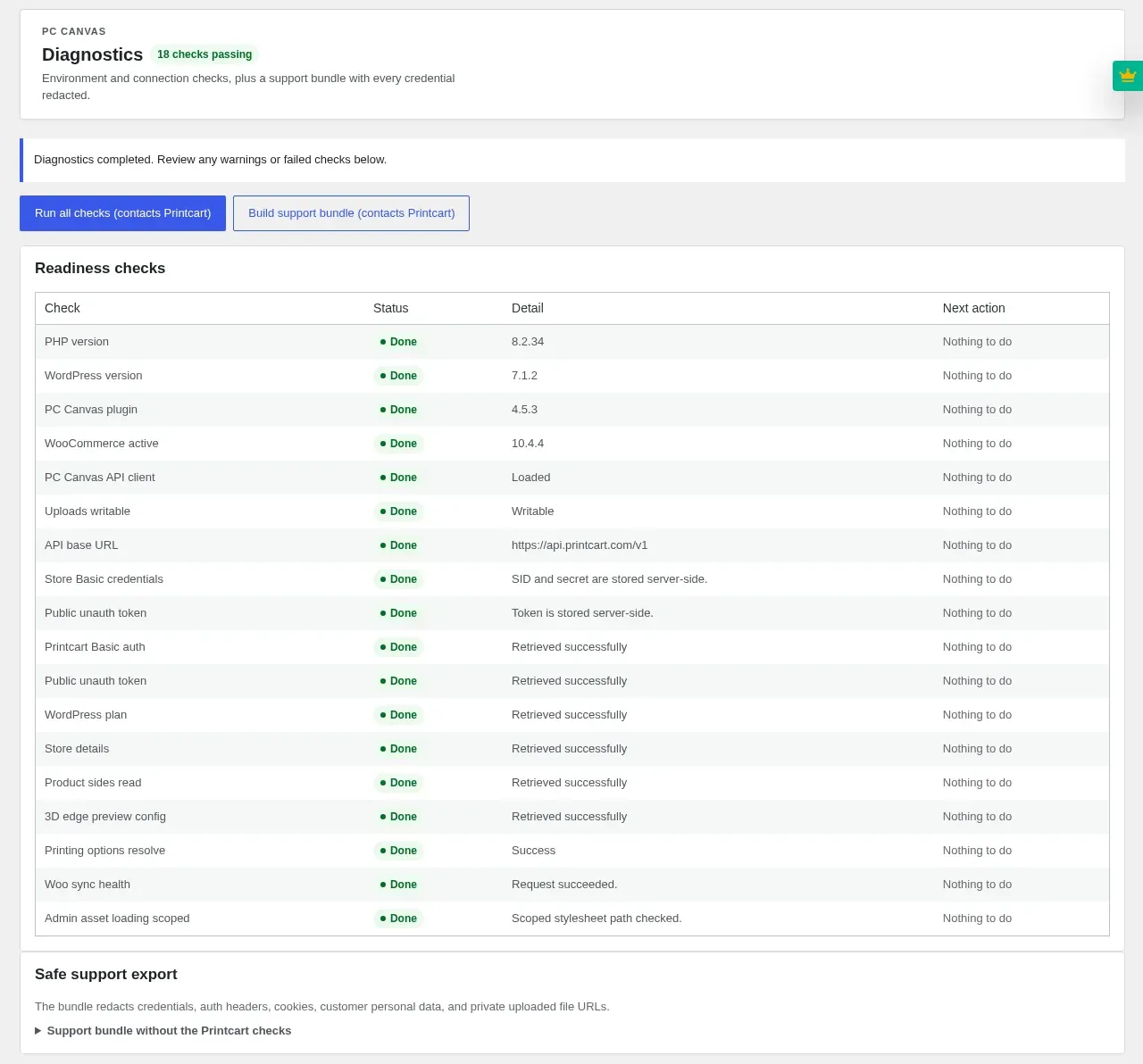
Go to Settings > Permalinks, choose Post name and save. Then open PC Canvas > Diagnostics and press Run all checks.
Expected result: Every check reads Done. Your store is ready for its first canvas product.
Is Printcart Canvas free?
The plugin is free. It needs a Printcart account, which powers the designer, the edge-wrap preview and the print-ready files. Preview renders use Printcart tokens from the store's wallet; your customers never pay for them.
Test Connection fails. What should I check?
The API base URL must be https://api.printcart.com/v1. Paste the SID, secret and unauth token again, because they are easy to swap. If it still fails, build a support bundle under PC Canvas > Diagnostics and send it to [email protected]; it contains no credentials.
Do I also need Printcart Store (PC Designer)?
No. Printcart Canvas is a standalone plugin with its own PC Canvas menu, built only for canvas and wall art. Use Printcart Store if you also sell T-shirts, mugs or business cards.
Try Printcart Canvas
Printcart Canvas is free on WordPress.org, from Printcart, the web-to-print platform used by 2000+ stores. Download Printcart Canvas from WordPress.org, or try the live demo as a buyer.
What should you do next?
- Import a ready-made canvas product from the Template Library
- Set up canvas sizes, prices and the print sheet
- Browse all Printcart tutorials
Stuck on a step? Email [email protected] with a screenshot of the screen you are on, or a support bundle from PC Canvas > Diagnostics; it contains no credentials.
Printcart field note
What to verify before you roll out Install Printcart Canvas for WooCommerce and Connect Your Store
This tutorial is written from Printcart implementation patterns across web-to-print launch planning, buyer experience, and repeatable production. Before treating it as complete, test the workflow with one real product, one real design file, and one real order path.
Install Printcart Canvas for WooCommerce and Connect Your Store — common questions
What do you need before you start?
The screenshots come from a demonstration WooCommerce store running Printcart Canvas 4.5.9 with the UK Standard Canvas template. Store credentials and internal identifiers are masked. Want to see it first? Open the live demo store and press Design your canvas .
Is Printcart Canvas free?
The plugin is free. It needs a Printcart account, which powers the designer, the edge-wrap preview and the print-ready files. Preview renders use Printcart tokens from the store's wallet; your customers never pay for them.
Test Connection fails. What should I check?
The API base URL must be https://api.printcart.com/v1 . Paste the SID, secret and unauth token again, because they are easy to swap. If it still fails, build a support bundle under PC Canvas > Diagnostics and send it to [email protected]; it contains no credentials.
Do I also need Printcart Store (PC Designer)?
No. Printcart Canvas is a standalone plugin with its own PC Canvas menu, built only for canvas and wall art. Use Printcart Store if you also sell T-shirts, mugs or business cards.
Next steps in Printcart
Connect install printcart canvas for woocommerce and connect your store with catalog setup, templates, production workflows, and implementation support.
Want to put install printcart canvas for woocommerce and connect your store into practice?
Use the related Printcart tool below, or create a free account to start building with the product designer.