An introduction to Printcart's product catalog, design Studio, tools, and apps for planning a custom print workflow. This guide shows the practical setup decisions, Printcart tools, and production checks needed to apply it.
Key takeaways
What is Printcart?
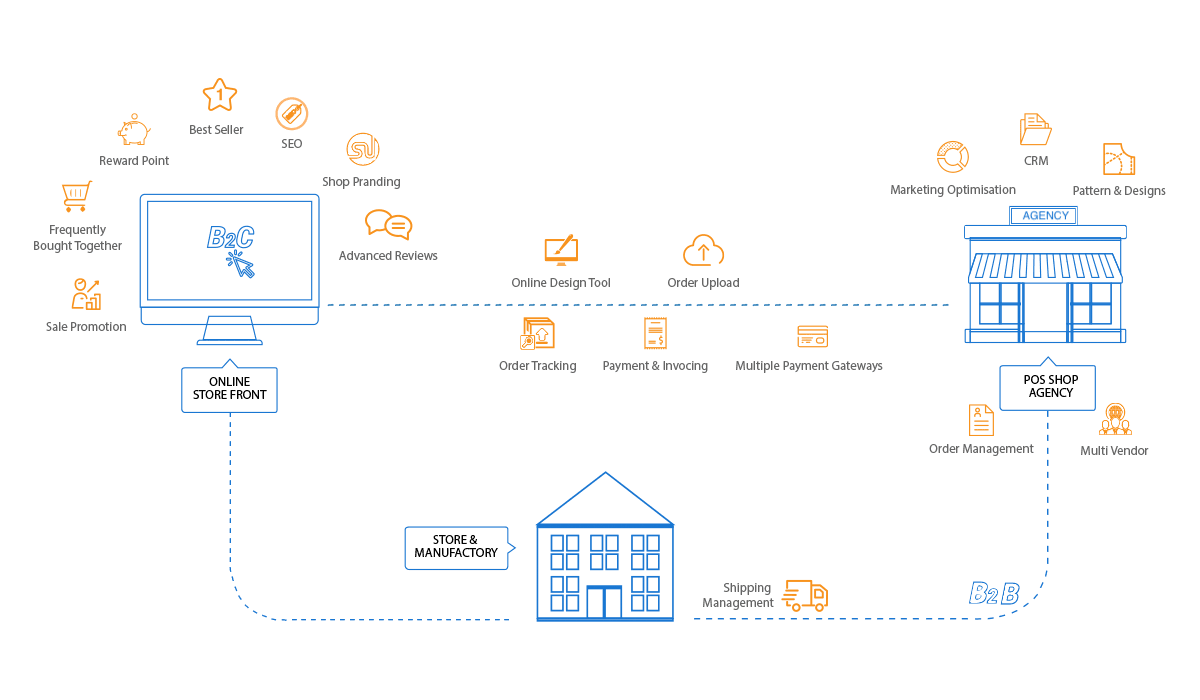
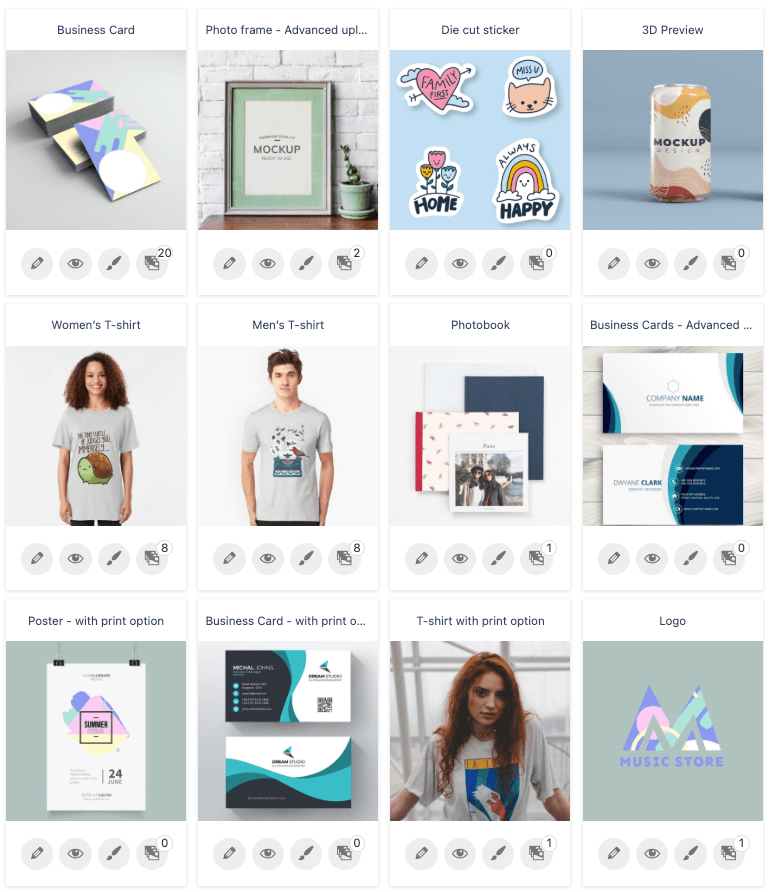
Printcart is a web-to-print platform for businesses working with customized and print-on-demand products. Its public site includes a product catalog, a design Studio, tools, apps, templates, and tutorials. These resources can help a team explore products, prepare artwork, and plan how orders move through its own operation.
Who can use it?
Print-on-demand sellers and print shops can use the catalog to evaluate product options and the Studio to explore a customer design. Teams that already have a storefront can review the available apps and tools for their specific setup. The right combination depends on the products offered, production partners, and order process.
A practical way to get started
- Choose a product. Explore the catalog and check its current options and specifications.
- Prepare a design. Use the Studio and review dimensions, artwork quality, and placement before production.
- Test the workflow. Check a sample order, production handoff, shipping estimate, and customer communication with the providers involved.
- Improve the process. Use feedback from test orders to refine the product listing and operating steps.
Browse the Printcart tutorials for more guidance. Product availability, pricing, and integration details should be checked on their current pages before making a business decision.
Printcart field note
What to verify before you roll out Introduction to Printcart: Empowering Print Businesses
This tutorial is written from Printcart implementation patterns across catalog structure, design controls, and customer personalization. Before treating it as complete, test the workflow with one real product, one real design file, and one real order path.
Introduction to Printcart: Empowering Print Businesses — common questions
What is Printcart?
Printcart is a web-to-print platform for businesses working with customized and print-on-demand products. Its public site includes a product catalog, a design Studio, tools, apps, templates, and tutorials. These resources can help a team explore products, prepare artwork, and plan how orders move through its own operation.
Who can use it?
Print-on-demand sellers and print shops can use the catalog to evaluate product options and the Studio to explore a customer design. Teams that already have a storefront can review the available apps and tools for their specific setup. The right combination depends on the products offered, production partners, and order process.
Next steps in Printcart
Connect introduction to printcart: empowering print businesses with catalog setup, templates, production workflows, and implementation support.
Want to put introduction to printcart: empowering print businesses into practice?
Use the related Printcart tool below, or create a free account to start building with the product designer.