Converting RGB to CMYK shifts bright colors because CMYK ink cannot reproduce them. Ask your printer which profile it uses before you convert anything. Printful, for example, asks for sRGB files and does the conversion itself, so converting first can lose color information.
Key takeaways
Why colors shift
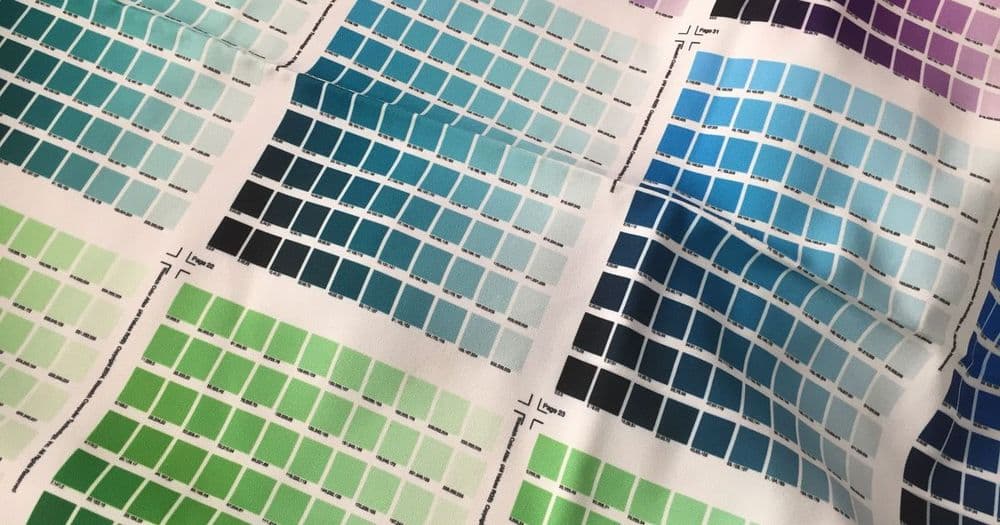
Screens make colour with light (RGB). Print makes colour with ink (CMYK). Bright, very saturated and neon colours that a screen can show are often outside what ink on paper or fabric can reproduce, so they print duller. Printful's help centre says the same: screens emit light while printed products reflect light from ink, so colours will not always match exactly, and bright neon or very saturated RGB colours may print less vividly.
Which printers need CMYK
It depends on the printer, so read its file guide.
- Printful asks for the sRGB IEC61966-2.1 profile. It says its printing system is optimised for sRGB files and converts colours for production, and that converting to CMYK before upload can reduce colour information and give less accurate results. It suggests using CMYK only as a preview.
- Offset and some commercial printers may ask for CMYK files, often with a named profile. Their file guide will say so.
When in doubt, ask. Sending the wrong mode is a common reason for a rejected file.
Convert with a profile
If your printer asks for CMYK, do the conversion yourself with the profile they name, in a design app that supports colour profiles ("Convert to profile", not just "change mode"). Keep your RGB master. Convert a copy, so you can go back.
If your printer asks for sRGB, make sure the file is exported in sRGB with the profile embedded, which is the default in most design apps.
Check the result
- Look at saturated areas first: bright blues, greens, oranges and neons. They shift the most.
- Compare the converted copy with the original on screen.
- Order a physical sample for important colours. Screens never match print exactly.
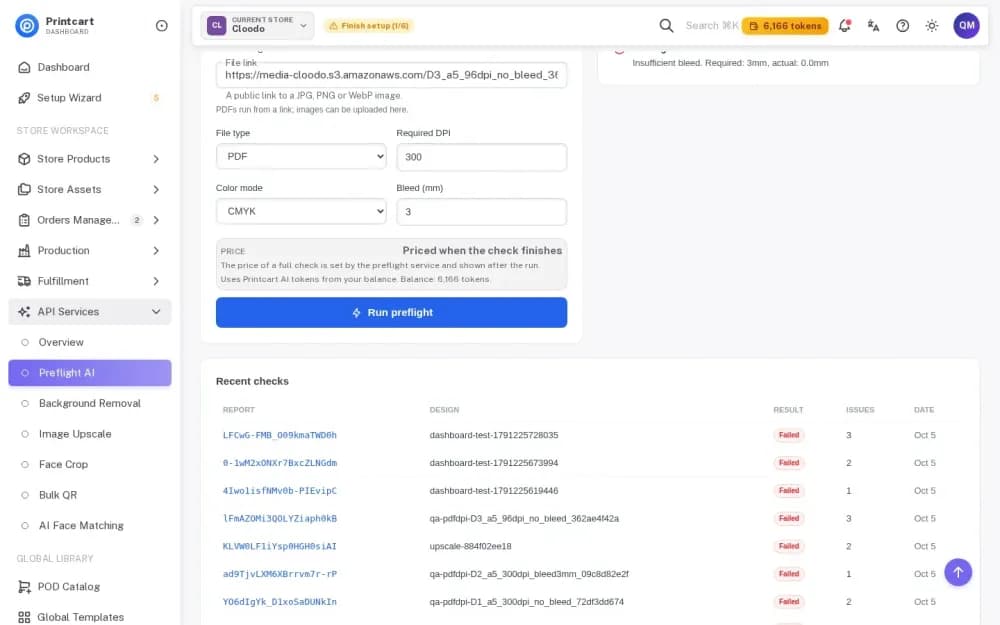
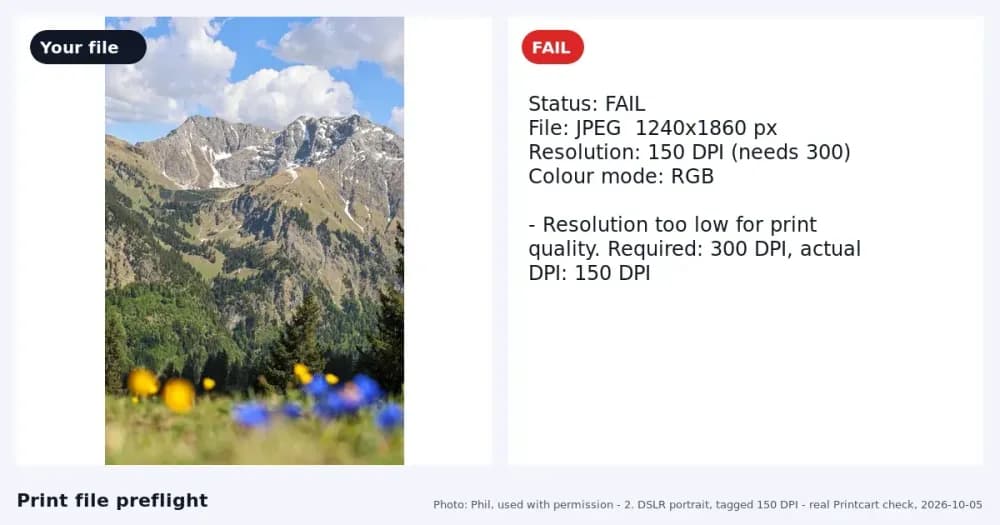
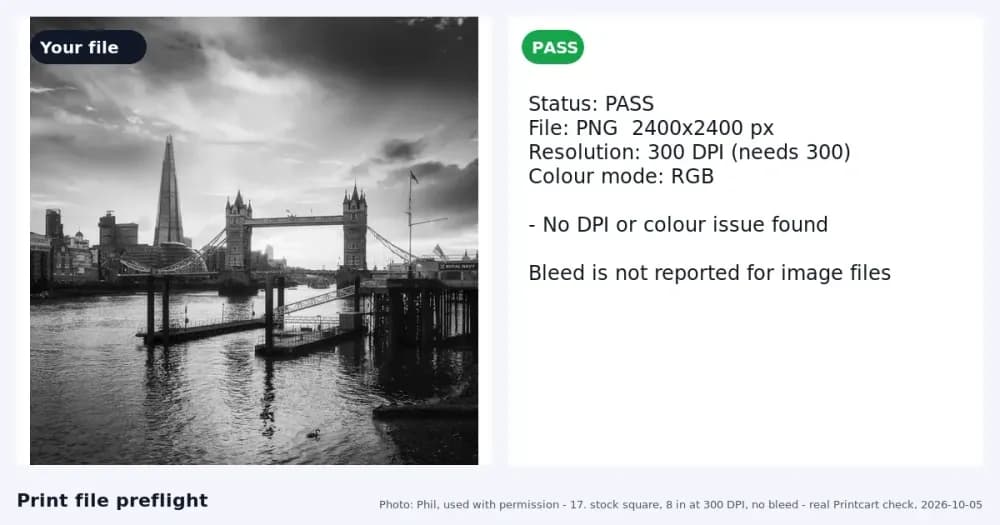
- Run a preflight. In the Printcart Dashboard Full check you set the colour mode your printer needs (RGB or CMYK) and the report tells you the colour mode it read. In our test, an RGB PDF passed when RGB was required and failed when CMYK was required. Steps: Preflight a Print PDF in Your Printcart Dashboard.
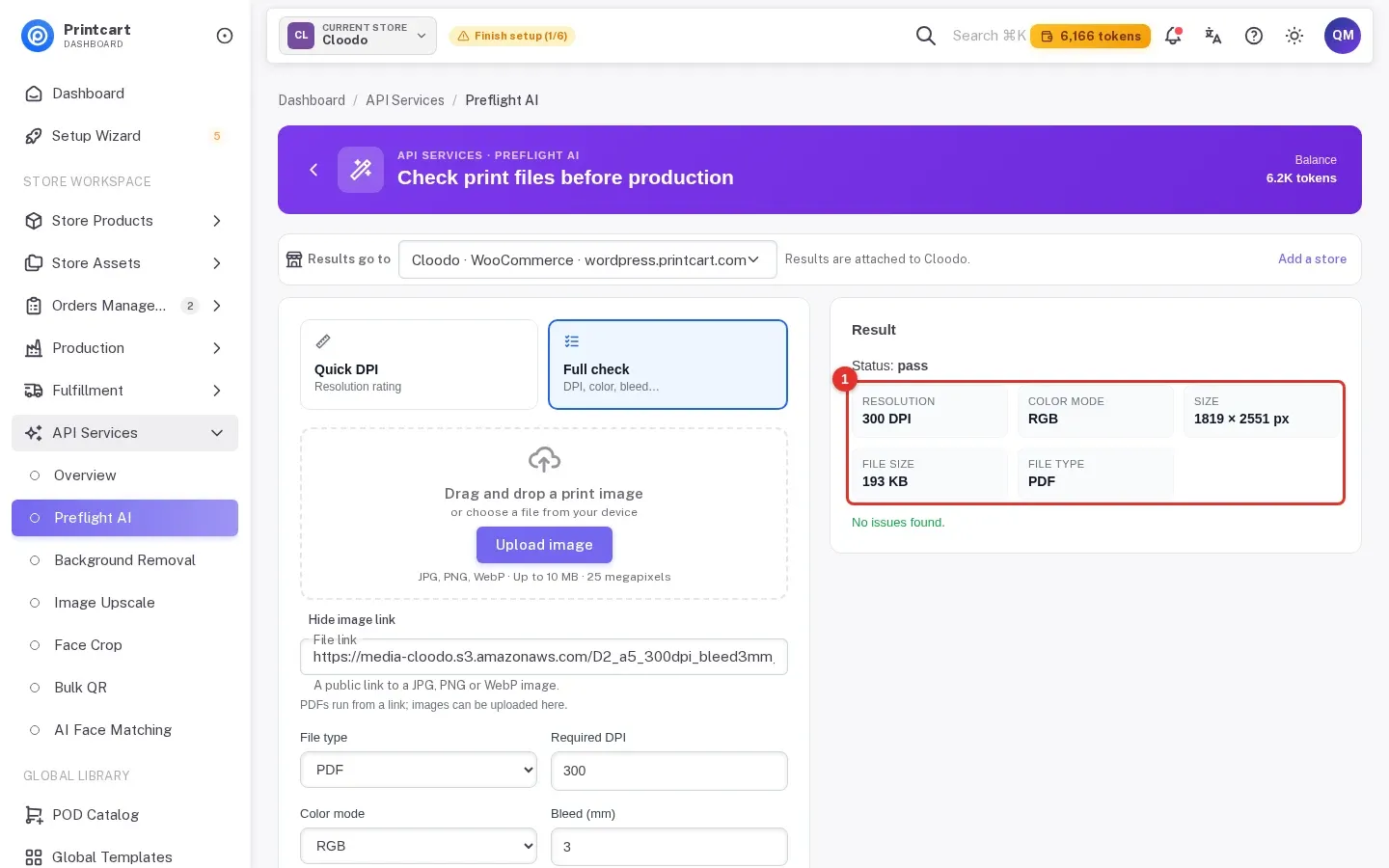
Test notes. Real Printcart runs on 6 October 2026 from a test account. Inputs are real photos: free Unsplash photos (each one is credited in its image) and photos by Phil, used with permission. Prices change; the Dashboard shows the price before every job.
FAQ
Should I convert my design to CMYK before upload?
Only if your printer asks for it. Printful, for example, asks for sRGB and converts for you.
Why do bright colors look duller in print?
Some bright RGB colours are outside what CMYK ink can reproduce, so the printer uses the closest colour it can make.
Can I convert back from CMYK to RGB to get the colours back?
No. The lost colour information does not return. Keep your RGB master.
Does the checker tell me my file's colour mode?
Yes. The Dashboard full check reports the colour mode it read and compares it with the mode you require.
Keep reading
- Print file checker
- Preflight a Print PDF in Your Printcart Dashboard
- How to Check DPI and Bleed Before Sending a File to the Printer
- Why Is My Print Blurry When the Image Looks Sharp on Screen?
- Printcart apps for WooCommerce, Shopify and Wix
Ready for whole folders? Process whole folders and save results to your store — choose a long-term plan, or create an account to start.
Sources
Outside facts in this article come from these pages. Rules change, so check the current version before you rely on them.
- Printful Help Center: Should I use RGB or CMYK for Printful print files? (accessed 6 October 2026; no date shown).
- Printful Help Center: preparing your print file (accessed 6 October 2026; no date shown).
Printcart field note
What to verify before you roll out How to Convert RGB to CMYK Without Losing Color
This tutorial is written from Printcart implementation patterns across file quality, proofing, and production risk. Before treating it as complete, test the workflow with one real product, one real design file, and one real order path.
How to Convert RGB to CMYK Without Losing Color — common questions
Should I convert my design to CMYK before upload?
Only if your printer asks for it. Printful, for example, asks for sRGB and converts for you.
Why do bright colors look duller in print?
Some bright RGB colours are outside what CMYK ink can reproduce, so the printer uses the closest colour it can make.
Can I convert back from CMYK to RGB to get the colours back?
No. The lost colour information does not return. Keep your RGB master.
Does the checker tell me my file's colour mode?
Yes. The Dashboard full check reports the colour mode it read and compares it with the mode you require.
Next steps in Printcart
Connect how to convert rgb to cmyk without losing color with catalog setup, templates, production workflows, and implementation support.
Want to put how to convert rgb to cmyk without losing color into practice?
Use the related Printcart tool below, or create a free account to start building with the product designer.