A 24x36 inch poster at 300 DPI needs 7200 x 10800 pixels. Upscale the image 2x or 4x, then check the effective DPI at 24x36. Printful asks for at least 150 DPI on most products, while Vistaprint recommends 300 for sharp prints. Upscaling smooths edges but cannot add detail the photo never had.
Key takeaways
Pixels needed for 24x36
DPI means dots per inch: the pixels that cover one inch of the print. Multiply the print size by the DPI you want.
- 300 DPI: 24 x 300 = 7200 px wide and 36 x 300 = 10800 px tall.
- 150 DPI: 3600 x 5400 px.
Which target is right depends on your printer. Printful asks for print files of at least 150 DPI sized to the actual print dimensions. Vistaprint recommends 300 DPI for a sharp print. Use the number your own printer gives you.
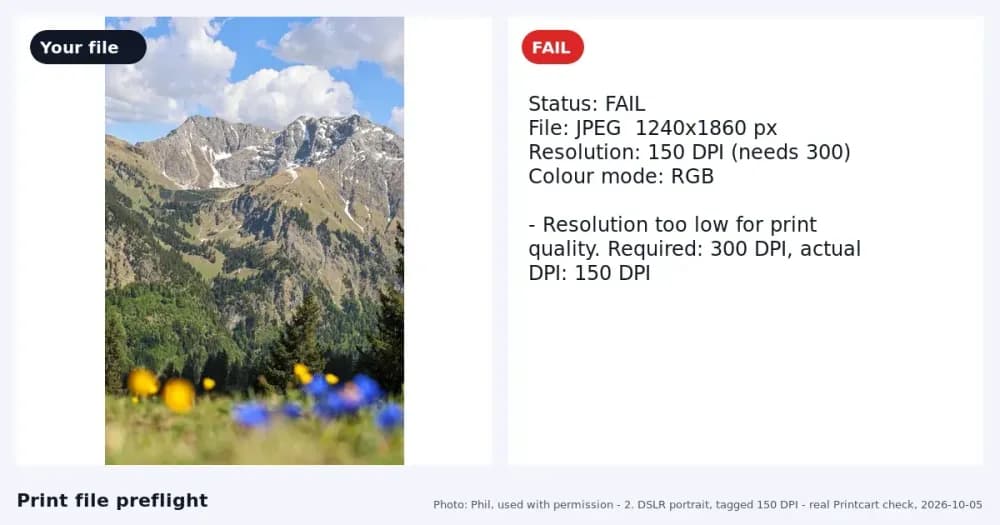
An example: a 2000 x 3000 px portrait photo has the same 2:3 shape as a 24x36 poster. At 24x36 it gives about 83 DPI (2000 / 24). That is too low for most printers.
Upscale 2x or 4x
Each step multiplies the pixels on both sides.
- 2x: 4000 x 6000 px, about 167 DPI at 24x36.
- 4x: 8000 x 12000 px, about 333 DPI at 24x36.
You can see the new size before you spend anything. On printcart.com/tools/image-upscale the page shows the target size for 2x and 4x without an account (see Find Out How Large You Can Print a Photo). To run the upscale, use the Dashboard: Upscale a Low-Resolution Photo for Printing in the Printcart Dashboard walks through it. A 2x upscale of a small photo took about 10 seconds in our tests. The price is shown on the tool page and before each job (60 tokens when we measured it on 6 October 2026).
Check DPI after upscaling
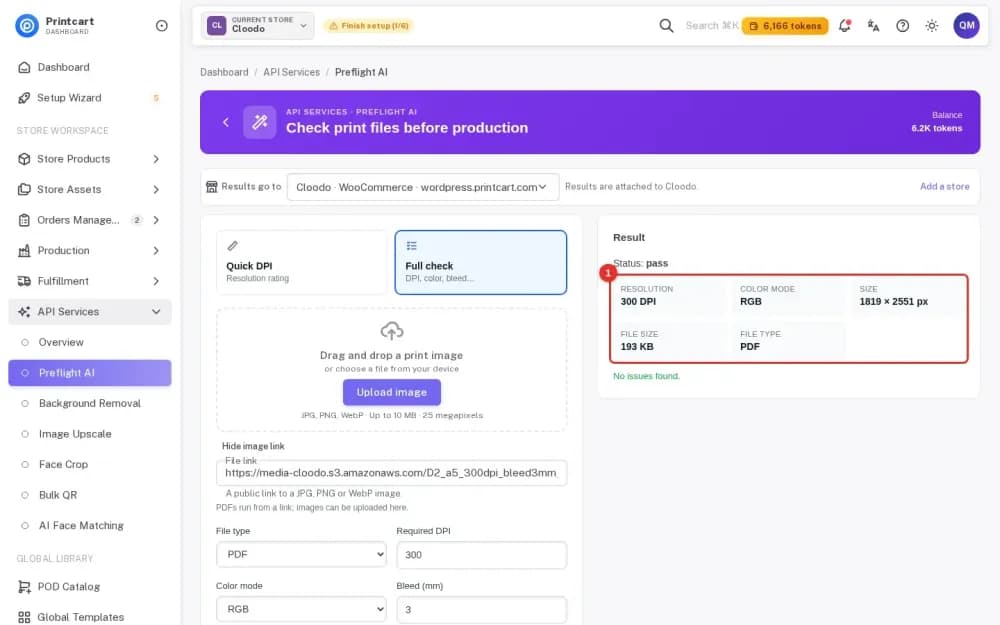
Open the print file checker, add the upscaled file and enter 24 x 36 inches. It shows an estimated DPI and says whether the file meets your target. Do this on the file you will actually send, not on the original (see Check If a Photo Is Big Enough to Print).
When upscaling is not enough
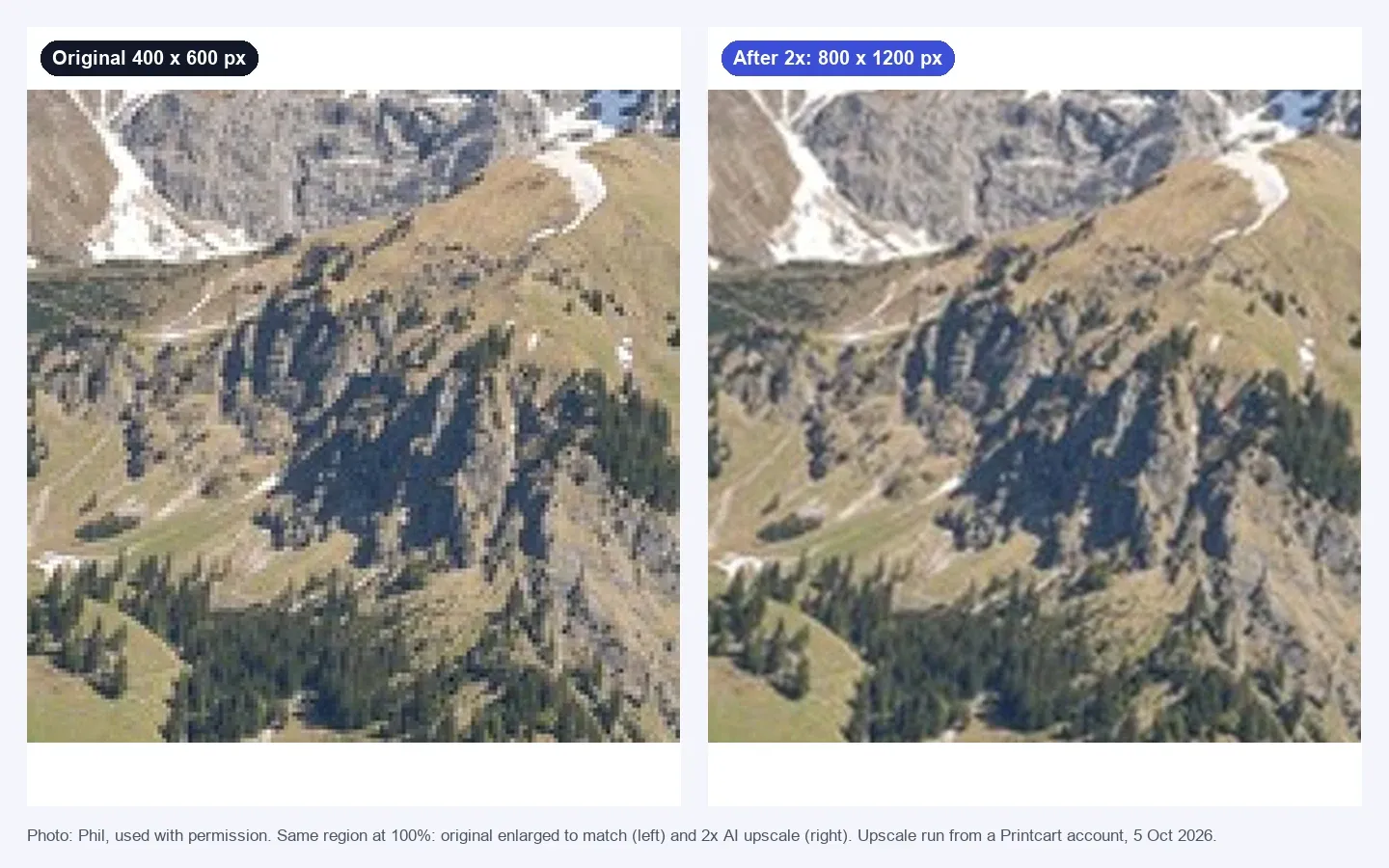
- The photo is very small. A phone thumbnail enlarged to poster size will look soft even after 4x. The result is smoother, not more detailed. See the 100% comparison above.
- The photo is blurred, noisy or heavily compressed. Upscaling enlarges these problems too.
- Text and logos. They need sharp edges. Ask for a vector file or the original design file instead of enlarging a small image.
- Viewing distance. A poster is usually viewed from further away than a business card, so a lower DPI can look acceptable on a photo. Follow your printer's minimum.
When the original is too small, the honest options are a smaller print size or a better original. See also the Image upscale tool for the size maths.
Test notes. Real Printcart runs on 6 October 2026 from a test account. Inputs are real photos: free Unsplash photos (each one is credited in its image) and photos by Phil, used with permission. Prices change; the Dashboard shows the price before every job.
FAQ
How many pixels do I need for a 24x36 poster at 300 DPI?
7200 x 10800 pixels. At 150 DPI you need 3600 x 5400 pixels.
Is 150 DPI enough for a poster?
Printful asks for print files of at least 150 DPI sized to the actual print dimensions. Vistaprint recommends 300 DPI for a sharp print. Check your own printer's rule.
Can upscaling make a blurry photo sharp?
No. It adds pixels and smooths edges. It cannot create detail the photo never captured.
Do I need an account to see how large I can print?
No. The Image upscale page and the print file checker give a size estimate without an account. Running the upscale itself happens in the Dashboard.
Keep reading
- Image upscale tool
- Print file checker (the next step)
- Upscale a Low-Resolution Photo for Printing in the Printcart Dashboard
- A Customer Uploaded an 800-Pixel Phone Photo for a Mug: How to Rescue It
- Why Is My Print Blurry When the Image Looks Sharp on Screen?
- Printcart apps for WooCommerce, Shopify and Wix
Ready for whole folders? Process whole folders and save results to your store — choose a long-term plan, or create an account to start.
Sources
Outside facts in this article come from these pages. Rules change, so check the current version before you rely on them.
- Printful Help Center: What is DPI, resolution and actual print file size? (accessed 6 October 2026; no date shown).
- Vistaprint Help Center: Why does my design look blurry or pixelated? (page states "Last updated June 16, 2026"; accessed 6 October 2026).
Printcart field note
What to verify before you roll out How to Upscale an Image to 300 DPI for a 24x36 Poster
This tutorial is written from Printcart implementation patterns across file quality, proofing, and production risk. Before treating it as complete, test the workflow with one real product, one real design file, and one real order path.
How to Upscale an Image to 300 DPI for a 24x36 Poster — common questions
How many pixels do I need for a 24x36 poster at 300 DPI?
7200 x 10800 pixels. At 150 DPI you need 3600 x 5400 pixels.
Is 150 DPI enough for a poster?
Printful asks for print files of at least 150 DPI sized to the actual print dimensions. Vistaprint recommends 300 DPI for a sharp print. Check your own printer's rule.
Can upscaling make a blurry photo sharp?
No. It adds pixels and smooths edges. It cannot create detail the photo never captured.
Do I need an account to see how large I can print?
No. The Image upscale page and the print file checker give a size estimate without an account. Running the upscale itself happens in the Dashboard.
Next steps in Printcart
Connect how to upscale an image to 300 dpi for a 24x36 poster with catalog setup, templates, production workflows, and implementation support.
Want to put how to upscale an image to 300 dpi for a 24x36 poster into practice?
Use the related Printcart tool below, or create a free account to start building with the product designer.