
Photo Commerce Tools tutorials
Photo commerce tools apply computer vision to photo-heavy print jobs — matching faces across event photos, auto-cropping portraits to a consistent frame, or generating QR cards that link each photo to its owner. These tutorials cover Printcart’s AI face matching, face crop, and bulk QR tools for school photography, event photography, and other high-volume photo print workflows. Use this category if you process large batches of photos and need to automate matching, cropping, or delivery instead of handling each one by hand.
Browse other tutorial categories
Photo Commerce Tools tutorials
26 guides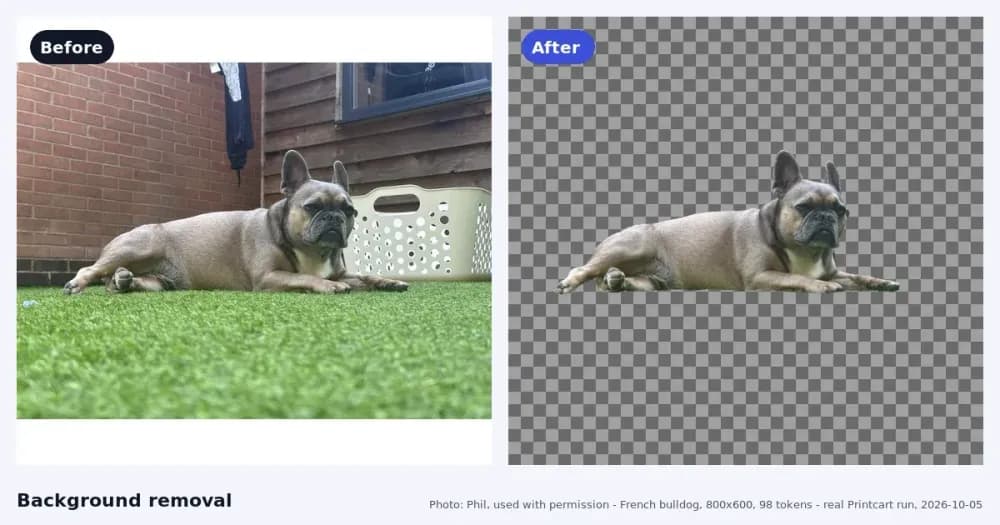
How to Remove Backgrounds from Product Photos for Etsy and Shopify
Remove a product photo background for Etsy or Shopify: start large, remove the background, then check the edges on light and dark backgrounds.
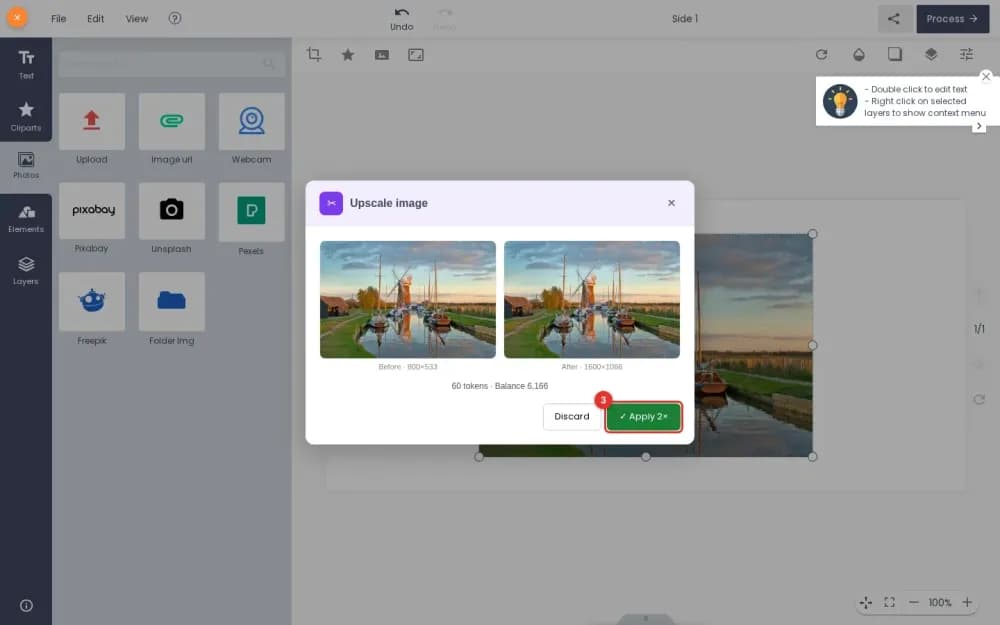
Upscale a Customer Photo Inside the Printcart WooCommerce Designer
Upscale a small customer photo 2x or 4x in the WooCommerce product designer with Printcart AI, compare before and after, then apply it.
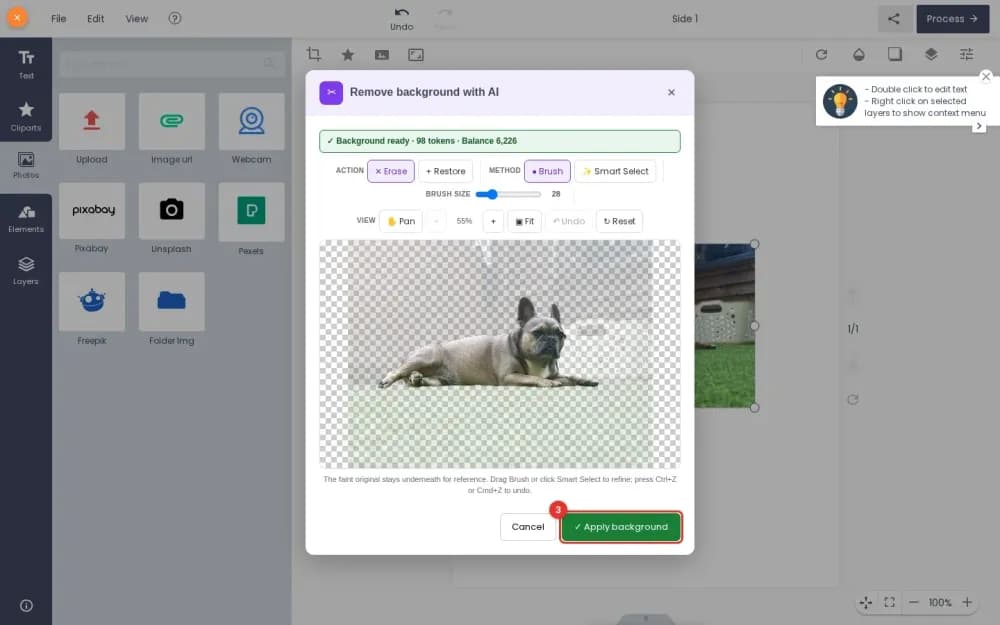
Remove Backgrounds with AI Inside the Printcart WooCommerce Designer
Let signed-in customers remove a photo background in the WooCommerce product designer with Printcart AI. Tested on a real shop, step by step.
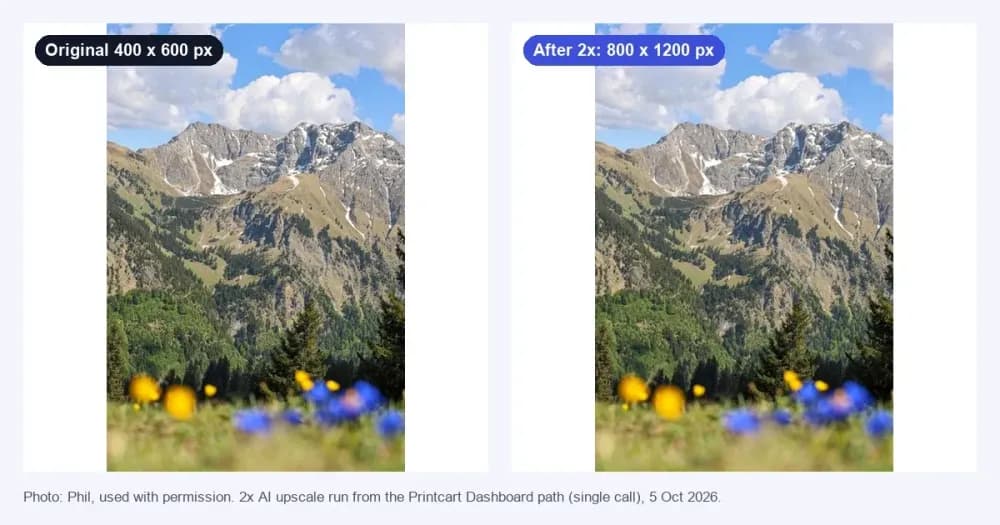
Upscale a Low-Resolution Photo for Printing in the Printcart Dashboard
Upscale a small photo 2x or 4x in your Printcart Dashboard, see the price before you run it, and check the result before it goes to print.
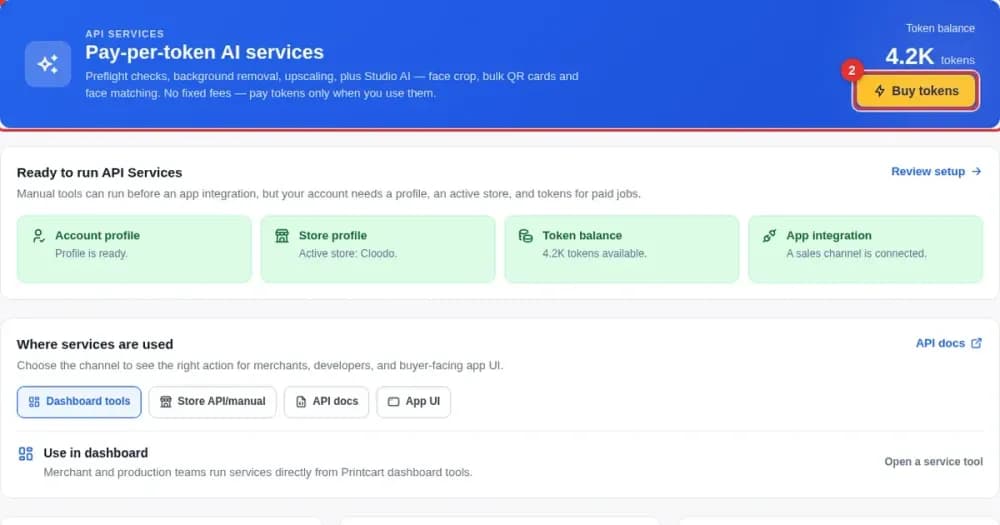
Run Printcart AI Tools in Your Dashboard: Choose a Store, See the Price, Track Tokens
Pick the store for your results, see the price before you run an AI photo tool, and follow your token balance and usage in the Printcart Dashboard.
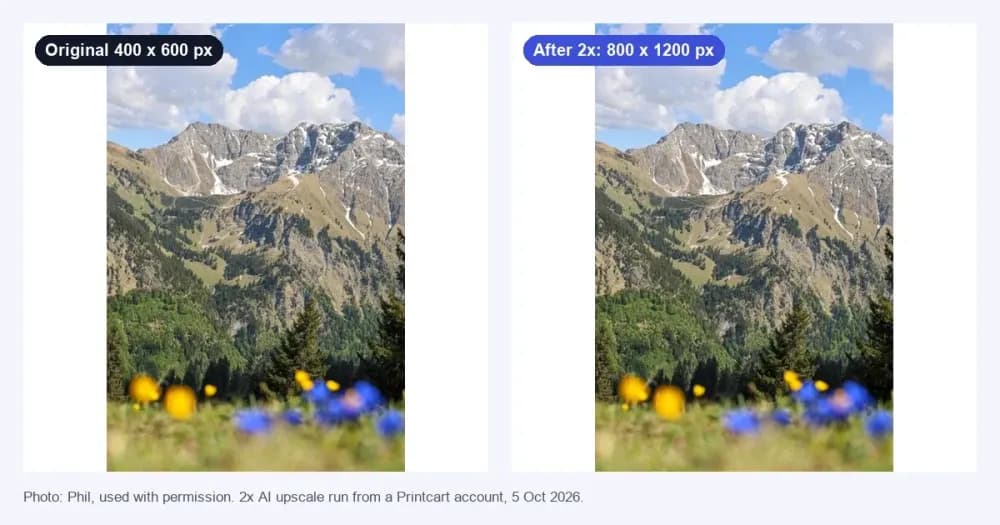
Find Out How Large You Can Print a Photo and What an Upscale Adds
Work out the largest print a photo supports. See the 2x and 4x target sizes, turn pixels into inches, and check what an AI upscale really adds.
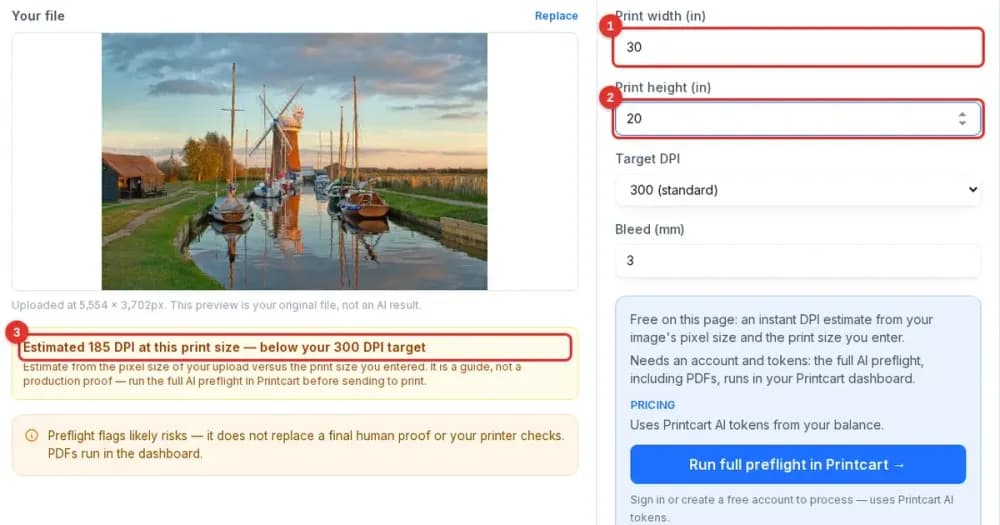
Check If a Photo Is Big Enough to Print: Free Size Check on printcart.com
Add a PNG or JPG, enter the print size and see in seconds if the photo has enough pixels. Learn what the estimate shows and when to run the full check.
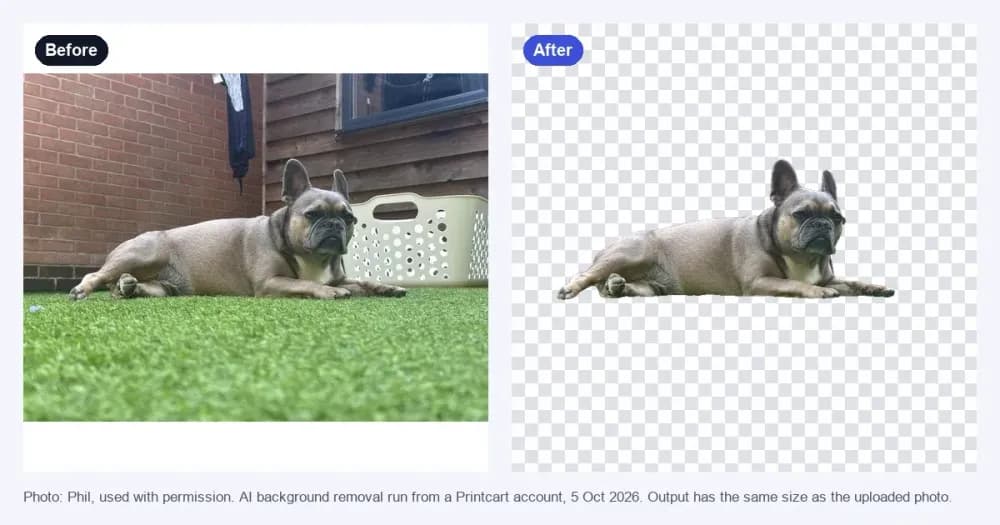
Remove a Product Photo Background on printcart.com: Free Preview and AI Trial
Cut the background out of a product photo on printcart.com.
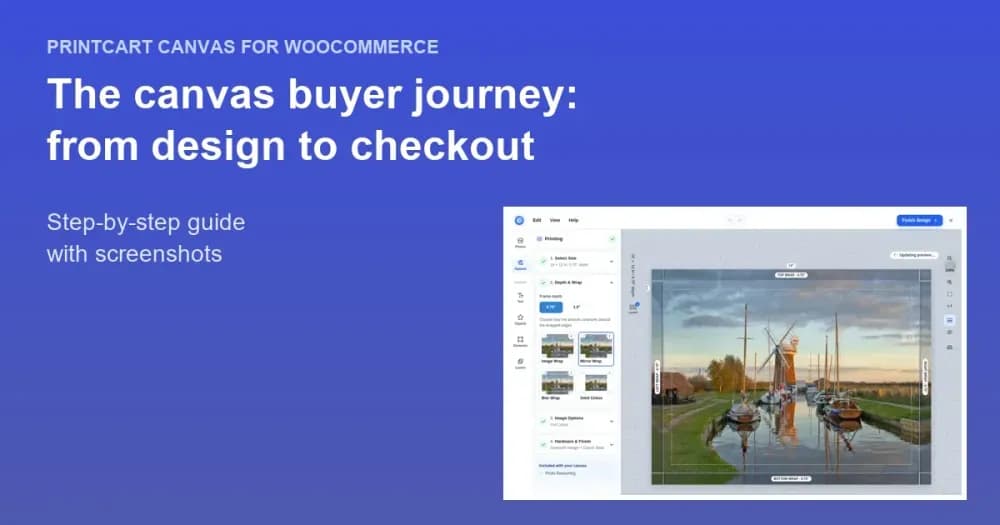
The Canvas Print Buyer Journey: From Design to Checkout
Follow a buyer through the Printcart Canvas designer: upload a photo, pick size, depth and edge, check quality, see it on a wall, then check out.