An 800-pixel-wide photo is usually too small for a full mug wrap at 300 DPI. Upscale it 2x and check the DPI at the wrap size. If it still falls short, warn the customer or offer a smaller print area. A DPI check when the customer uploads prevents the problem.
Key takeaways
Is 800 px enough for a mug?
Divide the photo's width in pixels by the width of the print area in inches. Your supplier's file guide for the mug lists the print area; the numbers below are examples, so use your own.
- 800 px over a 4-inch photo area: 200 DPI.
- 800 px over a 9-inch wrap: about 89 DPI.
- 1600 px (after a 2x upscale) over the same 9-inch wrap: about 178 DPI.
Printful asks for at least 150 DPI sized to the actual print dimensions; Vistaprint recommends 300 DPI for a sharp print. Check what your own printer needs. Mugs are held close, so softness is easy to see.
Upscale and check
We upscaled an 800 x 533 px photo 2x. It became 1600 x 1066 px in seconds. The price is shown before each job (60 tokens when we measured it on 6 October 2026). At 100% the edges are smoother and less blocky, but nothing new appears: upscaling does not add detail the camera never captured.
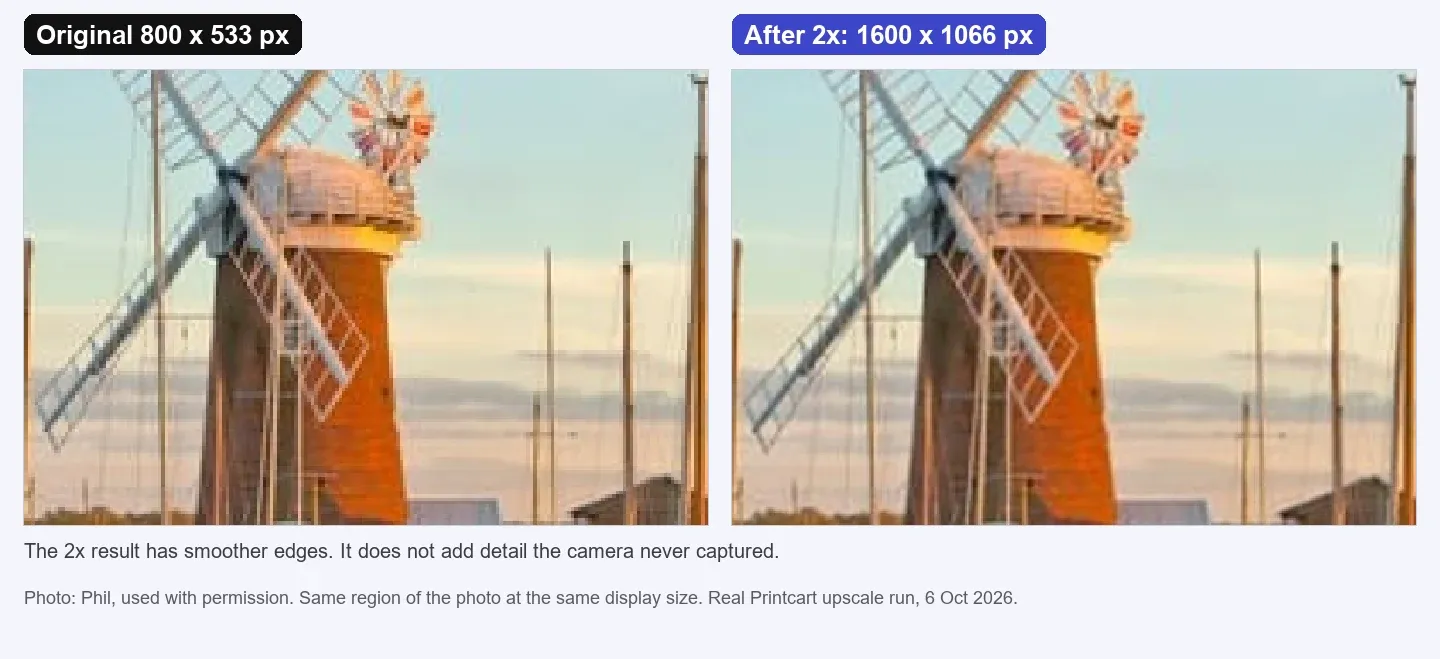
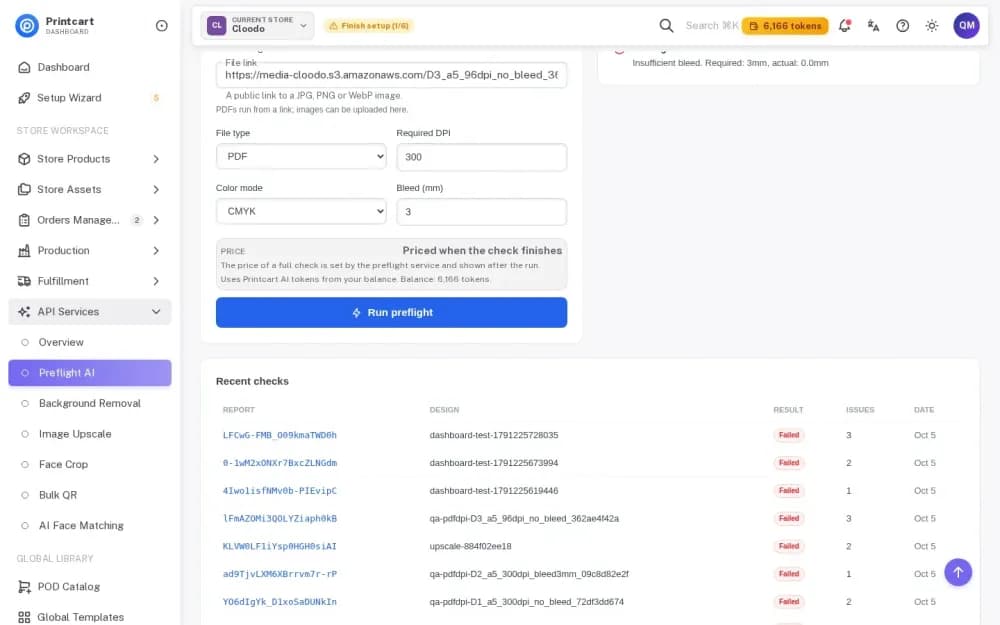
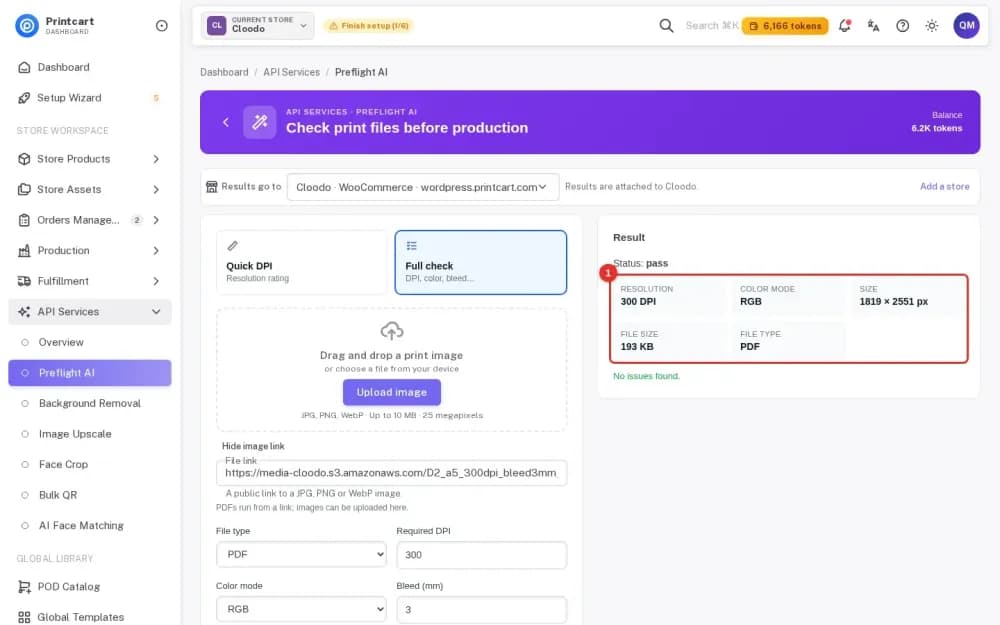
Then check the file at the print size in the print file checker: add the upscaled image, enter the width and height in inches and read the estimated DPI. If you use WooCommerce, a signed-in customer can upscale inside the designer: see Upscale a Customer Photo Inside the Printcart WooCommerce Designer (Printcart Store 2.13.2 or newer). In the Dashboard, follow Upscale a Low-Resolution Photo for Printing.
Tell the customer
If the result is still below your target, say so before production. Keep it short and give options: a smaller photo area on the mug, a different photo, or the original file from the phone (not a copy saved from a chat app or a social network, which are often reduced in size).
Prevent it next time
- State the minimum photo size on the product page.
- Warn customers when a photo is too small, and keep the message about the photo, not about billing. A warning should inform; it should not block the sale.
- Ask for the original file when the customer first uploads.
- Use the print file checker yourself before you approve the order.
Test notes. Real Printcart runs on 6 October 2026 from a test account. Inputs are real photos: free Unsplash photos (each one is credited in its image) and photos by Phil, used with permission. Prices change; the Dashboard shows the price before every job.
FAQ
How many pixels does a mug need?
It depends on the print area and your printer's DPI rule. Divide pixels by inches. Check the file guide for your mug.
Can upscaling fix a very small photo?
It makes the photo larger and smoother, not sharper in detail. A 2x upscale helps a borderline photo; it cannot rescue a tiny one.
Why do photos from chat apps look soft?
Chat apps and social networks often reduce the size and compress the photo. Ask for the original file.
Does the buyer see tokens or billing?
No. Token use belongs to the merchant's account and the buyer never sees billing language.
Keep reading
- Image upscale tool
- Print file checker (the next step)
- Upscale a Customer Photo Inside the Printcart WooCommerce Designer
- How to Upscale an Image to 300 DPI for a 24x36 Poster
- Why Is My Print Blurry When the Image Looks Sharp on Screen?
- Printcart apps for WooCommerce, Shopify and Wix
Ready for whole folders? Process whole folders and save results to your store — choose a long-term plan, or create an account to start.
Sources
Outside facts in this article come from these pages. Rules change, so check the current version before you rely on them.
- Printful Help Center: What is DPI, resolution and actual print file size? (accessed 6 October 2026; no date shown).
- Vistaprint Help Center: Why does my design look blurry or pixelated? (page states "Last updated June 16, 2026"; accessed 6 October 2026).
Printcart field note
What to verify before you roll out A Customer Uploaded an 800-Pixel Phone Photo for a Mug: How to Rescue It
This tutorial is written from Printcart implementation patterns across file quality, proofing, and production risk. Before treating it as complete, test the workflow with one real product, one real design file, and one real order path.
A Customer Uploaded an 800-Pixel Phone Photo for a Mug: How to Rescue It — common questions
Is 800 px enough for a mug?
Divide the photo's width in pixels by the width of the print area in inches. Your supplier's file guide for the mug lists the print area; the numbers below are examples, so use your own.
How many pixels does a mug need?
It depends on the print area and your printer's DPI rule. Divide pixels by inches. Check the file guide for your mug.
Can upscaling fix a very small photo?
It makes the photo larger and smoother, not sharper in detail. A 2x upscale helps a borderline photo; it cannot rescue a tiny one.
Why do photos from chat apps look soft?
Chat apps and social networks often reduce the size and compress the photo. Ask for the original file.
Next steps in Printcart
Connect a customer uploaded an 800-pixel phone photo for a mug: how to rescue it with catalog setup, templates, production workflows, and implementation support.
Want to put a customer uploaded an 800-pixel phone photo for a mug: how to rescue it into practice?
Use the related Printcart tool below, or create a free account to start building with the product designer.