
Product Personalization tutorials
Product personalization means letting a shopper customize a product — adding their own name, photo, text, or layout — before it’s produced. These tutorials walk through building that experience with Printcart’s product designer, templates, and clipart library: locking print-safe zones, exposing editable fields, and validating a customer’s design before it reaches production. Read this category if you’re setting up personalized gifts, monograms, or made-to-order products and need customers to design confidently without breaking your print specs.
Browse other tutorial categories
Product Personalization tutorials
14 guides Product Personalization
Printcart for Microsoft 365: Corporate Print Ordering
Corporate print ordering through Microsoft 365 lets teams request branded print products inside the tools they already use, with approvals and locked...
 Product Personalization
Add a Product Designer to Your Wix Store with Printcart
Add a product designer to your Wix store with Printcart so shoppers personalize products on the page and each order returns a print-ready file. This guide...
 Web-to-Print
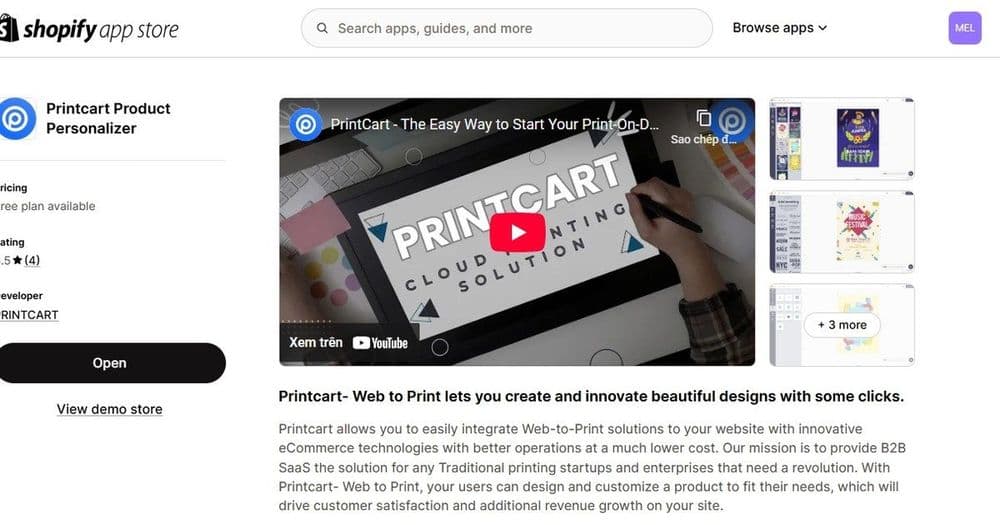
Sell Custom Print Products on Shopify with Printcart
Sell custom print products on Shopify by adding the Printcart product designer to your store. This guide shows Shopify owners how the app puts a live...
 printcart
How to Create Personalized Print-on-Demand Gifts: Workflow, Seasons & Mistakes
Create personalized print-on-demand gifts with a repeatable workflow: choose gift-ready products, build editable templates, define customer input fields,...
 printcart
Enhancing the Unboxing Experience for Print-on-Demand products
The unboxing experience for Print-on-Demand (POD) products refers to the process of receiving and opening a package containing customized or personalized...