
Key takeaways
New to the app? Start on the Printcart for Shopify page.
What do you need before you start?
- A Shopify store and permission to install apps and edit the theme (the store owner or a staff account with those rights).
- At least one product in your Shopify store that you want to personalize.
- Access to the store owner mailbox, to set your Printcart password.
How this guide was checked. We ran these steps on 6 November 2026 on a Printcart test store. The app screens are shown with demo products, and the storefront screens come from a Shopify test store. The theme editor belongs to Shopify, so step 2 is described in words.
How do you set up Printcart on Shopify?
Step 1Install the app and sign in to Printcart
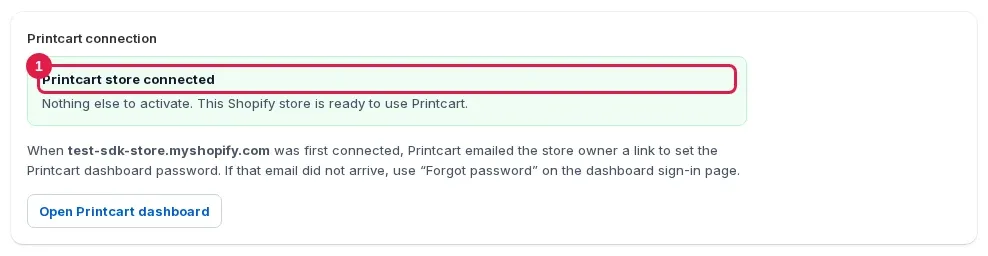
Install Printcart from the Shopify App Store and approve the permissions. Then open Apps > Printcart in your Shopify admin and go to Setup. A green box that says Printcart store connected means the app has already created and linked your Printcart store. There is nothing else to activate and no request to send.
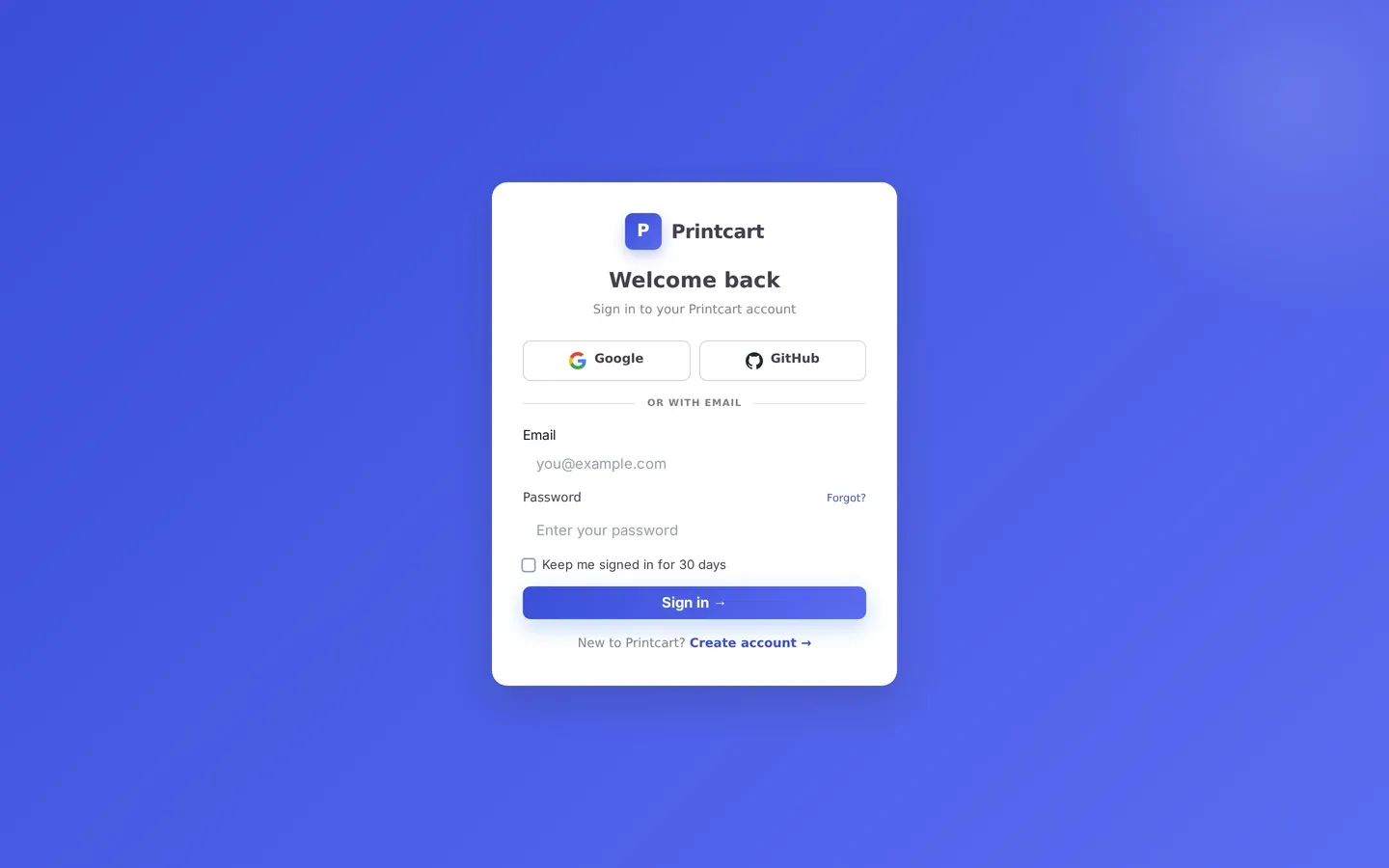
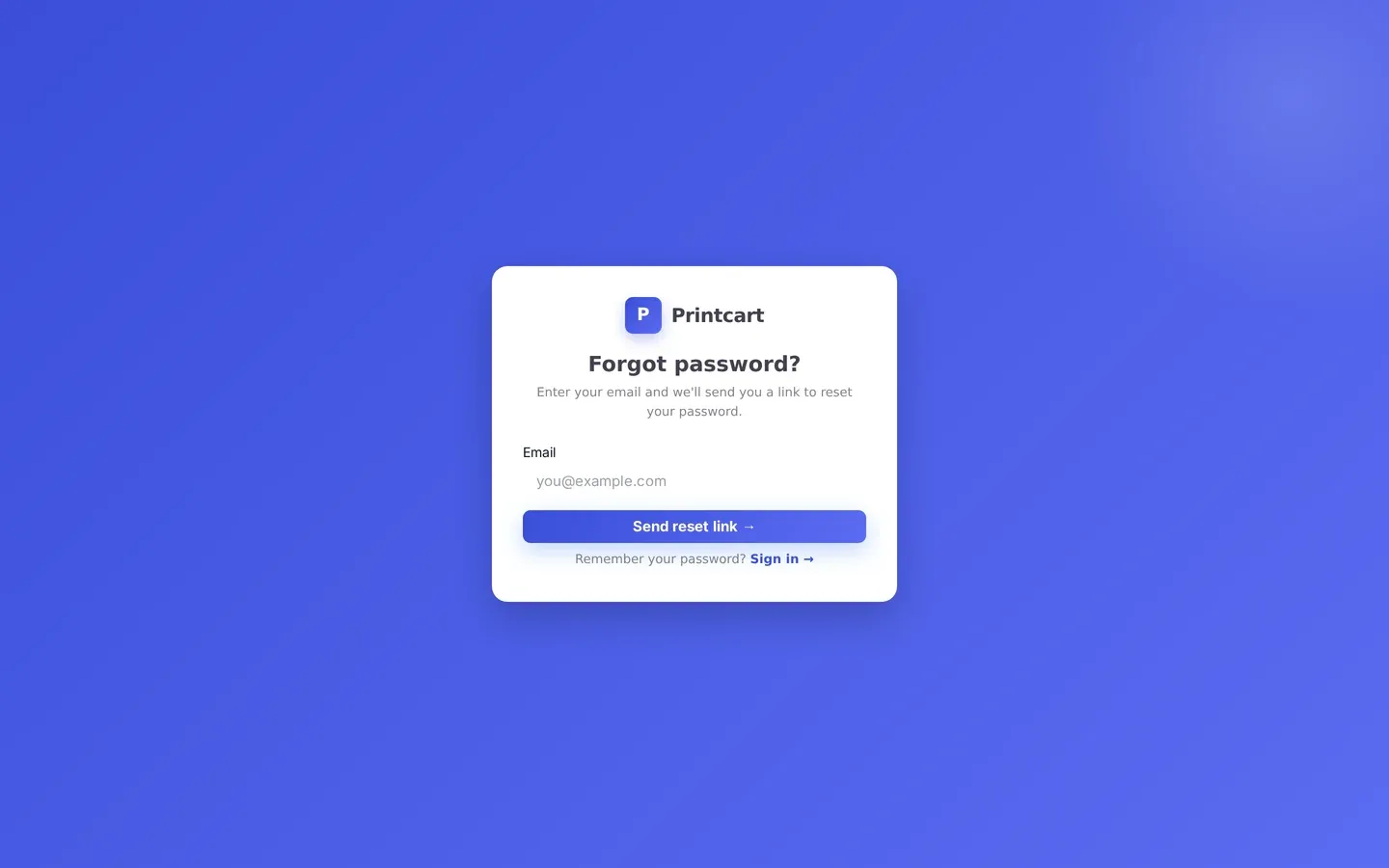
When the store was connected, Printcart emailed the store owner a link to set a Printcart password. That link is valid for 60 minutes. If it has expired or the email did not arrive, open Forgot password, enter the store owner email and use the new link. After that you sign in at www.printcart.com/en/login, where you manage print sides, pricing, orders and print files.
Expected result: Setup shows Printcart store connected, and you can sign in at www.printcart.com/en/login.
Step 2Add the Printcart personalizer block to your product page
The Start Design button appears only after you place the Printcart block in your theme. In your Shopify admin:
- Open Online Store > Themes and click Customize on your live theme.
- In the page selector at the top choose Products > Default product.
- In the left sidebar, inside the product information section, click Add block.
- Open the Apps tab and choose Printcart personalizer.
- Drag the block just above the Buy buttons, then click Save.
Printcart is added as an app block, not an app embed, so you will not find a Printcart switch under App embeds. If your products use another product template, repeat the steps on that template.
Expected result: After you save, the theme editor preview shows the Printcart block on the product page.
Step 3Turn on buyer actions and check the product page
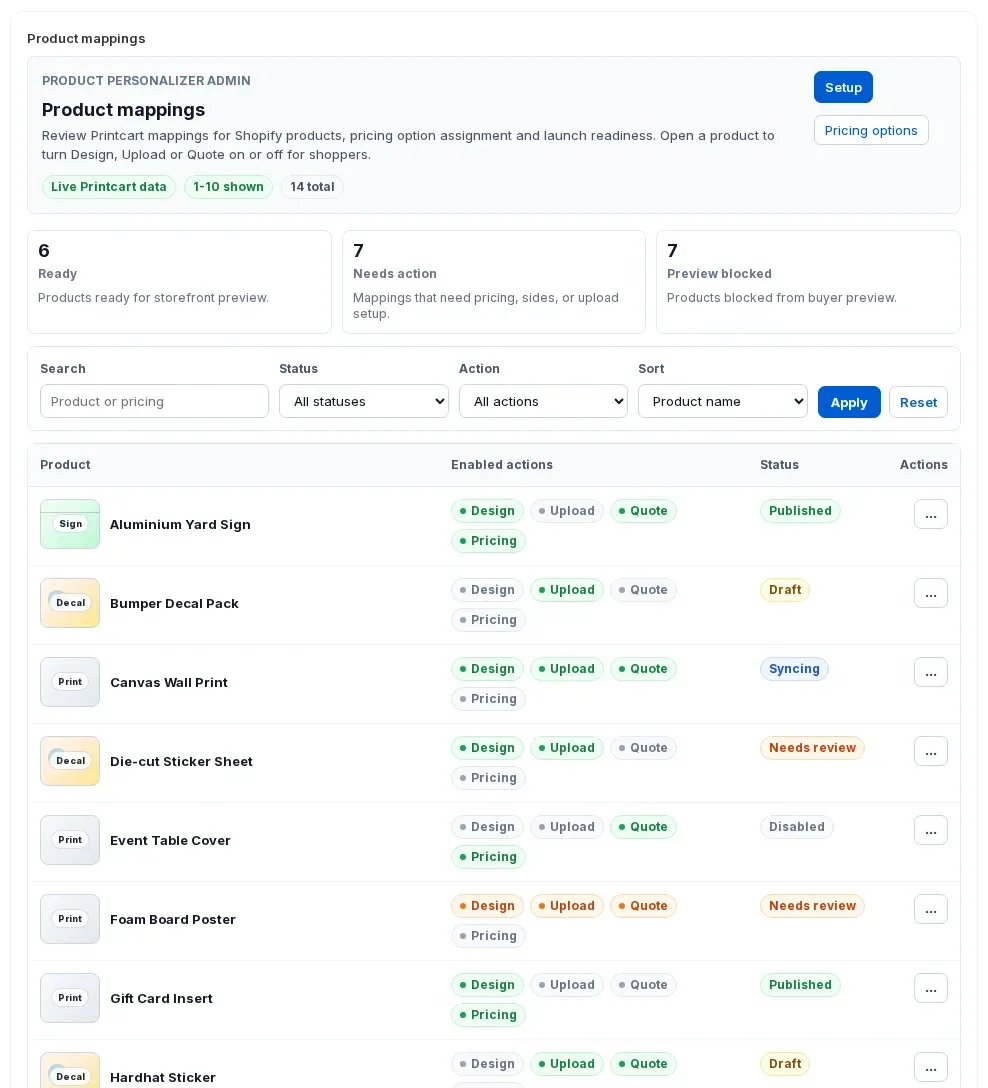
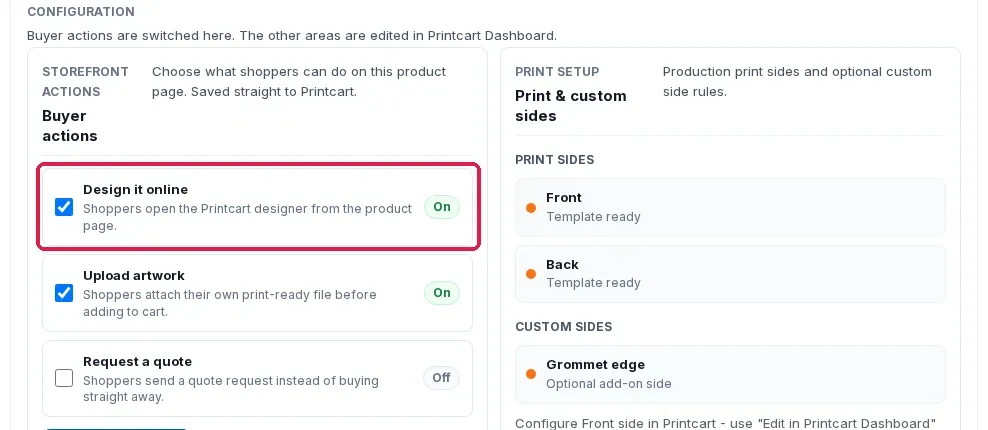
Back in Apps > Printcart, open Product mappings. Each Shopify product shows which buyer actions are on: Design, Upload, Quote and Pricing. Open a product and, under Buyer actions, switch on Design it online, Upload artwork or Request a quote. The change is saved straight to Printcart. Print sides, pricing rules and upload rules are edited from Edit print sides and pricing in Printcart Dashboard.
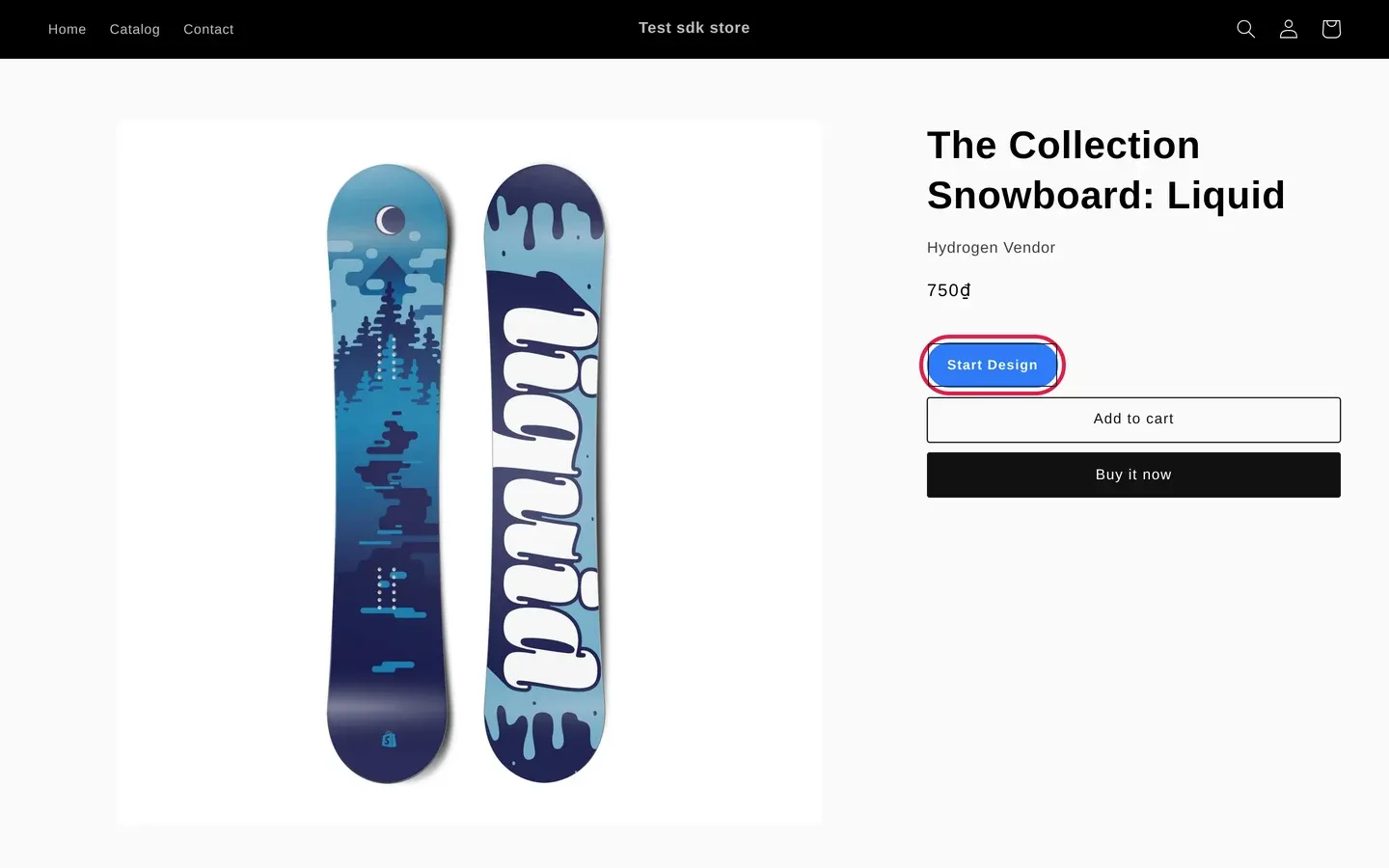
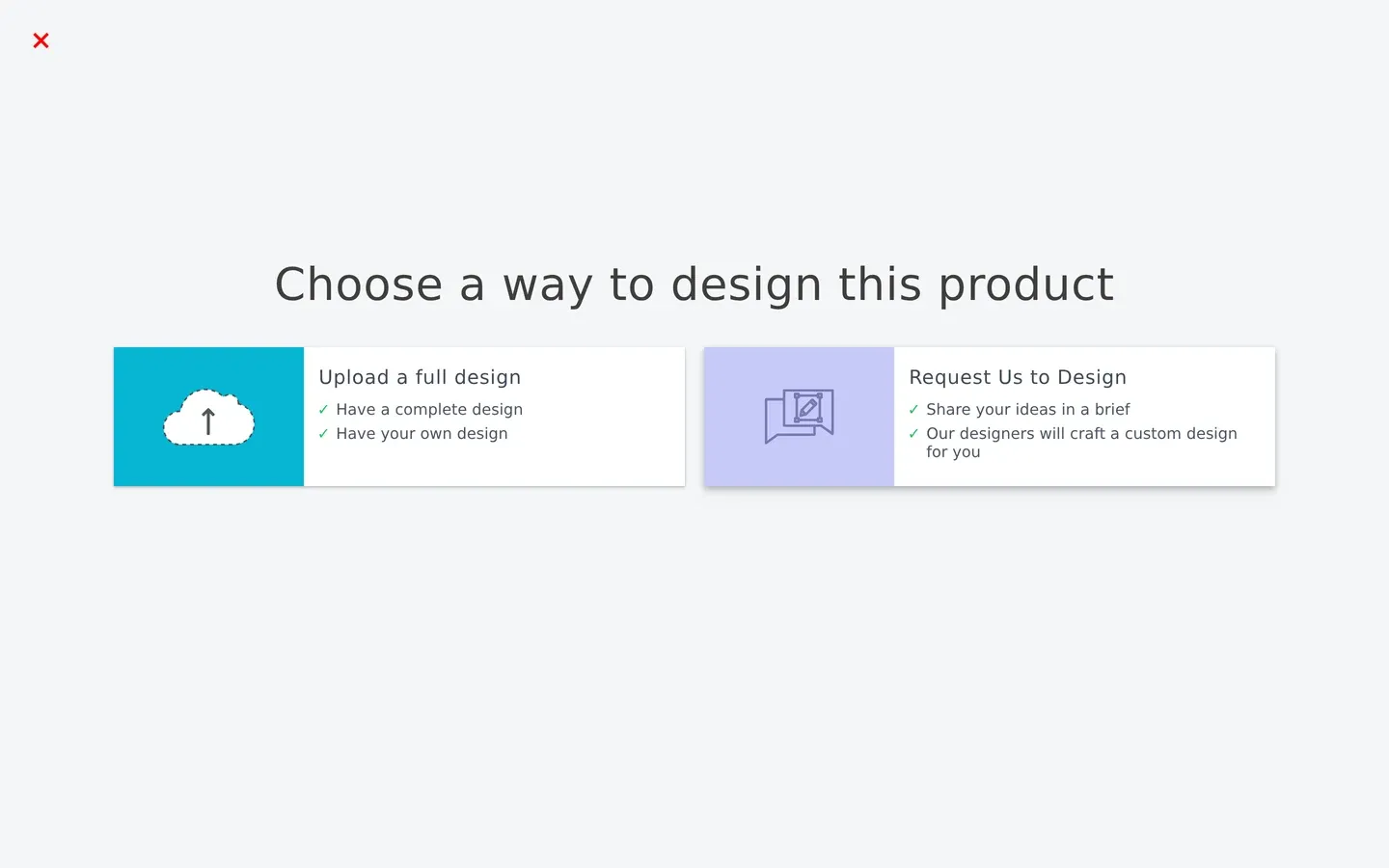
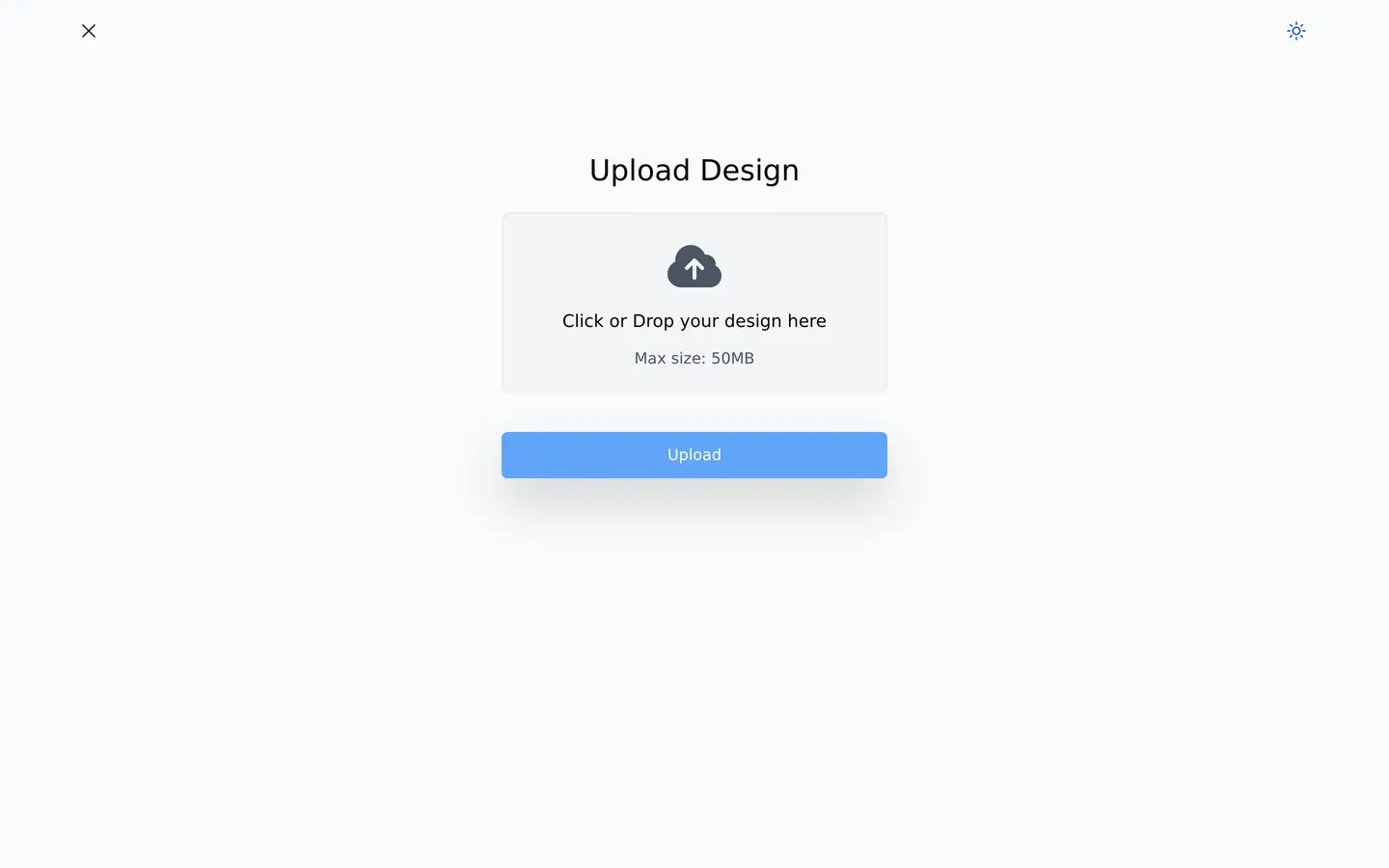
Now open the product on your storefront. You should see Start Design above Add to cart. Click it: the shopper chooses how to design the product, uploads a file or asks your team to design it, then adds the product to the cart and checks out in your normal Shopify checkout. The order reaches Printcart with the design files attached.
Expected result: Start Design appears on the product page and opens the design options you switched on.
Is there an activation request or approval to wait for?
No. When Setup says Printcart store connected, the store is ready. The older Activation notification button was removed from the app.
I do not see Start Design on my product page. What should I check?
Check three things: the Printcart personalizer block is saved on the product template your product uses, at least one buyer action is on for that product in Product mappings, and the product status there is Published.
Where do I find the print files for an order?
Sign in at www.printcart.com/en/login and open the order. Each order line carries the design or uploaded file.
Can the Printcart team set this up for me?
Yes. Send your store address on WhatsApp or to support@printcart.com, or open a ticket from Helpdesk tickets in your Printcart account, and the team can place the block and check a test product with you.
What should you do next?
- Sell custom print products on Shopify with Printcart
- Connect your store to Printcart on other platforms
- Back to Printcart for Shopify
- Browse all Printcart tutorials
Stuck on a step? Message the Printcart team on WhatsApp or email support@printcart.com with a screenshot of the screen you are on.
Printcart field note
What to verify before you roll out How to Set Up Printcart on Shopify in 3 Steps
This guide is based on Printcart implementation patterns across web-to-print launch planning, buyer experience, and repeatable production. Before rolling it out to customers, test the workflow yourself with one real product, one real design file, and one real order.
Sources
How to Set Up Printcart on Shopify in 3 Steps — common questions
What do you need before you start?
How this guide was checked. We ran these steps on 6 November 2026 on a Printcart test store. The app screens are shown with demo products, and the storefront screens come from a Shopify test store. The theme editor belongs to Shopify, so step 2 is described in words.
Is there an activation request or approval to wait for?
No. When Setup says Printcart store connected, the store is ready. The older Activation notification button was removed from the app.
I do not see Start Design on my product page. What should I check?
Check three things: the Printcart personalizer block is saved on the product template your product uses, at least one buyer action is on for that product in Product mappings, and the product status there is Published.
Where do I find the print files for an order?
Sign in at www.printcart.com/en/login and open the order. Each order line carries the design or uploaded file.
Next steps in Printcart
Connect how to set up printcart on shopify in 3 steps with catalog setup, templates, production workflows, and implementation support.
Try it

Printcart Product Personalizer
Printcart Product Personalizer is a Shopify app that adds an online design tool to your products. Buyers personalize items with templates, text and image uploads, and you receive print-ready files in SVG, PDF, PNG and JPG. It is built for print shops, print-on-demand sellers and B2B suppliers who sell custom products on Shopify. A Free plan is available.
Want to put how to set up printcart on shopify in 3 steps into practice?
Use the related Printcart tool below, or create a free account to start building with the product designer.