
Print-Ready Files tutorials
A print-ready file meets the resolution, bleed, color, and font requirements a printer needs to produce an accurate result — get any of these wrong and a job can be rejected, reprinted, or shipped with visible defects. These tutorials cover checking DPI, bleed, safe area, color mode, and font handling before a file goes to production, including how Printcart’s AI preflight tool catches common risks early. Use this category if you accept customer-uploaded artwork or want to standardize file checks across a catalog.
Browse other tutorial categories
Print-Ready Files tutorials
16 guides Print-on-Demand
How to Upscale Low-Res Artwork for Printing (AI)
Upscale low-resolution artwork so it holds up at print size instead of looking blurry or pixelated. This guide shows print-on-demand sellers and print...
 Print-on-Demand
AI Print File Preflight: Catch Problems Before Production
Preflight print files before production to catch low DPI, missing bleed, wrong color mode, and font risks that cause reprints. This guide shows...
 Product Personalization
Add a Product Designer to Your Wix Store with Printcart
Add a product designer to your Wix store with Printcart so shoppers personalize products on the page and each order returns a print-ready file. This guide...
 Web-to-Print
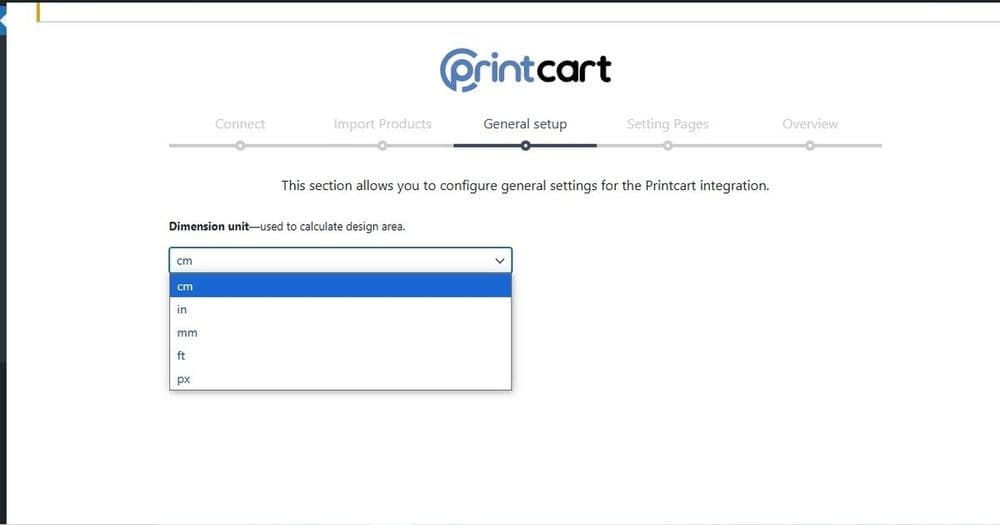
WooCommerce Web-to-Print with Printcart: Setup & Selling
Add web-to-print to WooCommerce with the Printcart plugin so shoppers personalize products on your WordPress store and each order returns a print-ready...
 Web-to-Print
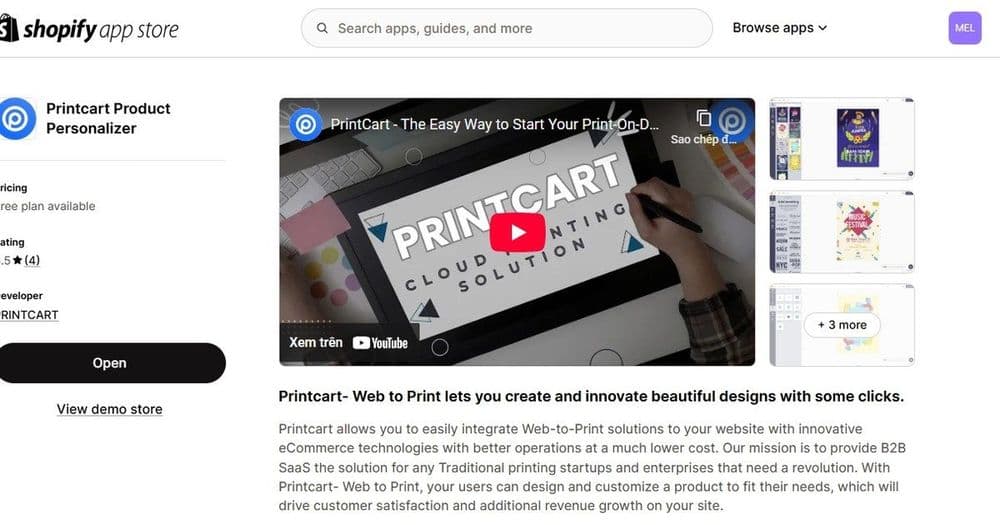
Sell Custom Print Products on Shopify with Printcart
Sell custom print products on Shopify by adding the Printcart product designer to your store. This guide shows Shopify owners how the app puts a live...
 printcart
How to Create Personalized Print-on-Demand Gifts: Workflow, Seasons & Mistakes
Create personalized print-on-demand gifts with a repeatable workflow: choose gift-ready products, build editable templates, define customer input fields,...
 printcart
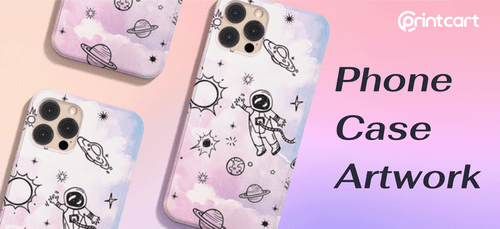
Creating Striking Phone Case Artwork for POD Customization
Creating phone case artwork for print-on-demand (POD) customization is an exciting opportunity to unleash your creativity and design unique, personalized...